
Knowledge and advice
Choosing screen size for narrowcasting: formula and practical examples
Calculate the correct screen size for narrowcasting using the viewing distance formula. Distance tables, retail cases and concrete advice for 43″ to 55″ displays.
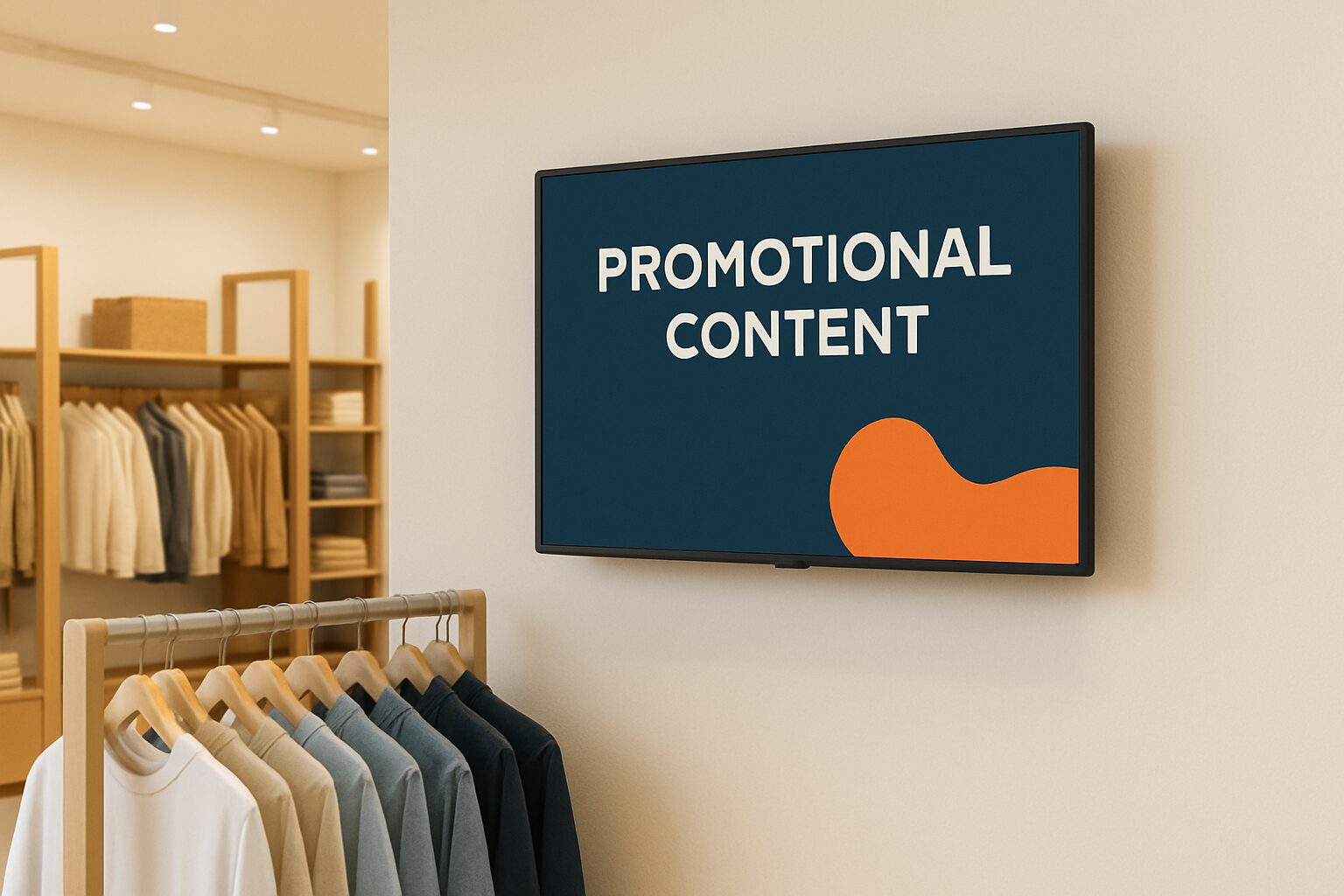
The screen size for narrowcasting is determined on the basis of viewing distance, not on instinct or available space. The rule of thumb: the maximum viewing distance must not be more than 6 times the screen height (the so-called 6H rule). With a 43″ screen — height approx. 54 cm — you can therefore read content up to 3,2 metres away. For a 55″ screen (height approx. 69 cm) this is 4,1 metres. If you choose too small, your message loses impact; if you choose too large, the screen looks bulky in small spaces.
The 6H formula explained
The AVIXA standard for display sizes distinguishes two levels: Basic Decision Making (general signage) and Analytical Decision Making (detail-rich content such as price lists or schedules). For retail signage — promotions, seasonal campaigns, product highlights — the Basic variant is sufficient.
The calculation formula:
Minimum screen height (cm) = maximum viewing distance (cm) ÷ 6
Conversely: maximum viewing distance (cm) = screen height (cm) × 6.
A 43″ screen has a height of ±54 cm → maximum viewing distance: 3,2 metres. A 55″ screen (height ±69 cm) → maximum viewing distance: 4,1 metres. Keep your text to three lines of five words — then this also works for a passing audience.
Distance table: which size fits where?
The table below translates the 6H formula to common retail situations. All heights are rounded to centimetres.
| Screen size | Screen height (approx.) | Max. viewing distance (6H) | Typical location |
|---|---|---|---|
| 32″ | 40 cm | 2,4 m | Counter, reception desk, checkout area |
| 43″ | 54 cm | 3,2 m | Aisle, shelf edge, small branch entrance |
| 49″ | 62 cm | 3,7 m | Shop wall, central floor position |
| 55″ | 69 cm | 4,1 m | Entrance hall, large sales floor |
| 65″ | 81 cm | 4,9 m | Showroom, large retail space |
Rule of thumb for edge cases: measure the viewing distance, divide by 6, and find the screen whose height meets or exceeds that result.
Why too large is also wrong
A 55" screen sounds like a safe choice, but it is certainly not always. In small spaces, such as a pantry or narrow checkout area, a screen of 55" can look far too large and even bulky — it draws unnecessary attention and disturbs the balance of the space. Conversely, that same screen in a large entrance hall is barely noticeable because of the greater viewing distance. The impact of your content always depends on the relationship between screen size and the scale of the surroundings.
So start by measuring the viewing distance, not by choosing the screen size.
Retail practical example: three locations, three sizes
Imagine a mid-sized fashion chain with three screen positions:
1. Checkout area — customers stand at 1,5 to 2 metres. The 6H formula gives a minimum screen height of 25–33 cm. A 32″ screen (height 40 cm) fits comfortably. Ideal for last-minute promotions and loyalty programmes.
2. Central floor position — passing shoppers at an average of 3 metres. Minimum height: 50 cm. A 43" screen (height 54 cm) just about achieves this; a 49" screen gives more margin. The PixioDisplay Luxe (49″) is a suitable choice here: 67×185 cm including base, buy current price on request (price list Q2 2026), lease current price on request per month.
3. Shop window or entrance — passers-by at 4 to 5 metres. Minimum height: 67–83 cm. Here you work with 55″ or larger, or choose a high-brightness shop window screen. Indoor light (±400 cd/m²) is not enough in direct sunlight; for that, the PixioDisplay Window Full Sun 3.000 nits — the panel, not the size, determines the additional cost here.
Resolution and viewing distance: when does 4K matter?
For Full HD (1080p), the rule of thumb is that viewers should stand at least 1,5× the screen diagonal away for a pixel-free image. For 4K, that minimum distance is shorter: around 0,75× the diagonal. For most retail locations — viewing distance 2 to 5 metres — the difference between 1080p and 4K on 43–55″ makes hardly any visual difference. 4K only becomes relevant for large formats (65″+) at close range, or for detail-rich content such as finely printed product specifications.
The display specifications explained explains this further, including the effect of pixel density on readability.
Brightness and ambient light: the underestimated criterion
Screen size and viewing distance are the first two variables. The third — and often underestimated by many buyers — factor is brightness. Standard LCD consumer screens reach around 300 nits; that is not sufficient for a brightly lit retail environment. Professional narrowcasting screens start at 400 cd/m² for indoor use. A shop window in full sun requires 3.000 nits, a freestanding outdoor screen 3.500 cd/m².
If you choose the right size but the wrong brightness level, you lose readability — and therefore the impact of your campaign. Read more about brightness in What are nits? Explaining display brightness.
Conclusion: measure first, then choose
The screen size for narrowcasting is not a matter of intuition but of calculation. Measure the maximum viewing distance, divide it by 6, and you will know the minimum screen height. Use the table in this article as a quick reference for common retail locations. Unsure about the combination of size, brightness and location? See the full overview of digital shop displays for retail and shop window communication or schedule a visit to the showroom in Montfoort — there you compare sizes at actual distance.
Frequently asked questions
How do I calculate which screen size I need for my shop?
Measure the maximum viewing distance of your audience to the screen. Divide that distance (in cm) by 6 — that is the minimum screen height you need. A viewing distance of 3 metres therefore requires a screen height of at least 50 cm, which corresponds to a 43″ screen.
Is a larger screen always better for narrowcasting?
No. In small spaces with a viewing distance of less than 2 metres, a 55″ screen is too large and can look bulky. The right size always depends on the relationship between screen size and viewing distance. Start by measuring the distance, then choose the size.
Does it make a difference whether I choose Full HD or 4K for my narrowcasting screen?
For most retail locations with a viewing distance of 2 to 5 metres on 43–55" the visual difference is minimal. 4K only becomes relevant at large sizes (65"+) at short distance, or with detail-rich content such as product specifications with small text.
What screen size suits a shop window or store entrance?
At a viewing distance of 4 to 5 metres, you need a screen height of at least 67–83 cm, which corresponds to 55" or larger. Add the right brightness level: a shop window in direct sunlight requires at least 3.000 nits, while indoor light is sufficient at 400 cd/m².
Can I use a regular consumer television for narrowcasting?
This is not recommended. Consumer screens typically reach only ±300 nits and are not designed for continuous use. Professional narrowcasting screens are built for long-term deployment and offer higher brightness, wider viewing angles and more stable performance in a retail environment.