
Knowledge and advice
Digital signage content management for hospitality: planning and updates
How do you plan menus, promotions and campaigns on digital screens in your restaurant or café? Practical workflows for content scheduling and real-time updates.
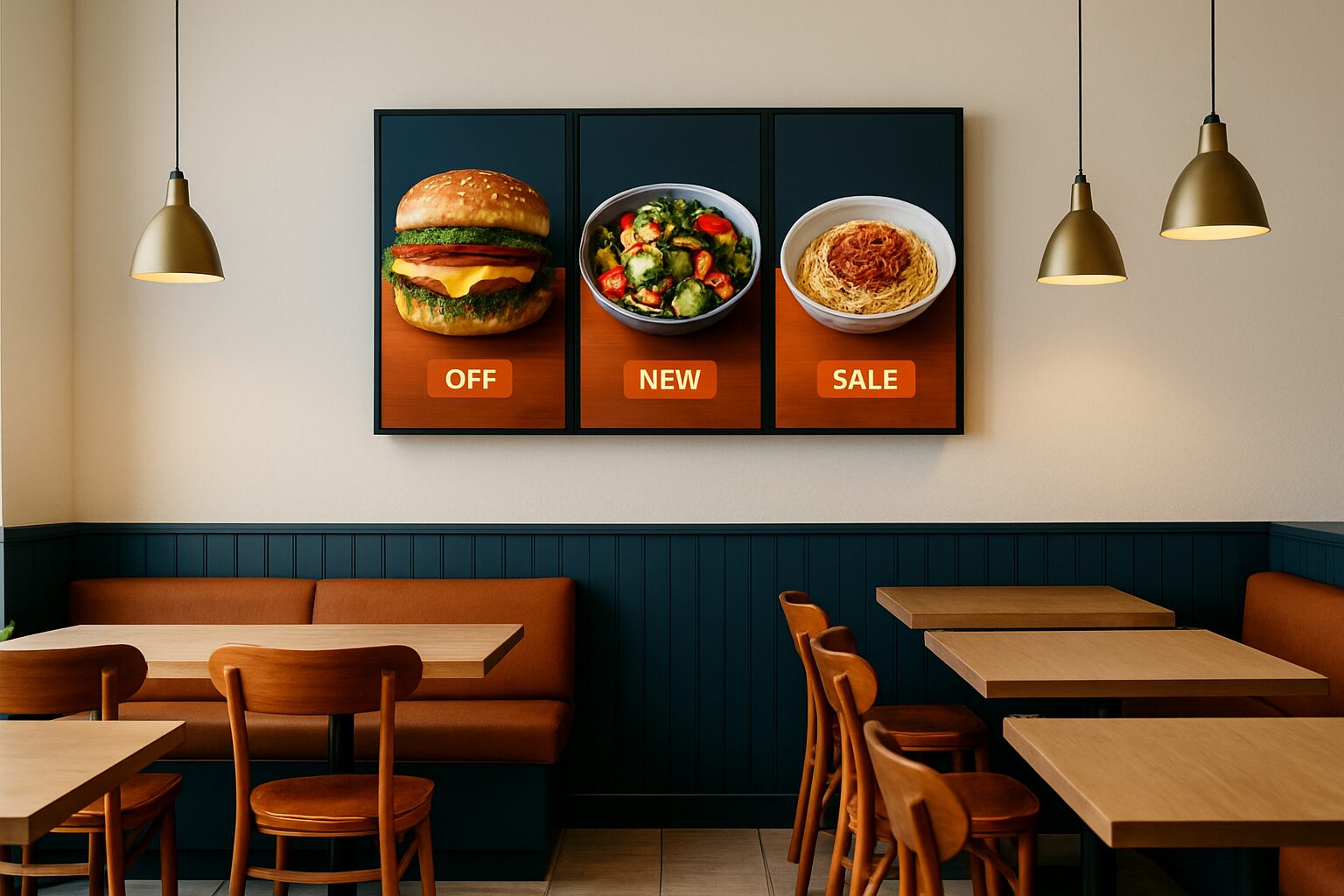
Digital signage content management for hospitality: planning, updates and campaign cycle
Content management for digital signage in hospitality is the process of deciding which content appears on which screen and when — and how to quickly adjust that content when the daily menu changes, a dish sells out or a promotion starts. A well-designed system replaces manual chalkboard or poster work and lets you centrally plan menu boards, happy hour offers and seasonal campaigns, without requiring technical knowledge.
Why content planning in hospitality works differently from other sectors
A restaurant or café deals with content that can change several times a day: breakfast menu from 8:00 to 11:00, lunch menu until 15:00, dinner menu after that. This is called dayparting — the automatic switching of content blocks at set times. With dayparting, the system switches automatically: breakfast becomes lunch at a set time, without manual intervention.
That is a fundamental difference from, say, an office environment. In hospitality, the content itself is the sales tool. Research indicates an average increase of 30% in purchases when restaurants use digital signage for menu items and promotions. (source: shimetadevice.com)
The three layers of a content workflow
A workable content workflow for hospitality consists of three layers:
1. Base layer: fixed menu
This is the content that is active every day. Think of your standard menu, opening hours and brand elements. You create this once and only adjust it for seasonal changes or price updates.
2. Planned layer: campaigns and promotions
Here you schedule content by date and time. A terrace promotion that only runs at weekends, a Valentine’s menu that appears automatically on 14 February, or a happy hour slide that is active every day from 17:00 to 19:00. Good CMS software lets you plan this weeks in advance.
3. Real-time layer: immediate updates
Modern digital signage software offers real-time updates: prices can be adjusted instantly, sold-out items removed and daily specials added — without manual reprinting. With a link to your POS system, this happens automatically: if the price of a dish changes or something is sold out, the link with the POS system ensures this appears on the screen immediately, keeping the menu always up to date.
Campaign cycle: from idea to screen in four steps
A practical campaign cycle for a restaurant or café looks like this:
| Step | Action | Time investment |
|---|---|---|
| 1. Concept | Define the purpose (upsell, seasonal item, event) | 15 min |
| 2. Design | Create or edit a template in the CMS | 20–30 min |
| 3. Planning | Set start and end date + time window | 5 min |
| 4. Live & check | Check on the screen, adjust if necessary | 5 min |
For an experienced user, the total lead time from idea to live campaign is less than an hour. If you are starting with a new system, allow for a learning curve of two to three weeks.
Concrete example: a café wants to show a happy-hour slide every Friday from 16:00 to 19:00 with two beer promotions. You create the slide once, link it to a weekly recurring schedule, and the system automatically activates and deactivates the content. No signs, no forgetting to turn it on or off.
Hardware that suits the hospitality workflow
The choice of hardware determines how easily your content workflow operates in practice. Commercial displays are more suitable for this than consumer screens: professional digital signage displays are suitable for shops, offices, reception areas, hospitality and waiting rooms; they offer sharp image quality, are designed for long-term business use and provide a reliable basis for digital signage, information screens and promotional content.
Pixio Display supplies displays with an integrated Android computer (Android 13/14), so you do not need a separate media player or laptop. Content is loaded via USB, a website URL or the PixioApp. For a hospitality business that also wants to communicate outside — think of a terrace offer on a pavement sign — the PixioDisplay A-board a concrete option: it runs on battery with an operating time of 14 to 18 hours and does not need a power point. The price starts at current price on request (1.500 nits) or current price on request (2.000 nits), with a rental option from current price on request per month (price list Q2 2026). This allows you to combine outdoor and indoor communication in a single content workflow.
For indoor use: a brightness of 400 cd/m² is sufficient in most restaurant spaces. A shop window in full sun requires 3.000 nits — the panel, not the size, determines the extra cost. See the hospitality applications for an overview by situation.
Common mistakes in content planning
- Do not appoint an owner. Decide who is responsible for weekly content updates. Without an owner, content quickly becomes outdated.
- Too much text per slide. A guest has on average 3 to 5 seconds to scan a slide. Keep text limited to one message per screen.
- Turn off forgotten content. Always set an end date for temporary campaigns. A Christmas menu in February damages your credibility.
- Ignore resolution and file format. Use images of at least 1920×1080 pixels and avoid heavy video files that slow down playback speed.
- No test moment built in. Always check new content on the screen itself before the busy service begins.
When to buy, when to rent?
Not every hospitality business immediately needs a permanent installation. For a one-off event — a pop-up dinner, a terrace opening, a seasonal market — renting is a logical choice. The question asked most often: buy or rent? The arithmetic break-even point is around 8 to 10 usage days per year. If you use the screen more often, buying or leasing is more financially advantageous.
For the day-to-day hospitality workflow — menu board, daily specials, happy hour — a fixed display with a good CMS is the most efficient solution. Want to know more about costs and payback time? Read the article digital signage return per sector: realistic payback period for concrete calculations.
Frequently asked questions
How quickly can I make a menu change on my digital screen?
With most CMS solutions, a manual update takes less than two minutes: you adjust the content in the software and the change appears on the screen immediately. With a link to your till system, this happens automatically as soon as you change a price or availability in your POS.
Do I need technical knowledge to plan and schedule content?
No. Modern digital signage software works with templates and a visual planner. You set start and end times via a calendar interface, similar to an online diary. Most users can work independently after one or two sessions.
Can I show different content at different times of day?
Yes, this is called dayparting. You create separate content blocks for breakfast, lunch and dinner, and link each block to a time window. The system switches automatically at the set time, even if you are not there yourself.
What is the difference between a consumer screen and a commercial display for hospitality?
Consumer screens are designed for a few hours' use per day and have a brightness of around 300 cd/m². Commercial displays are built for continuous use, have a higher brightness (400 cd/m² or more) and often include an integrated media player. For a hospitality environment where screens are on all day, a commercial display is the better choice.
How do I schedule a seasonal campaign without having to think about it on the day itself?
Create the campaign content well in advance in your CMS and set a start and end date. On the set date, the system activates the content automatically and also switches it off automatically. That way your Valentine’s menu goes live on 14 February and disappears on 15 February without manual intervention.