
Knowledge and advice
Digital signage in municipal institutions: regulations and best practices
Digital signage in town halls and public institutions: what do the Environmental Planning Act, GDPR and accessibility standard EN 301 549 say? Practical explanation and concrete advice.
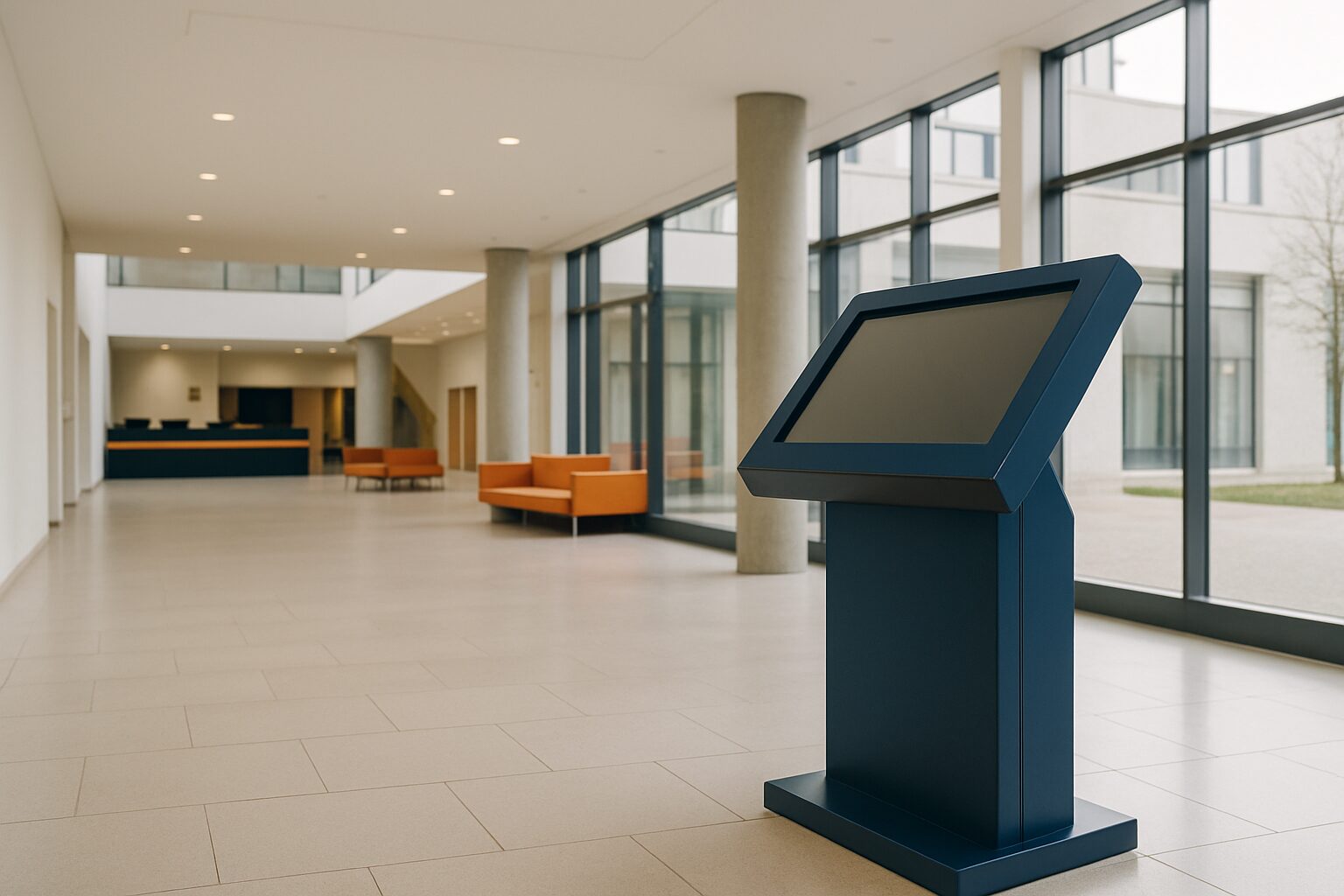
Digital signage in municipal institutions: regulations and best practices
Digital signage in municipal institutions includes all digital screens that a public authority uses for public-facing information provision — from waiting time screens in the public hall to interactive information kiosks at the entrance. Three regulatory domains determine the scope: environmental law (permits for screens visible from public space), the GDPR (privacy rules when using cameras or sensors) and the accessibility standard EN 301 549. Anyone who maps out these three domains in advance avoids surprises after installation.
When do you need a permit?
A screen inside a town hall that is not visible from the public road falls outside the permit requirement for advertising signs. As soon as a screen is visible from the public space, that changes. If you want to put up an advertising sign, you will usually need planning permission. You always need permission if the advertising sign is visible from publicly accessible areas.
The request goes through the Environment and Planning Portal. Since the Environmental and Planning Act came into force on 1 January 2024, the Digital System for the Environmental and Planning Act has replaced the applications Omgevingsloket Online (OLO), Activiteitenbesluit Internet Module (AIM) and ruimtelijkeplannen.nl. Municipalities work out their local advertising rules in the environmental plan. With rules in the environmental plan, the municipality implements the policy set out in the environmental vision. So always check your municipality’s environmental plan before installation — the requirements for digital screens can differ greatly from one municipality to another.
For screens on exterior façades, many municipalities apply additional requirements. For exterior signage in a protected cityscape, which permit you need depends on the area of your total signage. Is the area of all signage larger than 1,5 m²? Then you need a planning permit for the construction activity. A digital outdoor screen counts as a structure once it is permanently fixed in place.
Light intensity and sightline rules for outdoor screens
Municipalities also set technical requirements for digital screens in public spaces. Digital advertising screens comply at minimum with the current version of the Light Nuisance Guideline of the Dutch Foundation for Lighting Science (NSVV). The Light Nuisance Guideline sets the maximum luminance, which depends on the size of the digital screen and the ambient zone (as defined by NSVV).
There are often time restrictions as well. Digital outdoor advertising is switched off between 01.00 and 05.00 hours. For image changes, many policies require a minimum display time: when digital images are used, the message must be visible for at least 6 seconds (maximum 10 images per minute). This is relevant for municipalities that also use their screens for commercial advertising space.
A concrete example: a municipality that a digital pavement sign wants to use one at the entrance of the town hall, has to deal with both the APV and the NSVV guideline. The PixioDisplay Pavement Sign (43", price list Q2 2026: current price on request for the 1.500 nits version) runs on a battery and does not need a power outlet — practical for temporary use at events or election information, without needing a fixed installation permit.
GDPR and privacy rules: what is allowed with a touch screen or camera?
An information kiosk or touchscreen without a camera processes no personal data and therefore falls outside the GDPR. As soon as a screen uses a camera that recognises faces or analyses visitor behaviour, the GDPR applies in full. In principle, the use of facial recognition is prohibited under the General Data Protection Regulation (GDPR).
For municipalities as public institutions, the threshold is even higher. At present, the government may not yet use facial recognition technology unless there is a compelling public interest and proportionality and necessity have been assessed. If you still want to use anonymous visitor counting — for example to measure queues — use systems that do not store biometric data. As part of this assessment, a so-called Data Protection Impact Assessment (DPIA) is mandatory as soon as biometric processing comes into view.
For ordinary information kiosks without a camera, ensure the software does not send user behaviour to external servers without a data processing agreement. This is a standard procurement requirement in municipal tenders.
Accessibility: EN 301 549 and WCAG 2.1
Local authorities are legally obliged to make their digital services accessible. Public sector organisations must make their websites and apps accessible by law. Since 1 July 2023, the 'Temporary decree on digital accessibility of government' has been included in the Digital Government Act (Wdo).
The standard that applies here is EN 301 549, also known in the Netherlands as 'Digitoegankelijk'. EN 301 549 is the name of the European Standard for digital accessibility. This standard sets out the requirements that ICT applications must meet to be accessible to people with disabilities. ICT applications include websites and apps, but it also covers digital information that is not on the internet, documents and devices.
For touchscreens in a municipal hall, this means in practical terms:
- Screen height: operable elements at a maximum height of 120 cm (wheelchair users)
- Contrast: minimum contrast ratio 4,5:1 for text (WCAG 2.1 success criterion 1.4.3)
- Font size: minimum 18 pt for normal text, 14 pt bold
- Alternative input: keyboard or switch control alongside touch operation
- Audio support: optional text-to-speech for visually impaired users
For government organisations, requirements at level A and AA are mandatory. Altogether, this concerns 50 requirements. When purchasing a digital information column always ask the supplier for a declaration of conformity or VPAT (Voluntary Product Accessibility Template).
Best practices: how to use digital signage effectively
Regulation is the foundation, but the added value lies in the application. Below are the most effective uses in municipal institutions:
| Application | Location | Point to note |
|---|---|---|
| Waiting-time screen | Public hall, counter | Integration with a case management system via API |
| Information column with floor plan | Entrance, lift | EN 301 549 accessibility required |
| Digital notice board | Council chamber, foyer | No GDPR issue with static content |
| Outdoor screen with event information | Façade, entrance | Planning permit + NSVV standard |
| Emergency message screen | All floors | Link with fire safety system recommended |
Start with screens indoors: no permit requirement, no NSVV requirement, quick implementation. Only move outside once you have mastered the indoor route.
A PixioKiosk (21,5" from current price on request, 43" from current price on request, price list Q2 2026) has an integrated Android computer — you do not need a separate media player. You update content via USB, website URL or the Pixio App. That keeps management clear for a small municipal IT department. For temporary use at elections or information meetings, renting is also an option: the 21,5" PixioKiosk is available from current price on request per day with a minimum rental period of two weeks (price list Q2 2026).
Purchasing and procurement: what should you pay attention to?
Municipalities that procure above the European threshold values are subject to tendering requirements. This also applies to digital signage systems including software. When specifying, pay attention to:
- Accessibility requirement: explicitly ask for compliance with EN 301 549 in the requirements specification
- GDPR processing agreement: required if the software processes usage data
- Energy label: municipalities have sustainability goals; ask for power consumption in watts per hour
- Warranty and maintenance: commercial displays are designed for continuous use; consumer TVs (±300 nits) are not and fall outside the warranty terms for business use
- Content management: check whether licence costs for the CMS software are included in the quote — this is often missing
For a full overview of technical requirements, also see the article Technical requirements for digital signage: network, power supply, maintenance.
Want the full rules for digital signage in the Netherlands and Belgium in one overview? Then read the pillar article Digital signage legislation and regulations in the Netherlands and Belgium for the full framework.
Frequently asked questions
Do I need a permit for a screen in the municipal office public hall?
No, for a screen that is only indoors and not visible from the public road, you do not need an environmental permit for advertising. As soon as the screen is visible from public space, an environmental permit is required. Always start with the permit check via the Omgevingsloket at omgevingsloket.nl.
May a municipal information kiosk use facial recognition?
No, not without overriding public interest and a Data Protection Impact Assessment (DPIA). The GDPR generally prohibits the processing of biometric data. For municipalities as public authorities, an extra strict test applies. Anonymous visitor counting without storing biometric data falls outside this prohibition.
Which accessibility standard applies to touchscreens in a town hall?
The European standard EN 301 549 (called 'Digitoegankelijk' in the Netherlands), which refers to WCAG 2.1 level A and AA. Public-sector organisations are legally required to make their digital services comply with this. When purchasing, ask the supplier for a declaration of conformity.
What are the rules for the light intensity of a digital outdoor screen at a town hall?
Digital outdoor screens must comply with the NSVV (Dutch Foundation for Lighting Research) Light Nuisance Guideline. The maximum luminance depends on the surrounding zone. Many municipalities also require screens to be switched off between 01.00 and 05.00 hours and for images to remain visible for at least 6 seconds.
Does digital signage software need a data processing agreement?
Yes, if the software processes usage data or other personal data and forwards it to external servers, as a local authority you are required to conclude a data processing agreement with the software supplier. This is a standard GDPR requirement. Systems that only play content locally without collecting data are outside this scope.