
Knowledge and advice
Technical requirements for digital signage: network, power and maintenance
Network, power supply and maintenance for digital signage: concrete standards, IP classes and maintenance intervals for a trouble-free installation.
Technical requirements for digital signage: network, power and maintenance
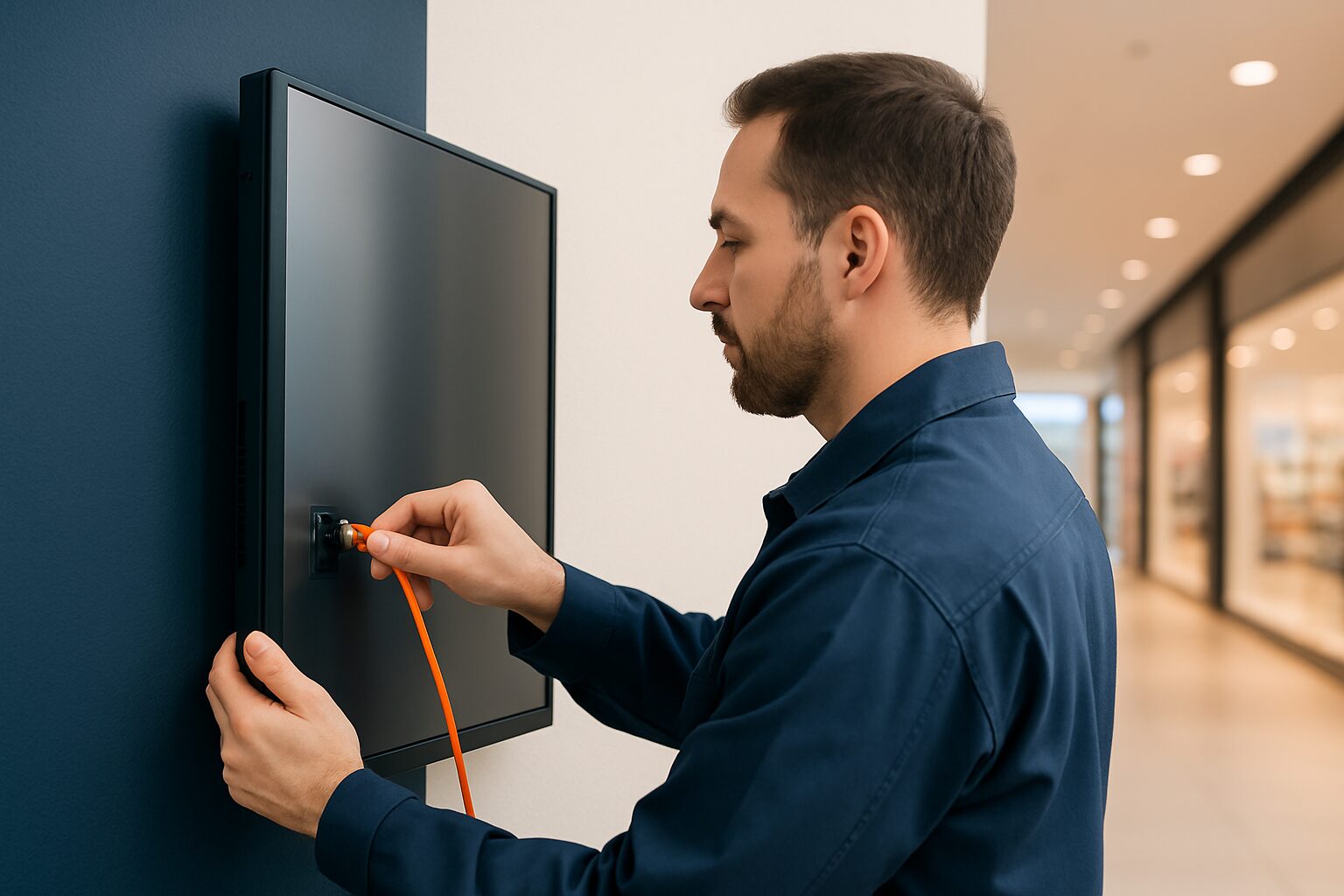
A digital signage installation needs three technical pillars to run without faults: a stable network with sufficient bandwidth, a power supply matched to continuous use, and a maintenance plan that combines software updates and hardware inspections. If one of these three is missing, you increase the risk of downtime, loss of image quality or security risks. This article gives you concrete standards and decision rules for each pillar.
Network requirements: bandwidth, security and cabling
A digital signage screen communicates continuously with a content management system (CMS). That requires a stable connection, not necessarily a fast one. For playing a looping Full HD video clip, 5–10 Mbit/s per screen is usually sufficient. For 4K video or live data feeds, allow 20–25 Mbit/s per screen.
<Use a wired network (Cat5e or higher) wherever possible. Wi-Fi is acceptable as a fallback, but wireless connections are more susceptible to interference and packet loss — especially in busy retail environments with many other devices on the same spectrum.>
Preferably place displays on a separate VLAN. This isolates signage traffic from business-critical systems and reduces the attack surface in the event of a security incident. Also set a firewall rule that only allows outbound traffic to the CMS server.
Network checklist before installation:
- Minimum download speed per screen: 5 Mbit/s (Full HD), 20 Mbit/s (4K)
- Cabling: Cat5e or Cat6, maximum 90 metres per segment
- Connection type: ethernet preferred, Wi-Fi as fallback
- Network segmentation: separate VLAN for signage devices
- Firewall: restrict outbound traffic to CMS endpoints
- Fixed IP addresses or DHCP reservations per display
Power supply: power, continuous use and alternatives
Commercial displays are designed for continuous use from 16 to 24 hours per day. A consumer TV of similar size is not — it is designed for 4–6 hours per day and also has a brightness of around 300 cd/m², which is insufficient for a readable image in a lit shop environment.
The power profile varies greatly by application:
| Display type | Typical power consumption | Brightness | Continuous use |
|---|---|---|---|
| IndoorDisplay (43–55") | 80–150 W | 400–700 cd/m² | Yes |
| Shop window display (Full Sun) | 150–250 W | 3.000 nits | Yes |
| Outdoor free-standing | 200–350 W | 3.500 cd/m² | Yes |
| Battery-powered pavement sign | 0 W (mains connection) | 1.500–2.000 nits | 14–18 hours/day |
For an installation with multiple screens, calculate the total electrical load before installation. Add a separate circuit protection device (16A) per group and take account of the inrush current at start-up — it can be two to three times the nominal power.
Do you want to place a display without access to a power socket? The PixioDisplay A-board runs on a built-in battery with a runtime of 14–18 hours and therefore needs no power socket. The purchase price is current price on request (1.500 nits) or current price on request (2.000 nits) (price list Q2 2026). That makes this model suitable for temporary installations, events or locations where cabling is not feasible.
IP classifications: what protection do you need?
For outdoor installations, the IP rating (Ingress Protection, based on IEC 60529) is the most concrete technical specification. The first digit stands for dust resistance, the second for water resistance. The higher the number, the better the protection.
| IP rating | Dust tightness | Water resistance | Application |
|---|---|---|---|
| IP54 | Dust protected | Splashing water from all directions | Covered outdoor location (canopy, entrance) |
| IP65 | Completely dustproof | Water jets from all directions | Freestanding outdoors, open location |
| IP66 | Completely dustproof | Powerful water jets (100 l/min) | Car washes, intensive cleaning |
| IP67 | Completely dustproof | Immersion up to 1 m, 30 min | Market stalls, harbour environments |
For a free-standing outdoor display — such as the PixioDisplay Outdoor with 3.500 cd/m² — IP65 is the minimum requirement. Choose IP66 if the screen is cleaned regularly with a pressure washer. Important: some manufacturers only state the IP rating of the front panel. Always request the full test report based on IEC 60529 to check whether the enclosure and connections also provide the stated protection.
The IP rating says nothing about heat resistance. Also always check the operating temperature range in the technical datasheet — for outdoor installations in the Netherlands and Belgium, a range of at least -20 °C to +50 °C is common.
Maintenance: intervals, updates and remote monitoring
A display that is on 365 days per year needs ongoing maintenance. Split that maintenance into three layers:
1. Software updates (monthly)
Firmware updates for the built-in Android operating system and the CMS client close security vulnerabilities and improve stability. Schedule updates outside opening hours. All PixioDisplays run on Android 13 or 14 with an integrated computer — there is no separate media player required, which limits the number of components to update.
2. Hardware inspection (quarterly)
- Check mounting points and wall brackets for loose bolts
- Clean ventilation openings with compressed air (dust build-up increases the operating temperature)
- Check the cable ducts for damage
- Test the emergency procedure: what appears on the screen when the connection is lost?
3. Screen calibration and brightness check (annually)
Commercial displays lose light output over time. An indoor display starts at around 400 cd/m²; after 30.000 operating hours (around 3,5 years at 24/7 use) brightness may have dropped by 30–50%. Check annually whether the image still has sufficient contrast for the ambient lighting.
Remote monitoring — where the CMS tracks screen status, playback performance and connection quality — significantly shortens response times when faults occur. Set up email alerts for offline events longer than 5 minutes.
Indoor vs outdoor: the decision tree for installers
Start with the location, not with the screen. Three questions determine the technical minimum requirements:
Question 1 — Inside or outside?
- Indoors: 400 cd/m² is sufficient for most environments without direct sunlight
- Shop window in direct sunlight: minimum 3.000 nits (Full Sun class)
- Fully outdoors, free-standing: at least 3.500 cd/m² and IP65
Question 2 — Is there a power socket available?
- Yes: standard mains power, calculate the group load
- No or temporary: choose a battery-powered model or consider a generator
Question 3 — How is the content updated?
- Content that changes continuously (daily prices, live data): stable network required, preferably Ethernet
- Content changes infrequently (campaign, menu): USB update or offline scheduling is sufficient
The PixioDisplay Luxe (49", 67×185 cm) is used by retailers as a floor-standing touchscreen for product presentations. With a purchase price of current price on request or lease from current price on request per month (price list Q2 2026) and an integrated Android computer, no separate media player is needed — saving current price on request per installation point.
For a full overview of the installation process — from location selection to content management — read the step-by-step installation guide for retailers.
Frequently asked questions
How much bandwidth does a digital signage screen need?
For Full HD video, 5–10 Mbit/s per screen is sufficient. For 4K content or live data feeds, allow for 20–25 Mbit/s per screen. A stable connection matters more than a high peak speed — a short outage causes the image to freeze or the screen to go blank.
Can I use a standard consumer TV as a digital signage screen?
Technically it is possible, but it is not recommended. Consumer TVs are designed for 4–6 hours of use per day and have a brightness of around 300 cd/m². Commercial displays start at 400 cd/m² for indoor use and are built for continuous use of 16–24 hours per day.
Which IP rating do I need for an outdoor display?
For a freestanding outdoor display, IP65 is the minimum requirement: fully dust-tight and resistant to water jets from all directions. Choose IP66 if the screen is regularly cleaned with a pressure washer. Always request the full IEC 60529 test report — some manufacturers only state the IP rating of the front panel.
How often should a digital signage installation be serviced?
Maintain three layers of maintenance: software updates monthly (firmware, CMS client), hardware inspection every quarter (mountings, ventilation, cables), and an annual brightness check. Remote monitoring via the CMS automatically flags connectivity issues and shortens response time when faults occur.
What if there is no power socket available at the desired location?
Then choose a battery-powered display. The PixioDisplay Pavement Sign has a built-in battery with 14–18 hours' usage time and does not need a power socket. That makes it suitable for temporary placements, events or locations where cabling is not feasible.