
Knowledge and advice
Screen size and distance calculation: readability calculator for Dutch spaces
Calculate the correct screen size for any space with the 4/6/8 rule, pixel pitch formula and DPI check. Practical tables for installers in the Netherlands and Belgium.
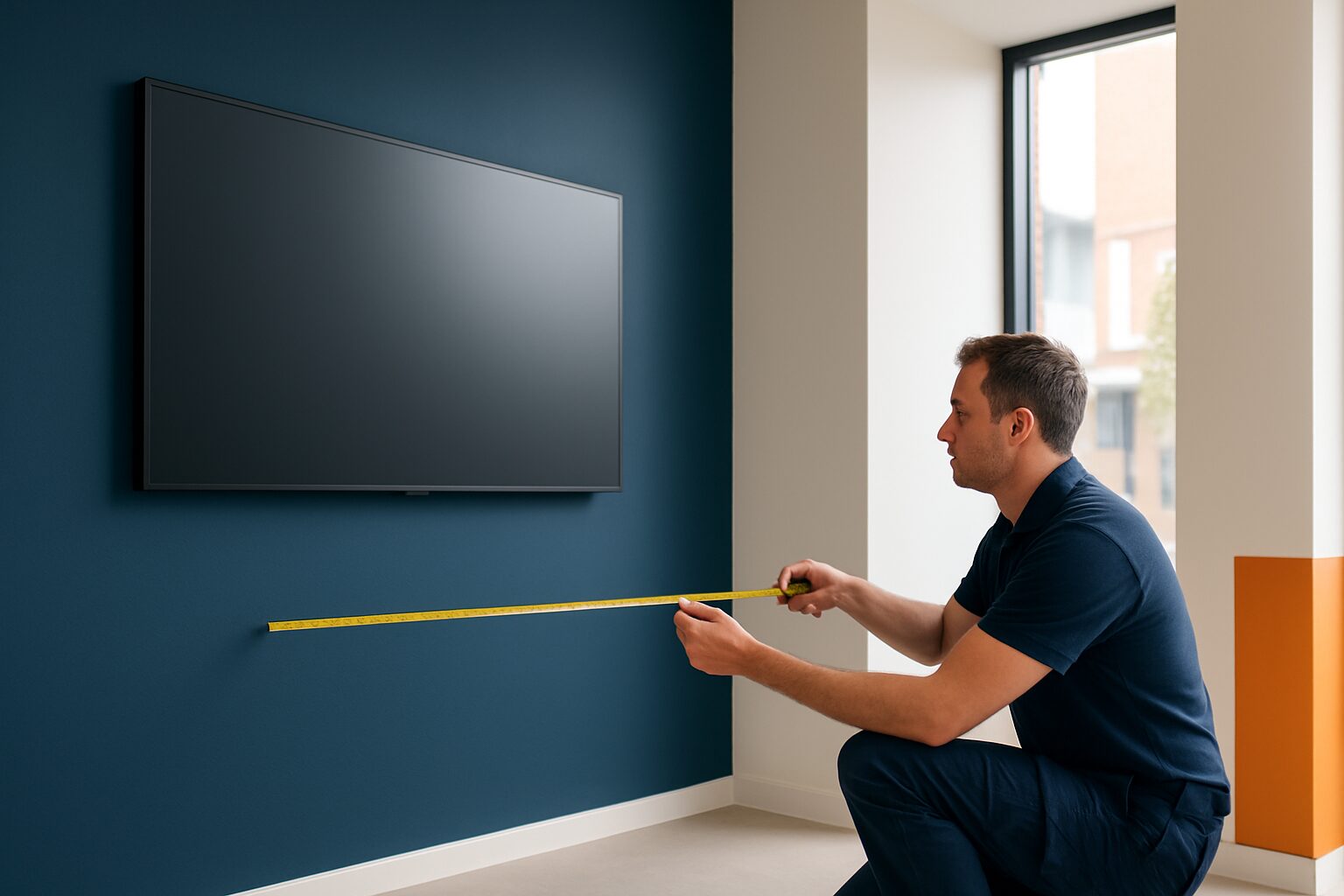
The right screen size for a digital signage installation depends on three variables: the maximum viewing distance, the screen resolution and the pixel pitch. A 43 inch Full HD screen is legible up to around 5,5 metres; after that, text becomes too small for an average viewer. Anyone who ignores that formula invests in hardware that misses its purpose — or pays too much for a size the space does not require.
The 4/6/8 rule: quickly determine a screen height
The most commonly used rule of thumb in the AV industry is the 4/6/8 rule, developed by AVIXA (the international trade association for audiovisual systems). The maximum viewing distance may not exceed six times the image height for presentations and information communication. Specifically: at a viewing distance of 4,8 metres, you need a screen with an image height of at least 80 cm.
For a standard 16:9 screen, the image height is around 49% of the diagonal. A 55 inch screen therefore has an image height of ±68 cm — good for a maximum viewing distance of around 4,1 metres.
Quick calculation:
| Viewing distance | Min. image height | Matching format (16:9) |
|---|---|---|
| 2,0 m | 33 cm | 27″ |
| 3,0 m | 50 cm | 40″ |
| 4,0 m | 67 cm | 55″ |
| 5,5 m | 92 cm | 75″ |
| 7,0 m | 117 cm | 95″ |
Always start with the maximum viewing distance in the space — not the average. One viewer who cannot read the text is one missed message.
Pixel pitch: safeguarding the minimum viewing distance
Where the 4/6/8 rule maximum read distance monitored, determines the pixel pitch the minimum comfortable viewing distance. The 10x rule is a quick method for estimating the minimum viewing distance: multiply the pixel pitch in millimetres by 10 to get the minimum distance in feet — the distance at which a viewer still sees a clear image.
Converted to metres: minimum viewing distance (m) ≈ pixel pitch (mm) × 0,3.
Text-heavy applications require a smaller pitch (1,5–2,5 mm), while outdoor signage can manage a pitch of 10 mm or larger.
Pixel pitch table for common Dutch locations:
| Location | Typical viewing distance | Recommended pixel pitch |
|---|---|---|
| Shop floor / hospitality | 1–3 m | 0,9–1,9 mm (LCD) |
| Office lobby | 2–5 m | 1,5–2,5 mm |
| Shop window (inside) | 2–6 m | 2,0–3,9 mm |
| Outdoor advertising / façade | 8–30 m | 4–10 mm |
For most indoor applications with an LCD screen (Full HD or 4K), pixel pitch is not a bottleneck — those screens typically have a pitch of 0,2–0,6 mm. The table is mainly relevant for LED video walls.
DPI and resolution: when is Full HD enough?
DPI (dots per inch) describes how densely packed the pixels are on a screen. The greater the viewing distance, the larger the screen needs to be. A higher resolution makes closer viewing possible without visible pixels.
Practical limit: a Full HD screen (1920×1080) at 43 inches has about 51 DPI. That is comfortably readable from 1,5 metres. The same resolution at 75 inches gives 29 DPI — then text becomes grainy at close range. For large formats (65 inches+) choose 4K when viewers come closer than 3 metres.
Rule of thumb for resolution choice:
- Full HD (1080p): up to 55 inches, viewing distance ≥ 2 m
- 4K (2160p): 55 inch and larger, or viewing distance < 2 m for smaller screens
- 8K: only worthwhile for very large sizes (82 inch+) at close range
Three concrete examples from practice
1. Shop floor — 43 inch at 3 metres
A clothes shop places a screen behind the counter. The furthest customer stands 3 metres away. Required image height: 3 m ÷ 6 = 50 cm → a 43 inch screen (image height ±53 cm) is just sufficient. The PixioDisplay Luxe (49 inch) with a display height of approx. ±61 cm also allows room for larger fonts and is available for current price on request (price list Q2 2026) — a safer choice if the space is to be used differently later.
2. Office lobby — 55 inch at 4,5 metres
A reception area with a free floor depth of 4,5 metres requires an image height of at least 75 cm (4,5 ÷ 6). A 55 inch screen comes just under that; a 65 inch screen (image height approx. 80 cm) is the correct choice. Combine this with a digital reception setup for maximum impact.
3. Shop window — 43 inch at 2 metres
A retailer wants to address passers-by at 2 metres. Image height needed: 33 cm (2 ÷ 6) — a 27 inch screen is technically sufficient. But window communication also calls for visibility: a 43 inch screen gives more visual weight without exceeding the readability norm. Pay attention to brightness: in a strongly lit environment, a NIT value of at least 500 is recommended. Indoor screens typically reach ±400 cd/m²; for full-sun positions, 3.000 nits are needed.
Mounting height and viewing angle: the forgotten parameters
Format and pixel pitch are correct, but a screen at the wrong height still destroys readability. Viewers should be within 45 degrees left or right of the centre of the screen. The top of the screen must not hang more than 30 degrees above eye level — otherwise neck strain occurs.
Practical tip: hang a screen in a shop or lobby with the middle at around 150–160 cm high. That is eye level for a standing adult of average height. Screens mounted too high cause neck strain; too low gives an uncomfortable viewing angle.
Also check the horizontal viewing angle in wide spaces. LCD screens with an IPS panel retain colour accuracy up to around 178 degrees; cheaper TN panels fade already at 45 degrees. For digital advertising screens in open spaces, an IPS or VA panel is the standard choice.
Conclusion: measure first, buy afterwards
Always choose your screen size based on three measured values: the maximum viewing distance, the minimum viewing distance (pixel pitch) and the mounting height. The 4/6/8 rule gives you a reliable minimum size in thirty seconds. Unsure about resolution? Choose 4K at 55 inches and above.
Would you like to work through the calculation for a specific space, or compare screens by brightness and size? Also read LED, LCD or e-ink: which display type do you choose for the Dutch climate? for the next step in choosing your display.
Frequently asked questions
How do I calculate which screen size I need for my space?
Use the 4/6/8 rule: divide the maximum viewing distance (in metres) by 6 to get the minimum image height. An image height of 50 cm corresponds to a 43 inch screen (16:9). Always measure the furthest viewing position — not the average.
What is pixel pitch and why is it important for my installation?
Pixel pitch is the distance in millimetres between two adjacent pixels on an LED display. It determines the minimum comfortable viewing distance: multiply the pixel pitch by 0,3 to estimate the minimum distance in metres. For LCD screens (Full HD/4K), pixel pitch plays little role, because they are standardly under 0,6 mm.
When do I need 4K instead of Full HD?
Choose 4K for screens of 55 inch and larger, or if viewers stand closer than 2 metres from the screen. At 43 inch and a viewing distance of more than 1,5 metres, Full HD is sharp enough. 4K only really makes a difference when the viewing distance is less than half the screen diagonal.
At what height is it best to hang a digital signage screen?
Hang the screen so its centre is approximately 150–160 cm — eye level for a standing adult. The top edge should not be more than 30 degrees above eye level to prevent neck strain. Make sure viewers stand within 45 degrees to the left or right of the centre of the screen.
Is a 43 inch screen large enough for a shop window?
Technically yes, if passers-by stand at 2 metres or less: the required image height is then only 33 cm. Do bear in mind brightness — for shop window positions in full sun you need at least 3.000 nits. A standard indoor monitor reaches 300–400 nits and is then unreadable.