
Knowledge and advice
Digital menus: screen, content and management for horeca
What you need to show a menu digitally: a suitable display, readable prices, up-to-date dishes and careful management of allergen information.
What a digital menu board does
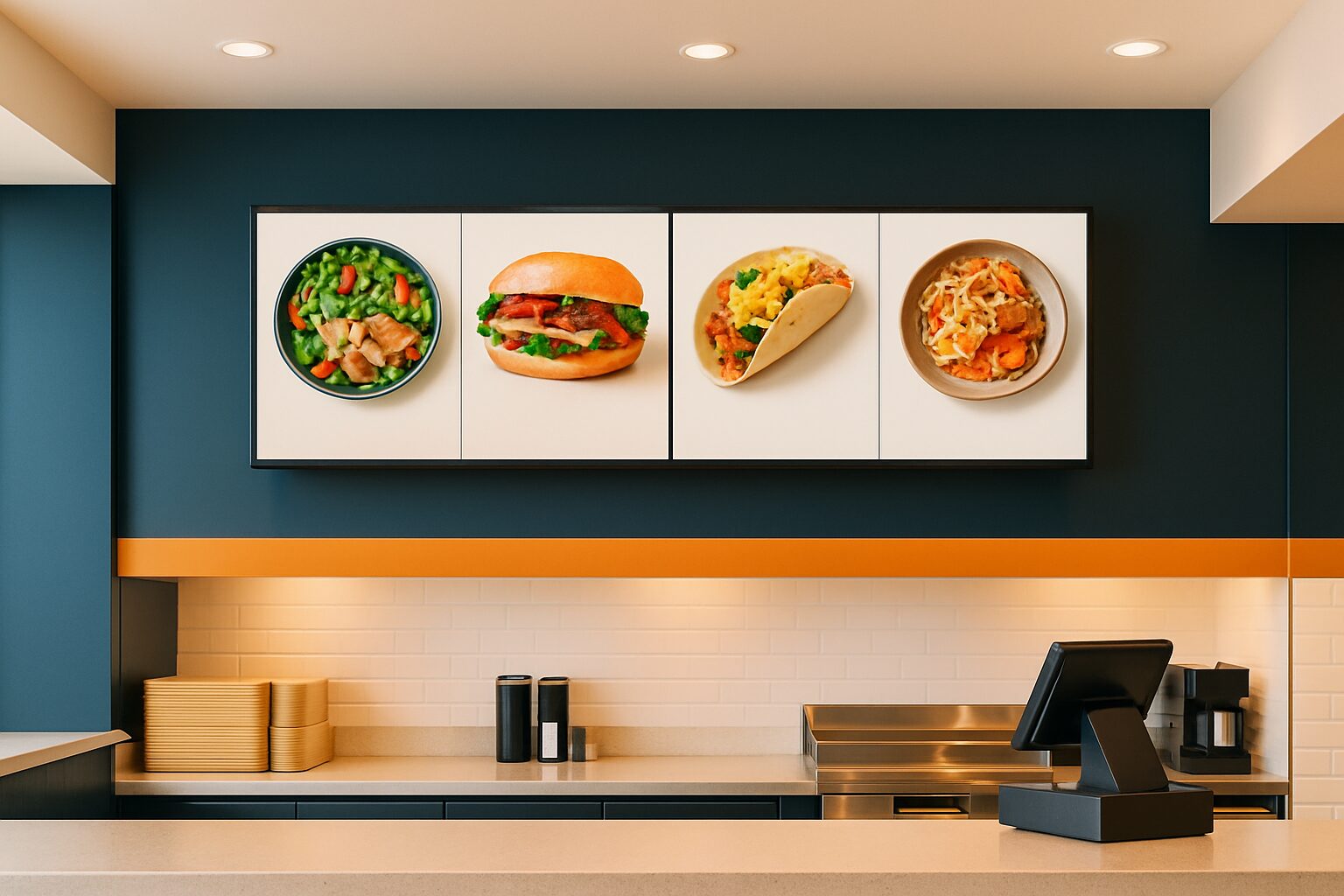
A digital menu shows dishes, drinks, prices and additional information on a screen. You can use the same layout as on paper or alternate between multiple images. The practical advantage is that you can update a changed dish or new price without reprinting every menu. In return, there is hardware, power and management. A digital screen is therefore not an automatic guarantee of lower total costs or higher spend per guest.
Choose the location before the model
A screen above the bar must be readable from a distance; a touchscreen on a counter is used up close. Decide whether guests only look or should navigate through dishes themselves. Check from the seating or walking position whether letters and prices are large enough. Take reflections and daylight into account. A window display behind glass and a fully outdoor screen require different technical provisions. Ask for the appropriate product specifications for each location.
Keep allergen information carefully up to date
The NVWA describes how hospitality businesses must inform customers about the fourteen relevant allergens. For unpackaged food, this may be done in writing or, under conditions, orally. A screen can be part of the information provision, but it does not automatically make the information correct. Record who checks recipes and updates changes. If guests have to ask staff, it must be clear where they can go and the information must be available to staff and inspectors.
Keep price and availability aligned
Work with one managed version of your menu. Check that the prices on the display match the till, the printed menu and any ordering website. Make arrangements for sold-out dishes and temporary promotions. Do not use a countdown offer or old price if it no longer applies. Guests must be able to understand what they are paying before they make their choice. When automatic changes occur, it must remain clear which offer is available at that moment.
Built-in Android and remote management
An all-in-one Android display has a built-in computer and can independently play suitable content. That avoids a separate laptop next to the menu board. The Pixio App is an additional option when you want to manage content remotely. Check separately which functions are needed: switching files, managing different screens or changing content at set times. An ordering function or cash register integration requires additional software and setup; a touchscreen does not include those functions as standard.
Here’s how to prepare for commissioning
First create a trial menu with real dishes, prices and allergen information. Test legibility at the chosen location and check what appears after a restart. Appoint one person responsible for changes and keep a procedure ready if the screen fails. When requesting a quote, ask for the screen size, brightness, installation and software needed for your menu. Compare the display models and the offer for hospitality.
Sources and further information
Frequently asked questions
Does a digital menu board automatically make allergen information correct?
No. The hospitality business owner must organise correct, up-to-date information. A screen can display that information but does not replace content control.
Can a touch screen take orders as standard?
A touchscreen provides control; ordering and a cash register integration require separate suitable software and configuration.