
Knowledge and advice
Live reviews on displays: social proof in hospitality
Learn how to display Google reviews and customer ratings live on digital screens in your hospitality business — including regulations, technology and practical tips.
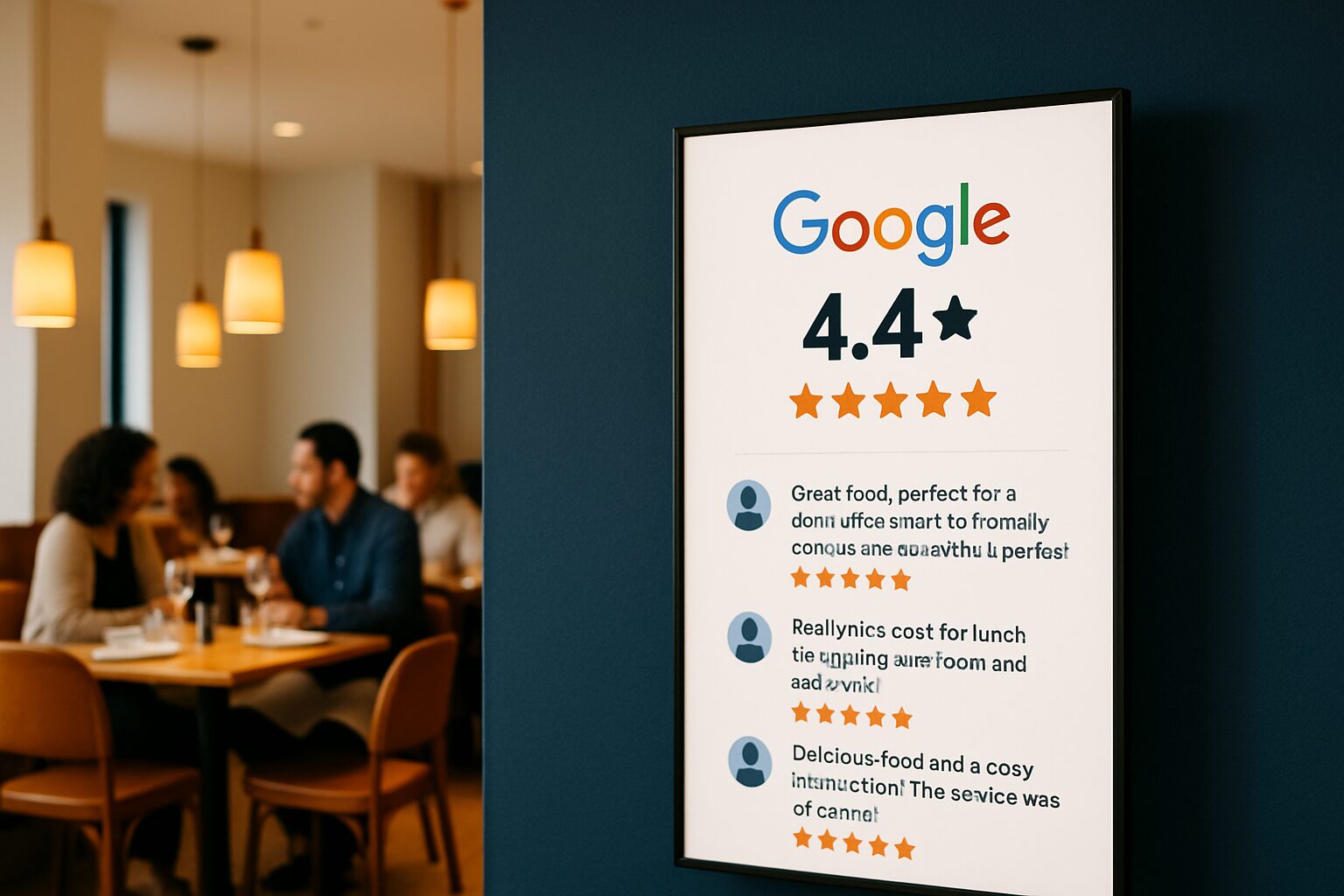
Display reviews and ratings live on hospitality screens
Displaying live reviews on a digital screen means showing verified customer reviews — from Google, Tripadvisor or your own review system — automatically and in real time on a display in your business. The result is visible social proof at the moment a guest hesitates, waits or makes a choice. This builds trust without requiring staff to do it.
Why social proof works on the screen
Reviews are a decisive factor for guests. National research by consumer platform Kassa shows that more than 90% of Dutch consumers read reviews before purchasing a product or service. In hospitality, this is even more pronounced: guests increasingly choose in advance where they want to eat and compare online.
A screen at the entrance or above the bar shows those reviews at exactly the right moment. The guest is literally standing in front of your door and sees at a glance what others thought of the service, the food and the atmosphere. That lowers the threshold to walk in or order an extra dish.
Social proof also works internally: satisfied guests who see their review appear on the screen feel acknowledged. That increases the chance that they will return and recommend you to others.
How to technically link reviews to a display
Most modern digital screens support content via a website URL or a content management system (CMS). You connect a review widget — from Google, Trustpilot or your own platform — to the screen via a web browser mode or a dedicated app.
Pixio displays run on an integrated Android computer (Android 13/14), so you do not need a separate media player or laptop. You upload content via USB, a website URL or the PixioApp. A Google Reviews widget or social media wall works directly via the screen’s browser function.
The PixioDisplay Luxe (49″ touchscreen) is suitable for a prominent setup in the store: buy for current price on request or lease for current price on request per month (price list Q2 2026). For a smaller setup, the PixioKiosk 21,5" starting from current price on request purchase or current price on request per month lease (price list Q2 2026).
Want to show reviews on a terrace or outside by the entrance? Then look for a screen with sufficient brightness. Indoors, ±400 cd/m² is sufficient; an outdoor setup requires at least 1.500 nits. The panel, not the size, determines the extra cost.
Which review sources can you use?
Not every source is equally suitable for live display. Below is an overview:
| Source | Suitable for live display | Point to note |
|---|---|---|
| Google Reviews | Yes, via widget or API | Do not show an unaudited selection (see regulations) |
| Tripadvisor | Yes, via widget | Check widget licence terms |
| Own review system | Yes, full control | Requires verification of real customers |
| Instagram tags | Yes, with guest permission | Always ask permission in advance |
| Thuiswinkel / Kiyoh | Yes, for retail hospitality | Verification built in |
Preferably choose a source that automatically filters on verified reviews. That is not only tidier, but also legally required (see next section).
Regulations: what may you show?
Since 28 May 2022, new rules based on the European Modernisation Directive (OMNIBUS). The key point: you may only display reviews that can be demonstrably attributed to real customers who have used your product or service.
This has direct consequences for what you may display on a screen:
- No filtered selection: if you only show the five-star reviews and hide the rest, that is misleading.
- No fake or sponsored reviews: fake reviews are prohibited under article 6:193g of the Dutch Civil Code. The ACM can impose fines of up to 10% of your annual turnover.
- Transparency over origin: state on the screen (or in an accompanying policy) where the reviews come from and how you verify authenticity.
The practical solution: use a recognised review platform that builds in verification, such as Google or Trustpilot. Those platforms themselves take responsibility for the authenticity of reviews. If you display the feed live and unfiltered, you will in most cases meet the requirements.
Royal Dutch Hospitality Association (KHN) emphasises that the guest should be able to rely on reviews about a restaurant being trustworthy. Transparency is therefore not only a legal obligation, but also a quality characteristic.
Practical example: review wall at the entrance
A restaurant with 80 seats places a 43″ display by the entrance. The screen rotates a live Google Reviews feed, alternating with the daily menu and a QR code that allows guests to leave a review themselves afterwards. The QR code lowers the barrier: guests do not need to unlock their phone for a search.
The result is a closed loop: satisfied guests see other people's reviews, leave a review themselves, and it appears on the screen the next day. New guests see a current, growing stream of feedback — without staff having to do anything.
This principle also works outdoors. Dunkin' Donuts uses PixioDisplay Window screens for digital shop window communication. The same approach — a screen that attracts passers-by before they step inside — is directly applicable to a review wall on a busy shopping street or terrace.
Combine reviews with other content
A screen that only shows reviews does not use its full potential. Alternate reviews with:
- The daily menu or daily special (see also: Digital menus and signage in hospitality)
- An invitation to leave a review via QR code
- Seasonal offers or events
- Allergen information (legally required for digital menu display)
A well-designed content schedule lets reviews return every 30-60 seconds, alternated with commercial messages. This keeps the screen both informative and commercially relevant.
Conclusion
Start with live reviews on a display if you have a steady stream of verified reviews on Google or a recognised platform. Choose a display with sufficient brightness for the location, connect the review feed via a widget or URL, and make sure you show the full feed — not just the positive reviews. That is both the fairest and the legally safest approach.
For a complete picture of digital signage in hospitality — from menu board to terrace display — read the pillar article Digital menus and signage in hospitality.
Frequently asked questions
May I only show positive reviews on my screen?
No. Since the European Modernisation Directive (OMNIBUS, in force in the Netherlands from 28 May 2022), it is an unfair commercial practice to show a filtered selection of reviews without stating that. If you only show five-star reviews, you mislead the guest. Use a live feed from a recognised platform and show reviews unfiltered.
What screen size is suitable for a review wall in a restaurant?
For a setup at the entrance or above the bar, a 43″ or 49″ display is sufficient. The PixioKiosk 43″ costs €2.195 (purchase) or can be leased for €47 per month; the PixioDisplay Luxe 49″ costs €2.395 purchase or €54 per month lease (price list Q2 2026). Outdoors you need at least 1.500 nits brightness.
How do I connect Google Reviews to a digital screen?
Most digital screens with a built-in Android computer support a web browser mode. You load a Google Reviews widget or a review aggregator as a website URL in the CMS or the PixioApp. The feed updates automatically as new reviews come in.
Do I need permission if I show Instagram posts from guests on a screen?
Yes. Photos and texts that guests post on social media are protected by copyright. Always ask the guest for written permission in advance before showing their content on a public screen. Also state the source of the post on the screen itself.
Does a live review display also work on a terrace or outdoors?
Yes, provided you choose a screen with sufficient brightness. For a shaded outdoor location, 1.000–1.500 nits is sufficient; in direct sunlight you need 3.000 nits or more. The PixioDisplay Pavement Sign (43″, 1.500 nits, battery-powered without a power point) costs €2.245 and is suitable for terraces (price list Q2 2026).