
Knowledge and advice
Dynamic price display in hospitality: adjusting prices in a controlled way
Show the right menu and the right price at the right moment, with agreements on changes, till control and offers.
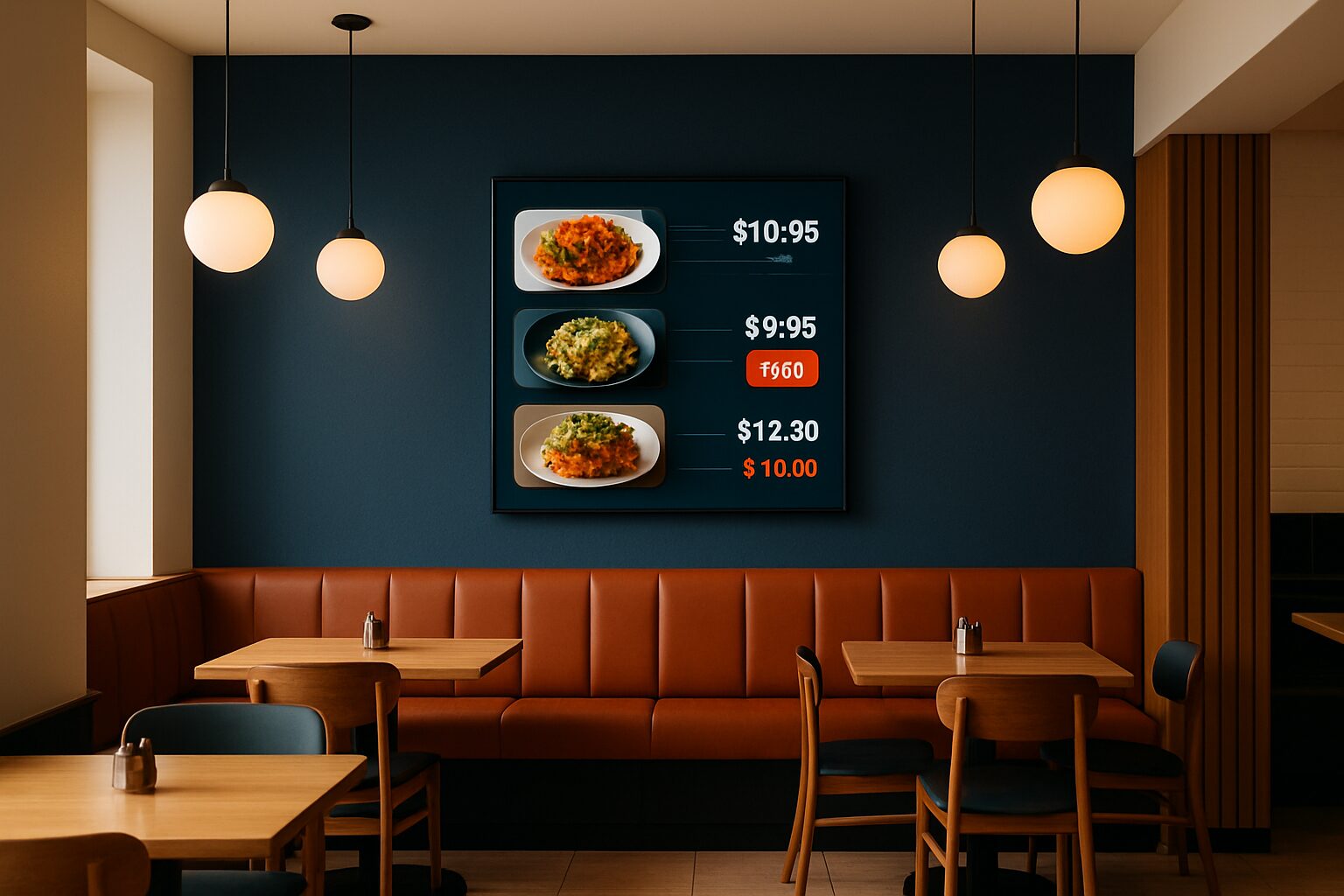
What changes on the screen?
With dynamic price display, you change the shown prices or menu visuals when needed. That can be a daily menu, a temporary promotion or a different menu by part of the day. The screen does not make that decision itself: the content comes from files or software. Automatic changes require a suitable setup. So distinguish between manually replacing an image and a system that shows pre-scheduled content at agreed times.
Start with a reliable menu list
Record the name, description, selling price and availability for each dish. Decide who may approve a price change and who publishes it. After an adjustment, check both the screen and the till. Without integration, those two sources can drift apart. If you do want a till integration, show in advance which data will be transferred, how often it refreshes and what happens if the integration is unavailable.
Clearly communicate time slots
A lunch menu may have a different assortment from the dinner menu. Clearly state for which dishes and times an offer applies. Do not leave expired content on screen as normal display. Test transitions around the opening and closing of a time slot, including the time zone and the device clock. Keep a standard menu that staff can use when a scheduled image does not appear. This keeps price communication controllable during service.
Offers are more than just a new amount
The ACM sets rules for clear price information and the use of price comparisons. A from-price may not suggest a misleading discount. How specific discount rules apply depends partly on the offer and the situation. Therefore do not use a general statement that every hospitality rate always falls under exactly the same 30-day rule. Check the current guidelines for your promotion and record the price development when this is necessary for the offer.
Which hardware and software do you need?
To display a menu image, you need a suitable display and a reliable way to play it back. An all-in-one Android model has a built-in computer for that; a separate laptop is not needed. The Pixio App is an additional service for remote management. Demonstrate the desired scheduling, multiple screens or data links separately. A touchscreen can enable operation, but an ordering process and payment require their own software and testing.
Make a change as a trial
Choose one menu block and adjust it during a quiet period. Check all visible prices, the till amount and the version shown after a restart. Let staff be able to report an incorrect price quickly. Only then compare whether more screens or more time slots are useful. Request a quote based on your actual menu, the number of screens and the desired management route. View the software explanation and the current models for the possible set-up.
Sources and further information
Frequently asked questions
Does a display adjust prices automatically?
Not by itself. Price changes come from managed files or dedicated software.
How do I avoid a discrepancy with the till?
Work with controlled menu data and test both the screen price and the till amount after every change.