
Knowledge and advice
Display live reviews on hospitality screens
How do you show Google or Tripadvisor reviews live on a display in your restaurant or café? Read about the technology, GDPR rules and practical tips for more customer trust.
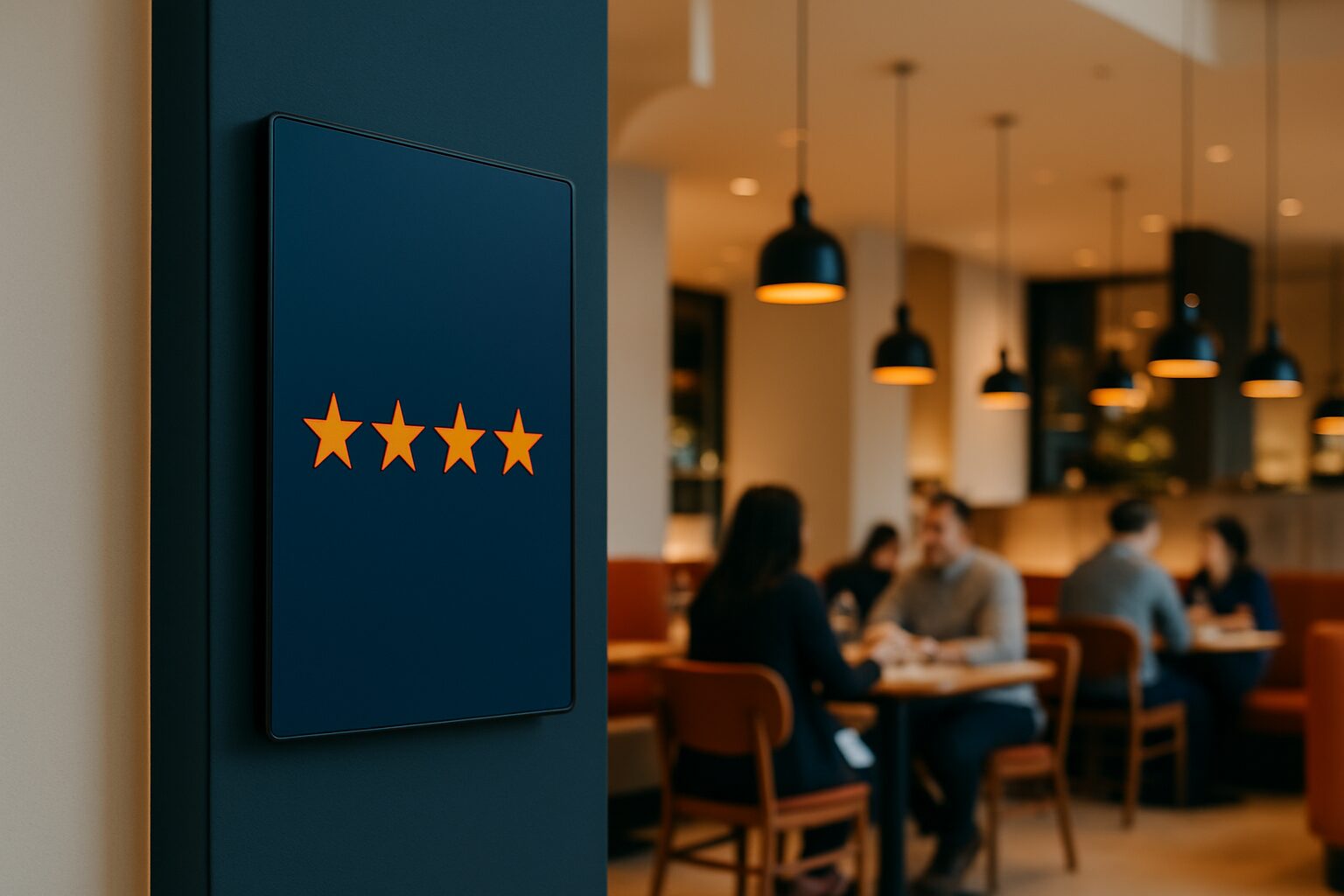
Display live reviews on hospitality screens
Showing live reviews on a digital display means that reviews from Google, Tripadvisor or other platforms appear automatically and in real time on a screen in your business. The content is retrieved via an API connection or narrowcasting software and played in a continuous loop. The result: social proof on the shop floor, visible to every guest at the moment they are still forming an impression.
Why reviews work on a screen
Online reputation and the physical guest experience are two separate worlds — unless you connect them. Research by Restaurant Monitor 2020 shows that 83% of people read reviews first before booking. That decision moment is just around the corner. But reviews also work after entry: a guest who sees a stream of positive ratings while waiting for their order feels their choice confirmed.
Reviews and ratings are moreover one of the most powerful ways to use social proof. They are more credible than ad copy because they come from real guests. A screen next to the entrance or above the bar makes that credibility tangible.
How the technical connection works
Most narrowcasting software packages offer direct integration with Google Reviews or Tripadvisor via an API. You connect your Google Business Profile to the software, set a minimum star filter (for example: only reviews of 4 stars or higher) and choose the display duration per review. The software retrieves new reviews automatically and adds them to the playlist.
For the hardware, the rule is: a professional commercial display is suitable for continuous use, a consumer screen is not. PixioDisplays contain an integrated Android computer (Android 13/14), so you do not need a separate media player or laptop. You control the content via USB, a website URL or the Pixio App. That saves current price on request per screen in extra hardware.
A concrete example: a grand café places a PixioDisplay Luxe (49″ touchscreen, 67×185 cm) at the entrance. The display shows the lunch menu, atmosphere images and the latest five Google reviews in a rotating loop. Guests see the rating before they sit down. The purchase price is current price on request (buy) or current price on request per month on lease — price list Q2 2026.
Which review platforms can you connect
The most commonly used sources for hospitality in the Netherlands and Belgium:
| Platform | Linking method | Suitable for |
|---|---|---|
| Google Reviews | API via digital signage software | Restaurants, cafés, hotels |
| Tripadvisor | API or widget embed | Restaurants, hotels |
| Facebook Reviews | Social media feed | Cafés, event venues |
| Own survey (QR) | Direct input on touchscreen | All hospitality types |
Start with Google Reviews if you choose one platform. Google is the most widely used search platform for hospitality search queries in the Netherlands. Google itself emphasises that reviews make up a large part of the signals that determine local visibility. Making more reviews visible also encourages new guests to leave a review themselves.
A touchscreen at the exit provides an extra layer: Guests can rate their experience or give feedback in one click. That is low-threshold and provides direct input for reputation management.
GDPR considerations when displaying reviews
Reviews contain personal data as soon as the reviewer’s name is visible. The GDPR requires that you have a valid reason (legal basis) to process personal data. When displaying public Google reviews, the usual basis is legitimate interest — the reviews have already been published publicly by the reviewer themselves.
Still, there are three practical points to consider:
- Minimal data: show only name, star rating and text — no profile photos or additional account information.
- Right to be forgotten: someone has the right to have data erased. Make sure you can also remove a reviewer who deletes their review from your screen. Good narrowcasting software does this automatically via API sync.
- Moderation: filter reviews with a minimum rating. This prevents a negative review from appearing on your screen unedited — and keeps the display aligned with your communication goals.
Are you unsure about the GDPR application in your situation? Consult the GDPR guidance from the Dutch Data Protection Authority.
Which display should you choose for reviews in hospitality
The location determines the screen type:
- Entrance or waiting area (indoors): a freestanding display or wall mounting is sufficient at 400 cd/m². The PixioDisplay Mobile (43″, 400 cd/m²) is suitable for this — buy current price on request, lease current price on request per month (price list Q2 2026).
- Terrace or shop window: in daylight you need at least 1.000 nits. Consider an outdoor model or a shop window screen.
- Interactive feedback column: for immediate feedback at the exit, a touchscreen is more practical. The PixioKiosk (21,5") starts at current price on request buy or current price on request per month lease (price list Q2 2026) and is compact enough to place next to a till.
Do you not yet have a fixed location or do you want to test the concept first? Then hiring is a sensible choice. The PixioDisplay Mobile is available from current price on request per day (3 days) via display hire.
Conclusion
Live reviews on a display connect online reputation with the physical guest experience. The technology is available via standard API integrations in narrowcasting software. The GDPR requires a clear legal basis and an automatic sync with the source platform. Choose your screen based on location and brightness — not on size alone.
For the broader picture of digital communication in hospitality, from menu boards to terrace displays, read more in the article Digital menus and signage in hospitality: from menu board to terrace display.
Frequently asked questions
Can I have Google Reviews appear automatically on my screen?
Yes. Via an API link in narrowcasting software, the system automatically retrieves new reviews from your Google Business Profile. You set a minimum star filter and the reviews appear in a continuous loop. Removed reviews are also taken off the screen during the next sync.
Can I just display a reviewer's name on a screen?
Reviews publicly posted on Google have already been voluntarily shared by the reviewer. The legal basis is usually legitimate interest. Only show the name, star rating and text — no additional profile data. Also make sure you can remove a reviewer who withdraws their review from the screen quickly.
Which screen is most suitable for showing reviews at the entrance?
For an indoor location with normal daylight, a display of around 400 cd/m² is sufficient. The PixioDisplay Mobile (43″) is a practical choice: freestanding, no fixed mounting required, and available for €1.795 purchase or €42 per month lease (price list Q2 2026). For a terrace or shop window you need at least 1.000 nits.
Can I combine reviews with other content on the same screen?
Yes. Narrowcasting software works with a playlist. You combine reviews with the daily menu, atmosphere images or promotions. You decide how long each slide is visible and at what time of day which content gets priority.
What does it cost to show reviews live on a display?
Hardware costs start at €1.395 for a PixioKiosk 21,5″ or €1.795 for a PixioDisplay Mobile 43″ (price list Q2 2026). On top of that, you pay for narrowcasting software, which is usually offered on a subscription basis. Want to test first? Rent a display from €105 per day (3 days, 43″).