
Knowledge and advice
Hygienic touchscreen displays: cleaning and maintenance
How do you clean a public touchscreen in your hospitality business without damaging the screen? Practical protocol with agents, frequency and HACCP context.
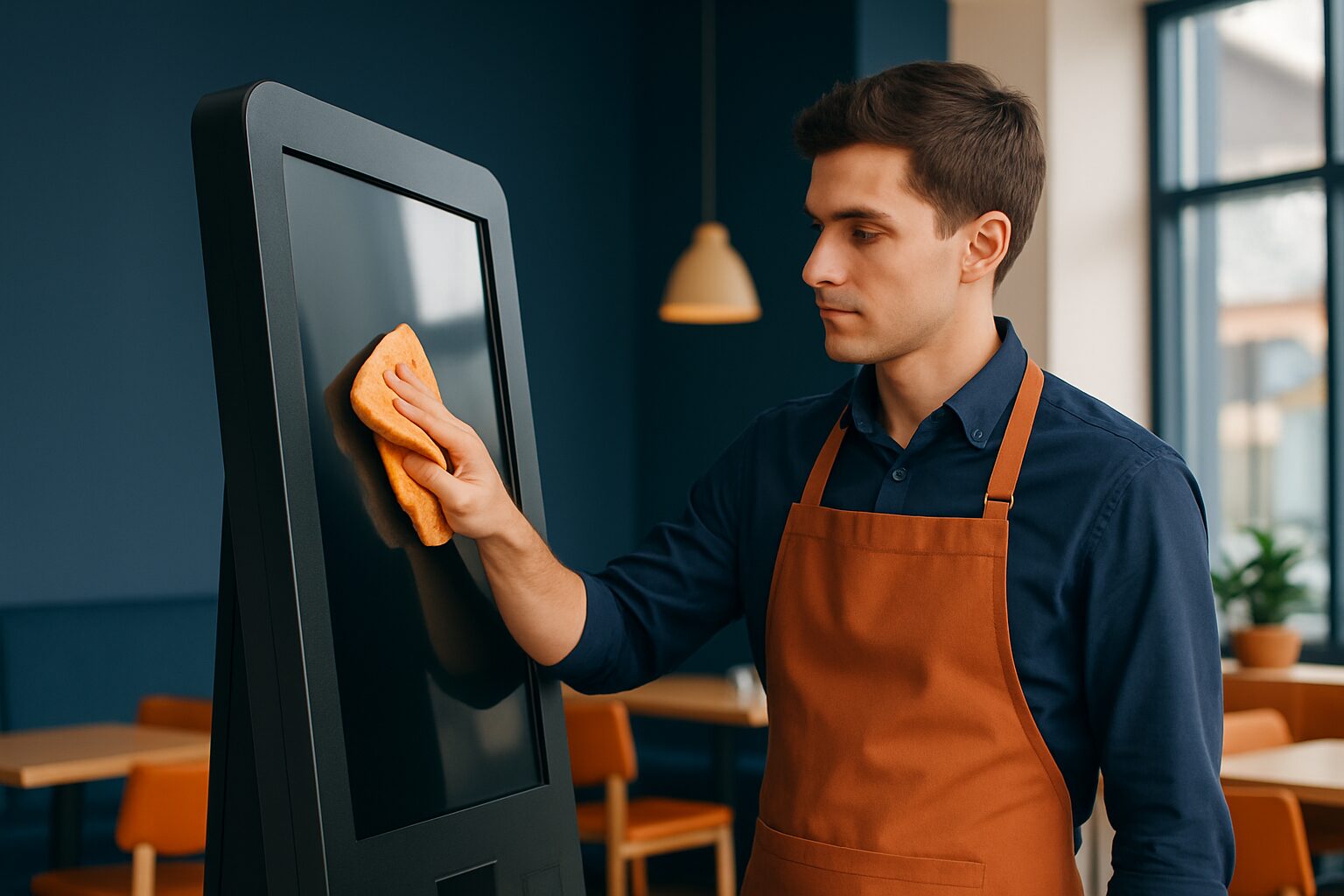
Hygienic touchscreen displays: cleaning and maintenance
A public touchscreen in a restaurant or café is touched dozens of times a day. Improper cleaning damages the coating; not cleaning increases the risk of bacterial transfer. The solution lies in a fixed routine: dry microfibre cloth for daily use, slightly damp cloth with a pH-neutral solution for more thorough maintenance, and never spray cleaning agent directly onto the screen. That protocol is both safe for the display and in line with Dutch hygiene standards.
Why touchscreens in catering require extra attention
A touchscreen is a so-called 'high-touch' contact point — just like a door handle or a menu. The RIVM Hygiene Guidelines for Events states that surfaces touched frequently deserve extra attention when cleaning. That principle also applies to hospitality flooring.
In addition, the NVWA requires every hospitality operator to work with a HACCP food safety plan or an NVWA-approved hygiene code. The most commonly used is the KHN Hospitality Hygiene Codewhich describes cleaning procedures for all contact points in the shop. A touchscreen at the till or at the table also falls under this.
In practical terms, this means: record the cleaning frequency of your touchscreen in your cleaning schedule, have staff sign off when the task has been completed, and make sure the schedule is ready for an NVWA inspection.
What you may and may not use
The coating on a touchscreen is delicate. Aggressive chemicals damage the anti-reflective layer, leading to discolouration and reduced touch sensitivity. Always use agents with a pH value between 7 and 9 — an acidic solution (pH < 7) damages the IR filter and the glass.
Safe:
- Dry microfibre cloth (daily)
- Slightly damp microfibre cloth with distilled water
- Isopropyl alcohol 70% on a cloth (do not spray directly)
- Special display cleaning wipes for electronics
Prohibited:
- Ammonia- or bleach-based sprays
- Kitchen roll or rough cloths (cause scratches)
- Scouring pads or abrasive cleaners
- Spraying liquid directly on the screen
- Glass cleaner (contains ammonia)
Always spray cleaning agent onto the cloth, never onto the screen itself. Liquid can seep into the electronics via the edges and damage internal components.
Step-by-step cleaning protocol
A fixed protocol prevents errors when staff change. Hang it near the cleaning agent or in the app for your cleaning schedule.
Daily (after closing time or when visibly dirty):
- Switch off the display or activate the screen lock.
- Wipe the screen with a dry, clean microfibre cloth in gentle, circular motions.
- Do not use pressure — a light touch is enough.
- Let the screen dry before switching it back on.
Weekly (more thorough cleaning):
- Switch the display off.
- Lightly moisten a microfibre cloth with isopropyl alcohol 70% or distilled water.
- The cloth may be slightly damp, but not wet.
- Wipe the screen and dry it immediately afterwards with a second dry cloth.
- Check the edges for accumulated dirt; use a soft brush for crevices.
Record each cleaning in your cleaning log. That is not bureaucracy — the NVWA carries out unannounced checks to see whether your documentation is in order.
Screen protectors as an extra hygiene layer
A tempered glass screen protector or antimicrobial film makes maintenance easier. The protector absorbs daily wear and tear and can be replaced if damaged. Some films have an antimicrobial coating that inhibits bacterial growth on the surface.
A screen protector also has a practical advantage: staff can clean it with a little more freedom, because you are not working directly on the original coating. Do check whether the protector is compatible with the touch sensitivity of the specific display — a film that is too thick can slow the response.
Replace a damaged protector immediately. Cracks and loose edges are difficult to clean thoroughly and become breeding grounds for dirt.
Maintenance of the display itself: more than just the screen
The screen surface is the most visible maintenance point, but not the only one. Also think about:
- Housing and sides: Wipe weekly with a damp cloth. Do not use solvents on plastic or metal.
- Ventilation openings: Vacuum gently once a month to prevent overheating.
- Connections and cables: Check quarterly for damage or loose connections.
- Standard or kiosk housing: Clean the entire exterior as part of the daily cleaning schedule.
The PixioKiosk information column — available in sizes from 21,5" (current price on request) to 49" (current price on request) — has a closed enclosure specifically designed for public use (price list Q2 2026). A closed enclosure without separate openings makes cleaning easier and reduces the risk of moisture ingress. When purchasing, always ask for the IP rating of the model you are considering: a higher IP value means better protection against moisture during cleaning.
Including cleaning in your HACCP cleaning schedule
A touchscreen at the checkout, at the table or by the entrance is a touchpoint that belongs in your HACCP documentation. This is how to approach it concretely:
- Add the display as a point of contact in your existing cleaning schedule.
- Determine the frequency: every day after closing time, plus immediately if there is visible dirt.
- Appoint someone responsible per service.
- Record the materials used (product name, concentration).
- Sign off — inspectors pay particular attention to the documentation of business processes.
The Horeca Hygiene Code from KHN contains registration forms that you can adapt directly for digital touchpoints. That way, you do not have to reinvent the wheel.
Want to know which touchscreen solution best fits your hospitality concept? View the application page for hospitality or make an appointment in the showroom in Montfoort to see the displays in practice.
Frequently asked questions
How often should I clean a touchscreen in my restaurant?
Clean the screen daily after closing time with a dry microfibre cloth. Carry out a more thorough clean weekly with a slightly damp cloth. Also clean it immediately if the screen is visibly dirty. Record the frequency in your HACCP cleaning schedule.
May I use disinfectant spray on a touchscreen?
Never spray directly onto the screen. Apply the product to a microfibre cloth and wipe the screen gently. Use only products with a pH value between 7 and 9. Sprays containing ammonia or bleach damage the screen coating.
Does a touchscreen need to be included in my HACCP plan?
Yes. A touchscreen at the till or at the table is a high-touch contact point and belongs in your cleaning schedule. The NVWA checks whether all contact points in your business are included in your documentation. Add the display as a contact point with cleaning frequency and responsible employee.
What is the difference between cleaning and disinfecting a touchscreen?
Cleaning removes visible dirt and most pathogens. Disinfecting kills the remaining bacteria. Always disinfect after cleaning, because disinfectants do not work properly on a dirty surface. For a touchscreen in normal hospitality conditions, daily cleaning is sufficient; disinfecting is additionally useful on busy days or when sickness absence is higher.
Can a screen protector help with the hygiene of my touchscreen?
Yes. A tempered glass protector or antimicrobial film protects the original coating and is easy to replace if damaged. Some films inhibit bacterial growth on the surface. Do check that the film does not negatively affect touch sensitivity.