
Knowledge and advice
Touchscreen displays in retail: conversion and UX
Discover how touchscreen displays in retail increase conversion and improve the customer experience. Practical tips and figures for marketing managers.
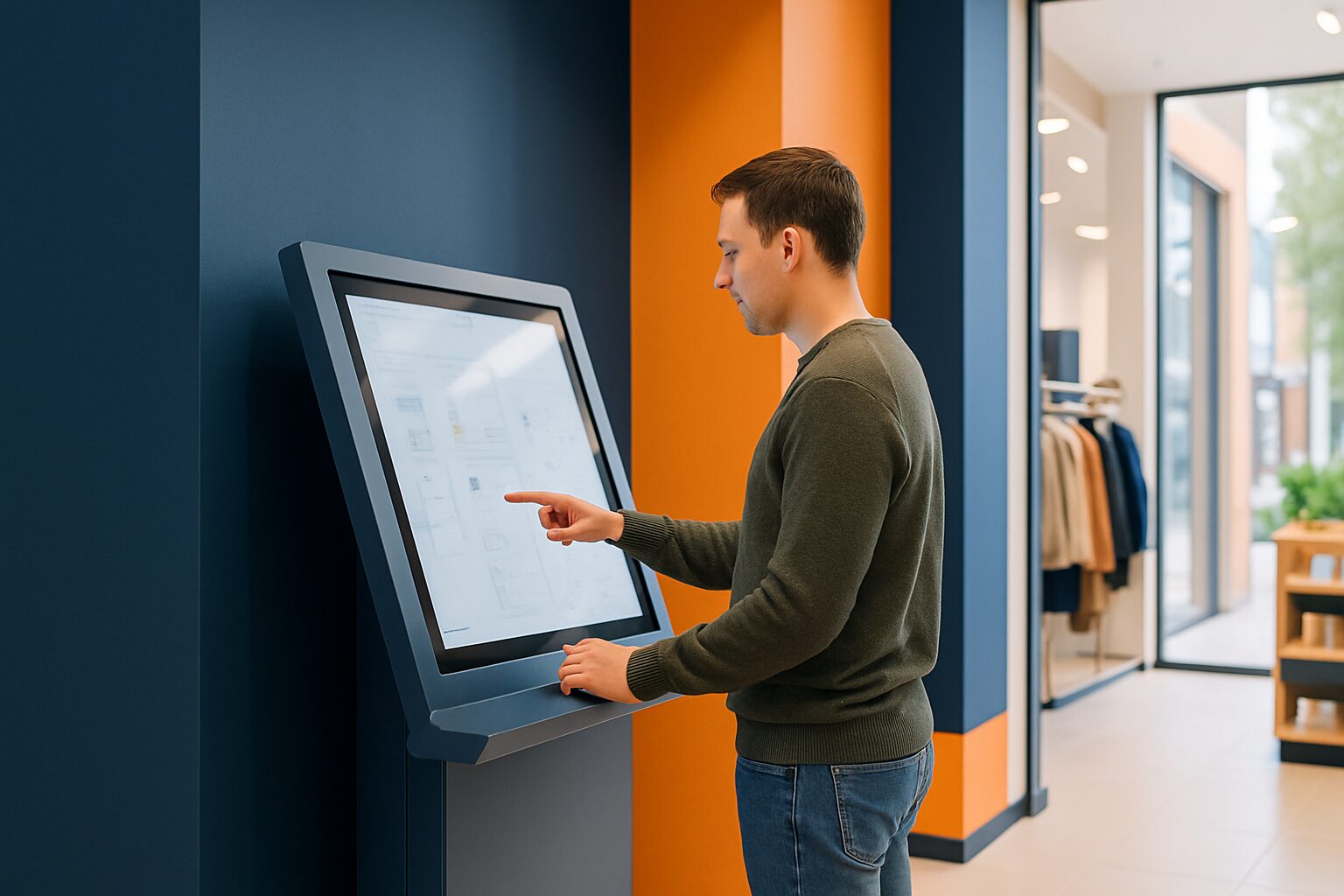
Touchscreen displays in retail: conversion optimisation and UX
A touchscreen display in retail is a interactive digital screen where customers independently look up product information, build configurations or initiate purchases. Research by Forrester Research suggests that interactive in-store technology can increase conversion by 20 to 30 per cent compared with passive displays. The difference with a static screen lies in the active involvement: the customer steers the conversation, not the employee.
In short
- Touchscreen displays increase the average order value because customers discover upsell options themselves.
- UX quality determines whether a screen is used: poor navigation leads to frustration and drop-off.
- Placement, screen height and response time are the three technical variables with the greatest impact.
- Hygiene and accessibility (WCAG) are legal and practical requirements, not an afterthought.
- Pixio Display, supplier of digital signage in the Netherlands and Belgium, supplies ready-made retail touch solutions including content management.
Why touchscreens are changing the retail experience
Customers expect the same speed and control in a physical store as on a webshop in 2025. A touchscreen bridges that gap. The customer filters by size, colour or price without needing to speak to a member of staff. That lowers the barrier to exploration and increases the chance of a purchase.
A fashion chain in Amsterdam placed 2023 interactive clothing configuration screens in three branches. After twelve weeks, the average transaction value in those branches rose by 18 percent compared with stores without screens (source: internal case study, comparable with industry benchmarks from Retail Insider NL). The screen acted as a silent salesperson that is always available.
The five UX principles that determine conversion
Good UX on a public touchscreen differs fundamentally from UX on a smartphone. The user is standing, is sometimes in a hurry and has not read an instruction manual.
1. Touch areas minimum 44 × 44 px
Small buttons lead to mis-taps and frustration. Keep touch targets large and well spaced apart.
2. Maximum three clicks to the goal
Each extra step costs you 15 to 25 per cent of users (source: Nielsen Norman Group, recommended reading for UX benchmarks). Keep your navigation as flat as possible.
3. Visual feedback within 100 milliseconds
If the screen does not respond, the customer taps again — or walks away. A response time under 100 ms feels instant.
4. Attraction loop for idle states
A screen that stands still does not attract attention. Let a short animation or promotional video play as soon as there has been no interaction for ten seconds. This increases the chance that a passing customer will still stop.
5. Clear exit and reset
Give the next user a clean slate. A visible 'Start again' button prevents personal choices from the previous customer from remaining visible.
For a comprehensive checklist, see also the article 10 design rules for public touchscreens in the Pixio knowledge base.
Placement and ergonomics: where should you position the screen?
The position of a touchscreen determines 40 per cent of whether it is used. A screen in a corner or behind a pillar will be ignored, no matter how good the software is.
Guidelines for retail placement:
- Touch zone height: 90–120 cm from the floor, so that both adults and children and wheelchair users can reach the screen.
- Route logic: Place the screen at a natural decision point — at the entrance to a department, not halfway down an aisle.
- Space for the user: Minimum 80 cm of clear floor space for the screen, so that other customers can pass.
- Lighting: Avoid direct fluorescent lighting above the screen; mirror reflection drastically reduces readability.
A DIY chain in Eindhoven moved three kiosks from the back wall to the entrance of the paint department. The number of interactions per day tripled within two weeks without any software changes.
Touchscreen versus static screen: a comparison
| Feature | Static digital signage | Touchscreen display |
|---|---|---|
| Customer interaction | Passive | Active |
| Average viewing time | 2–5 seconds | 45–90 seconds |
| Upsell opportunity | Limited | High (configurator, cross-sell) |
| Content management | Central via CMS | Central + user-driven |
| Purchase costs | Lower | Higher (10–40% surcharge) |
| Hygiene maintenance | Minimum | Regularly required |
| Accessibility requirements | Limited | WCAG guidelines apply |
Static screens remain valuable for brand experience and promotions. Touchscreens earn back their higher price in locations where product complexity is high or where the customer has to make a choice — think electronics, fashion, building materials or cosmetics.
Content and data: get more out of every interaction
A touchscreen is also a data point. Every tap, search and abandoned session tells you something about customer behaviour. Connect your CMS to an analytics dashboard to see which products are viewed most often but rarely bought — that is a signal for price adjustment or better product presentation.
Data you can collect:
- Most popular search terms per hour and day
- Average session duration per location
- Drop-off points in the navigation
- Most scanned QR codes or printed wish lists
Please note: collecting personal data via a public screen falls under the GDPR. Anonymous interaction data is usually free to collect, but as soon as you ask for email addresses or customer numbers, additional obligations apply. For this, read the article Public displays and privacy law: what is and is not allowed in the Pixio knowledge base.
For a broader framework on collecting data via interactive screens, also see Interactive displays for events: engagement and data collection.
Hygiene and accessibility: two requirements you cannot ignore
Since the coronavirus pandemic, hygiene on public touchscreens has become a serious concern. Antimicrobial screen coatings and structured cleaning protocols are no longer a luxury. A dirty or damaged screen also damages your brand image.
For cleaning frequency and suitable products, see the article Hygienic touchscreen displays: cleaning and maintenance.
Accessibility is a legal obligation for many public and semi-public spaces. The European Accessibility Act (EAA), which comes into force in the Netherlands in June 2025, sets requirements for digital interfaces in the public sector and at large retailers. WCAG 2.1 level AA is the minimum framework: sufficient colour contrast, support for alternative input and readable text sizes.
See also the article Accessibility (WCAG) for public displays for a practical implementation guide.
Technical infrastructure: what do you need?
A touchscreen display only works properly if the underlying infrastructure is in order. Three variables are decisive:
Network: A stable wired connection (at least 100 Mbit/s) is preferable to Wi-Fi for content updates and analytics. Wi-Fi is acceptable as a fallback.
Power supply: Touchscreens consume on average 20 to 40 percent more power than comparable passive screens due to the touch controller and any processing unit. Include this in the electrical planning.
Mounting: Freestanding kiosks require a stable floor fixing or weighted base. Wall mounting requires a load-bearing wall assessment. See the article Installation of touchscreen displays: technical requirements and infrastructure for detailed specifications.
A supermarket chain in Utrecht rolled out twelve self-service information points in 2024. By carrying out a network survey per location in advance, they avoided outages due to poor Wi-Fi coverage — a step that caused two earlier pilots to fail.
Conclusion
Touchscreen displays in retail increase conversion when UX, placement and technical infrastructure are right. The investment is higher than with passive screens, but the payback period is measurable through higher order values and longer customer sessions. Start with one pilot location, measure for four to eight weeks and scale based on data.
Pixio Display supplies retail touch solutions from 21 to 86 inches, including content management software and installation in the Netherlands and Belgium — contact us for a site survey tailored to your needs.
Frequently asked questions
How much do touchscreen displays increase conversion in a shop?
Forrester Research suggests a conversion uplift of 20 to 30 per cent compared with passive displays. The exact uplift depends on product category, UX quality and placement. A fashion chain in Amsterdam saw average transaction value rise by 18 per cent after twelve weeks.
What is the difference between a touchscreen display and a regular digital signage screen?
A static digital signage screen shows content passively; the customer looks for an average of 2 to 5 seconds. A touchscreen actively draws the customer into a session of 45 to 90 seconds and offers possibilities for product configuration, upsell and data collection. The purchase price of a touchscreen is 10 to 40 per cent higher.
At what height should I hang a touchscreen in a shop?
The touch zone must be between 90 and 120 centimetres above the floor. This makes the screen accessible to adults, children and wheelchair users. Keep at least 80 centimetres of clear floor space in front of the screen so customers can pass by.
Which UX rules matter most for a public touchscreen?
The three most impactful rules are: touch targets at least 44 × 44 pixels, a maximum of three clicks to the destination and visual feedback within 100 milliseconds. Poor navigation or slow response leads to immediate drop-off. See also the article '10 design rules for public touchscreens' in the Pixio knowledge base.
Do I need to take the GDPR into account for a touchscreen in my shop?
Anonymous interaction data such as search terms and session duration may be collected freely. As soon as you request personal data — email address, customer number — GDPR obligations apply: consent, purpose limitation and retention period. See the article 'Public displays and privacy law: what is and isn’t allowed' for details.
How often should I clean a touchscreen in a shop?
In a busy retail environment, cleaning twice a day is the minimum. Use wipes suitable for capacitive screens and avoid aggressive cleaning agents that damage the coating. Antimicrobial screen coatings reduce bacterial growth between cleaning cycles.
Does my touchscreen display comply with the European Accessibility Act?
In the Netherlands, the EAA has been in force since June 2025 and requires at least WCAG 2.1 level AA for large retailers and public spaces. That means sufficient colour contrast, readable text sizes and support for alternative input. Have your interface tested by an accessibility specialist before going live.
What internet connection do I need for a touchscreen kiosk?
A wired connection of at least 100 Mbit/s is preferred for stable content updates and analytics. Wi-Fi works as a fallback but is more prone to outages in busy retail environments. Always carry out a network measurement at each location before installation.
What does a touchscreen display for retail cost?
The price varies greatly depending on screen size, touch type (capacitive or infrared) and software. A 43-inch retail kiosk including software and installation typically starts at around €3.000 to €5.000. Larger formats or bespoke software are higher. Pixio Display provides a tailor-made quotation after a site survey.
How do I measure the success of my touchscreen display?
Link the CMS to an analytics dashboard and measure session duration, most popular search terms and drop-off points. Compare average order value in branches with and without touchscreen over at least four weeks. That way you substantiate the ROI with hard numbers.