
Knowledge and advice
Internal communication via office screens: best practices
Office screens for internal communication: from staff messages to safety protocols. Discover proven best practices, content strategies and hardware advice.
Internal communication via office screens: best practices
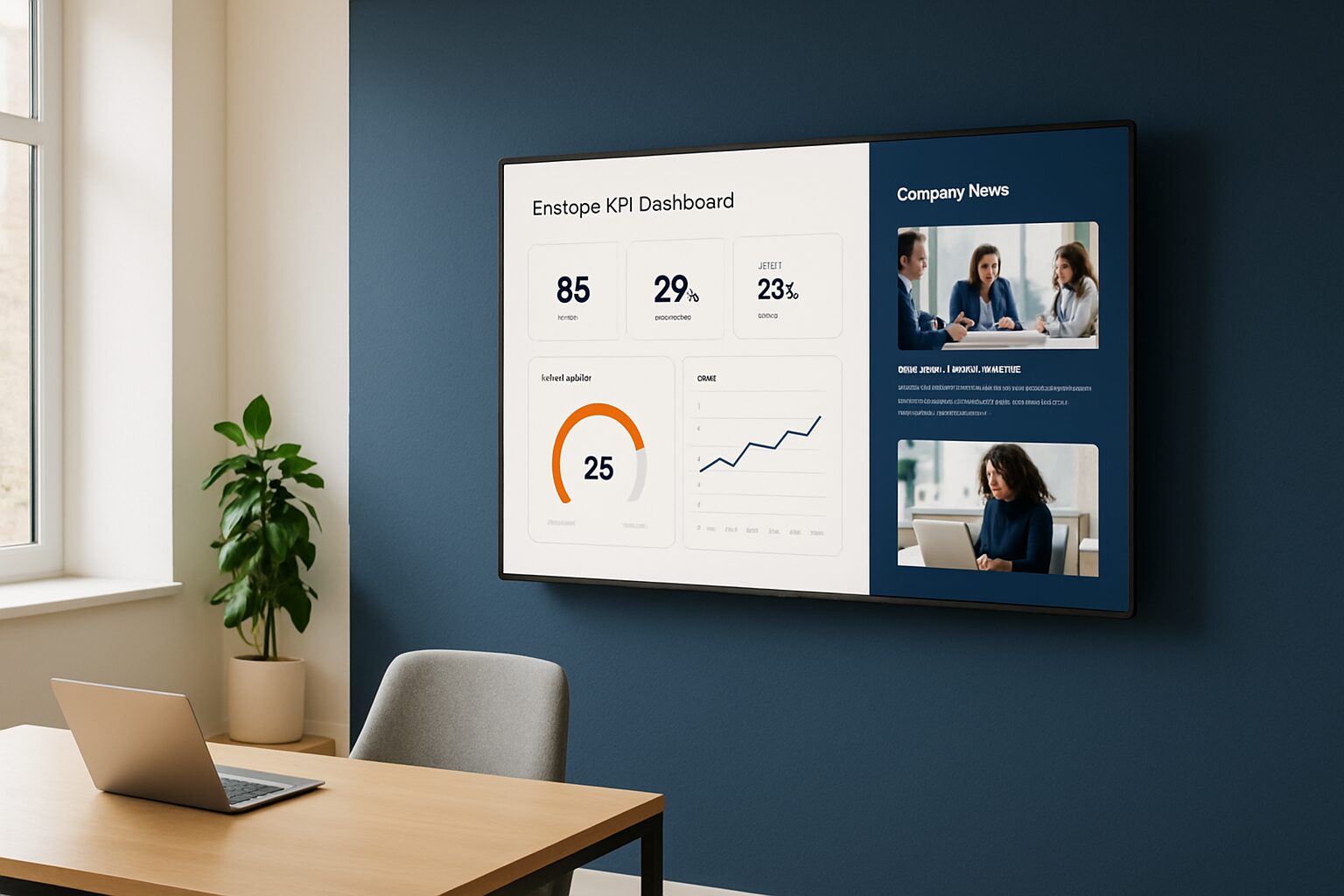
Internal communication via office screens — also known as narrowcasting or digital signage — is the targeted display of company information on displays placed at strategic points in an office or commercial building. Think of staff messages, schedules, KPI dashboards, safety instructions and culture messages. The channel reaches employees passively, without them having to open an email or visit the intranet.
In short
- Office screens reach employees you can barely reach via email or intranet — especially on the shop floor, in the canteen or by the lift.
- Effective internal screen communication requires a content strategy: the right message, on the right screen, at the right time.
- Use screens for at least three purpose areas: informing (news, agenda), operational steering (KPIs, rotas) and reinforcing culture (successes, values).
- Link your screens to existing systems such as HR software or SharePoint to avoid double entry.
- Start with one or two screens in high-traffic locations; then scale up based on reach and feedback.
Why email and noticeboards fall short
The average office employee receives dozens of emails per day. Internal messages about business results, safety instructions or announcements disappear in that flow. A notice board with a yellowed memo only reaches those who actively walk past it.
Screens in central locations reach employees you often cannot reach by email — such as people on the shop floor or in the production area. You show only relevant information per location, instead of one general message for everyone. Current content such as schedules, news and KPIs can be managed centrally and updated automatically via integrations.
For a retail chain with multiple branches, this means concretely: one change in the HR system appears immediately on all screens, without a branch manager having to pass anything on manually.
The three pillars of effective screen communication
Successful internal screen communication rests on three pillars: informing, operational guidance and strengthening culture. Each pillar requires different content and a different pace.
1. Inform
This is about company news, announcements, events and HR updates. Plan motivational content for the start of the shift and practical updates during breaks. Change the content at least weekly to keep attention.
2. Operational management
KPI dashboards, occupancy overviews and rota changes belong in this category. Links with ERP or HR systems eliminate manual work: rota changes made in the HR system appear automatically on the screens. Production figures can be shown in real time to motivate teams.
3. Strengthen culture
Show company values, congratulate employees on anniversaries or achievements, and make successes visible. This increases pride and a sense of togetherness — especially valuable in hybrid working environments where employees are not in the office every day.
Content planning: the key to lasting attention
A screen that shows the same slide for weeks becomes invisible. Content planning prevents this. Set up a playback schedule per screen that matches the walking routes and dwell times of staff.
A concrete example for a retail chain in Amsterdam:
- 07:30–09:00 — daily agenda, previous day's opening statistics, weekly safety point
- 12:00–13:00 — Company news, internal vacancies, team congratulations
- 16:30–18:00 — Daily results, announcements for the next day
A QR code on the screen can link to a quiz, training video or Wi-Fi update on the intranet. In this way you combine push and pull communication: you inform and invite engagement.
Screen locations: what placement works
The position of a screen largely determines its reach. Avoid places with lots of distraction or where people are in a hurry. Choose locations where staff pause or wait for a moment.
| Location | Suitable for | Dwell time |
|---|---|---|
| Entrance / foyer | Welcome messages, daily agenda | 15–30 sec |
| Canteen / break room | Company news, culture content, KPIs | 5–15 min |
| By lift or stairs | Short notices, safety reminders | 10–20 sec |
| Meeting room corridor | Space occupancy, calendars | 30–60 sec |
| Workshop floor / production | Schedules, operational dashboards | Ongoing |
For a mid-sized retail chain with a back office in Rotterdam or Utrecht, the canteen is the most effective starting point: high footfall, longer dwell time and a mix of employees from different departments.
Safety and health and safety: screens as a legal aid
Digital screens are a practical channel for safety instructions in the workplace. The The Working Conditions Act requires employers to inform employees about safety measures and risks. A screen near a warehouse or production area can continuously show safety instructions, first aid information and evacuation procedures.
In an emergency, you switch all screens in the building immediately to an emergency message. That is faster than a public address system and more visible than an email. If needed, combine screens with speakers for maximum coverage.
Note: the Working Conditions Act sets requirements for the workplace and the contrast between screen and surroundings. Make sure information displays do not cause bothersome glare or reflections on adjacent workstations.
Choosing hardware: which screen suits which situation?
Not every screen is suitable for every location. Brightness (cd/m²) and size determine the choice — not the other way round.
| Situation | Recommended hardware | Indicative investment (Q2 2026) |
|---|---|---|
| Canteen / meeting corridor | Fixed display, 400 cd/m² | From current price on request (21,5") |
| Reception with touch function | PixioKiosk 32" | current price on request buy / current price on request p.m. lease |
| Flexible use (events, pop-ups) | PixioDisplay Mobile 43" | current price on request buy / current price on request p.m. lease |
| Permanent floor stand | PixioDisplay Luxe 49" | current price on request buy / current price on request p.m. lease |
| Temporary use (staff event) | Display rental | From current price on request p.d. (2 days, 43") |
All PixioDisplays run on an integrated Android computer (Android 13/14). You do not need a separate media player or laptop — a saving of current price on request per screen compared with consumer solutions. You play content via USB, a website URL or the PixioApp.
For temporary use — think of a staff event or a quarterly meeting — hiring is the smartest choice. The PixioDisplay Mobile 43" is available from current price on request per day (for 3 days) and does not require a fixed power point if you choose the battery variant.
Three Dutch examples
1. ALDI Netherlands — staff event
ALDI Nederland used a PixioDisplay video wall during a staff event to inform and activate employees. The video wall created a professional appearance and made it possible to show real-time content to a large audience. More details can be found in the reference case on pixiodisplay.com.
2. Retail chain with multiple branches in the Randstad
A medium-sized chain with branches in Utrecht, The Hague and Eindhoven installed one screen per location in the staff room. Schedule changes from the HR system appear automatically on the screen, without branch managers having to forward anything manually. This shortened the communication cycle from an average of 24 hours to immediate display.
3. Logistics company in Rotterdam
A logistics company in Rotterdam installed screens at the warehouse entrance and in the canteen. The warehouse screens continuously show safety instructions and occupancy figures. In the canteen, company news and team results appear. The combination of operational and cultural content led to fewer questions to the team leader about schedules and procedures.
Integration with existing systems
A screen disconnected from your business systems requires manual updates. That takes time and leads to outdated content. Therefore connect your screens to:
- HR software — schedules, leave requests, internal vacancies
- SharePoint or intranet — organisational news appears immediately without duplicate entry
- ERP systems — production figures, sales targets, KPI dashboards
- Outlook calendar — meeting room occupancy, see also Meeting room displays: from Outlook to free/busy indication
With a good content management system, you can precisely determine who can adjust the content on which screen. The canteen manager controls the weekly menu; HR manages staff messages; the board manages the KPI slides. This keeps content up to date without one person having to coordinate everything.
Conclusion: start small, scale up in a focused way
Start with one screen in the busiest location in your building — the canteen or the entrance. Set up a content strategy for three categories: informing, operational guidance and culture. Connect the screen to at least one existing system to eliminate manual updates. After three months, evaluate which content has the most impact and only then scale up.
If you choose a fixed installation, the PixioKiosk as a digital information column a complete solution with integrated Android computer, touchscreen and content connection — without separate hardware or subscription obligations for a media player.
Frequently asked questions
What is the difference between narrowcasting and digital signage for internal communication?
Narrowcasting is a specific application of digital signage in which you show content targeted at a particular audience at a particular location. For internal communication, that audience is your employees. Digital signage is the broader term for all forms of digital screen communication. In practice, the terms are used interchangeably.
How often should I refresh the content on my office screens?
Change content at least weekly to prevent staff from ignoring the screen. Operational information such as rotas and KPIs should ideally be updated in real time via a system link. Culture content and company news can be refreshed weekly or fortnightly.
What screen size is suitable for a staff room or canteen?
For a canteen or staff area, a 43" to 55" display with a brightness of around 400 cd/m² is sufficient. Larger spaces require a larger format or multiple screens. The PixioDisplay Mobile (43") and PixioDisplay Luxe (49") are both suitable and available from €1.795 and €2.395 respectively (price list Q2 2026).
Can I connect an office screen to our HR system or SharePoint?
Yes. Modern digital signage solutions support links with HR software, ERP systems and SharePoint. Roster changes or intranet messages then appear automatically on the screen without manual input. This saves time and prevents outdated content.
Is it mandatory to show safety instructions on screens?
There is no legal requirement to use screens specifically for safety instructions. The Working Conditions Act does, however, require employers to inform employees about safety measures and risks. Digital screens are an effective way to do this continuously and visibly, especially in warehouses and production environments.
What does an office screen for internal communication cost?
An entry model such as the PixioKiosk 21,5" costs €1.395 (purchase) or €31 per month (lease, 60 months). A larger floor-standing model such as the PixioDisplay Luxe 49" costs €2.395 or €54 per month. Temporary rental is also possible from €105 per day. All prices are from the price list Q2 2026.
How do I stop staff from ignoring the screens?
Make sure there is variety in content and link the message to the moment: operational information in the morning, culture content during lunch, day results at the end of the day. Involve employees actively through polls or interactive elements. Outdated or irrelevant content is the biggest cause of screen blindness.
Do I need a separate media player for an office screen?
Not with PixioDisplays. All models have a built-in integrated Android computer (Android 13/14). You do not need a separate media player or laptop, which saves €80–€300 per screen compared with consumer solutions. You play content via USB, website URL or the PixioApp.
Where in the office should I place the first screen?
Start with the location where most employees pass by and stop briefly every day: the canteen or staff room. This is where dwell time is longest and you reach the most people. Then scale out to the entrance, meeting corridors or the work floor based on your communication goals.
Can I also hire a screen temporarily for a staff event?
Yes. Pixio Display offers day hire. The PixioDisplay Mobiel 43" is available from €105 per day (for 3 days) and the PixioDisplay Luxe 49" from €160 per day. For a staff event such as ALDI Nederland organised, a video wall or several separate screens is also possible. See the hire options on the display rental page.