
Knowledge and advice
Reception display and employee wellbeing: impact on stress and experience
How does a reception display affect employees' stress levels and experience? Research data, concrete examples and practical advice for office environments.
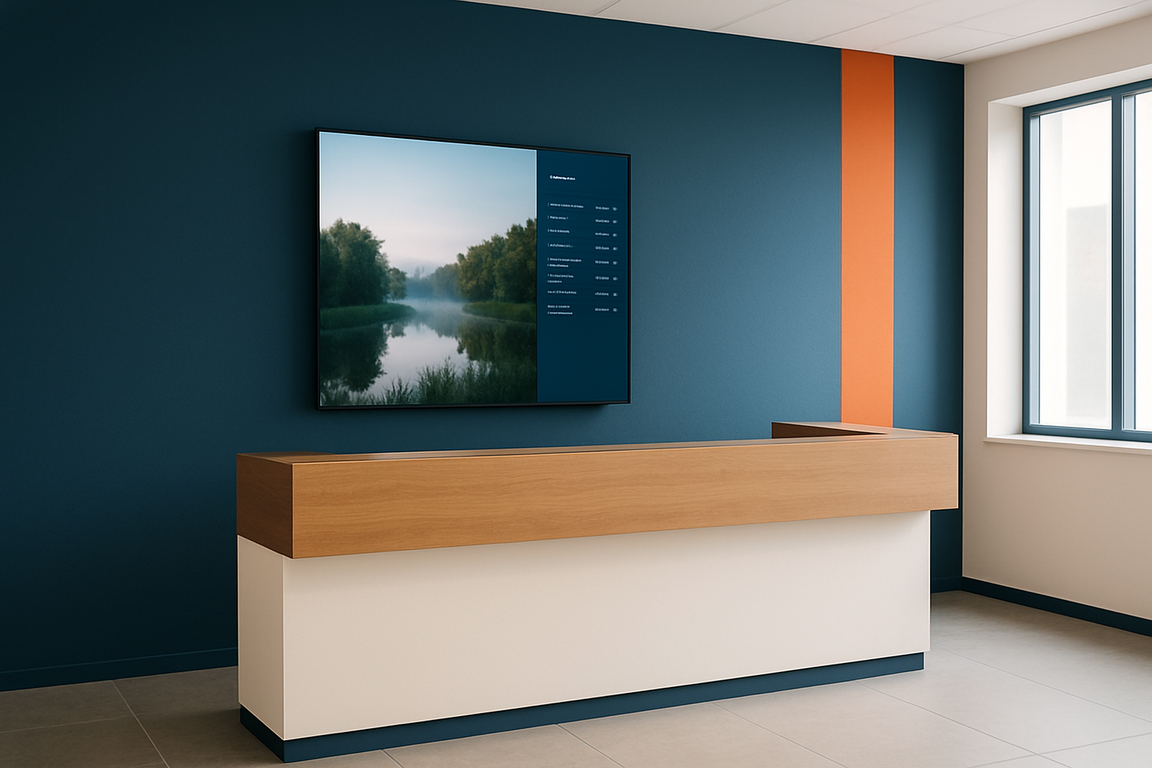
A reception display affects employees' stress levels and work experience through three measurable mechanisms: reducing information uncertainty, showing calming or nature-inspired imagery, and visibly recognising team performance. Offices that combine these three elements in their digital signage strategy report lower perceived workload and higher employee satisfaction — even without major changes to the physical environment.
In short
- According to TNO/CBS data (NEA 2023), 19% of Dutch employees experience burnout complaints — a direct reason to actively use the office environment as a stress buffer.
- Unclear or missing information increases cognitive load for staff; a clear reception display reduces that load immediately.
- Looking at a natural landscape for five minutes measurably reduces cortisol levels (stress hormone) — even via a screen.
- Visible recognition of team performance on a display strengthens the sense of belonging and reduces emotional strain in the workplace.
- Start with content strategy before choosing hardware: what you show determines the wellbeing effect, not just the screen size.
Why work-related stress is an office issue
According to the TNO factsheet Work stress 2024 19% of Dutch employees suffer from burnout symptoms — that is 1,6 million people. Work stress is the number one occupational disease in the Netherlands. The costs of absenteeism for employers run into billions of euros per year.
The causes are not only workload or high job demands. Environmental factors — noise, unclear communication, lack of control over one's own situation — demonstrably intensify the stress response. That makes the physical office environment, including reception, a relevant lever for wellbeing policy.
Office managers such as Mark, responsible for the setup and experience of the workspace, face a practical question: which changes have an effect without large budgets or renovations? A reception display is one of the most direct interventions — visible to everyone entering or passing the building.
How a display reduces cognitive load
Cognitive load arises when employees or visitors have to actively search for information: where is meeting room B? Is the receptionist available? Has the meeting already started? Every unanswered question costs mental energy and increases background tension.
A reception display with current information — room occupancy status, day programme, directions — proactively answers those questions. Employees do not have to search or ask. That may sound trivial, but the cumulative relief over a working day is measurable.
The knowledge base article Digital wayfinding in offices describes how navigation via displays reduces walking time and search time in larger office buildings with multiple floors. Less searching means less interrupted concentration — and that has a direct effect on stress levels.
The same applies to the reception staff themselves. A digital reception that lets visitors check in independently via a touchscreen, reduces workload at peak times. The PixioKiosk is available in 21,5", 32", 43" and 49" and has an integrated Android computer that controls content via USB, a website URL or the PixioApp. That keeps the barrier to implementation low: no separate server, no IT department needed for day-to-day management.
The science behind calming images on a screen
Biophilic design — integrating natural elements into the workplace — has in recent years developed into a scientifically supported strategy. Research shows that just five minutes looking at a natural landscape can reduce cortisol levels by 16% and increase feelings of satisfaction by 15%. Cortisol is the primary stress hormone.
What is interesting for office environments: this effect also occurs with photos and videos of nature, not just with real plants or windows with a view. Research shows that a view of nature — even through photos or a view of trees — improves concentration and reduces mental fatigue.
A reception display that shows calming imagery between information blocks — a time-lapse of a forest, a calm water surface, seasonal scenes — applies this principle without renovation. The content rotation determines the effect. Chaotic, busy images or flashing animations have the opposite effect: bright, chaotic images create tension, while thoughtfully designed signage conveys calm and order.
Recognition and connection through the screen
A third mechanism is social in nature. Digital signage offers a platform to make team performance, milestones and employee contributions visible. Whether it concerns a project result, an anniversary or a successful collaboration — visible recognition strengthens the sense of connectedness.
That is relevant because lack of recognition is one of the five main causes of burnout, alongside unfair treatment, excessive workload, unclear communication and unreasonable time pressure. A display in the reception area or by the coffee corner that regularly shows team achievements addresses that cause in an accessible way.
For larger gatherings, the same principle works at scale. ALDI Netherlands set up a PixioDisplay video wall during a staff event to inform and engage employees. A video wall is not necessary in every office environment, but the principle — making employees visible and involved through the screen — scales down to a single reception display.
Three concrete examples from Dutch practice
Example 1 — Municipality of Amsterdam, City Counter:
A city office receives hundreds of visitors every day with a wide range of questions. Without clear queue information, tension in the waiting area rises quickly. A reception display with current waiting times, informative content about available services and calming images between the information blocks reduces perceived waiting time. Staff behind the counter experience less aggression and impatience from visitors — a direct welfare gain.
Example 2 — Healthcare institution Utrecht:
In healthcare, work stress is above average. In sectors such as healthcare and social care, 27,3% of employees experience high or very high work stress. A waiting room screen at reception that proactively informs patients about waiting times and procedures reduces the number of questions at the desk. That gives nurses and receptionists more room for substantive work. The knowledge base article Waiting room screens in healthcare describes this mechanism in detail.
Example 3 — Technology company Eindhoven, hybrid office:
In an office with hybrid working, employees in the office often do not know who is present that day or which rooms are occupied. A reception display with a live overview of attendance and room occupancy — linked to the booking system — reduces the time spent searching and the feeling of disorientation. That sense of overview and control is a proven buffer against stress.
Comparison: content strategies and their wellbeing effect
| Content type | Primary effect | Recommended frequency | Suitable for |
|---|---|---|---|
| Nature and calm images (video/photo) | Cortisol reduction, mental calm | Continuously or as a screensaver | Reception, waiting room, canteen |
| Daily programme and room occupancy | Cognitive relief | Real-time update | Reception, corridor by meeting rooms |
| Team performance and recognition | Connection, motivation | Refresh weekly | Reception, coffee corner |
| Wellbeing tips and self-care information | Awareness, prevention | Change daily | Canteen, corridor |
| News and external information | Engagement, context | Real-time feed | Reception, waiting area |
When in doubt, choose nature and calm scenes as the default screen filler. They do not require daily management and have the most direct physiological effect on stress levels.
Hardware choice: what affects the experience?
The wellbeing impact of a display depends on the display quality. A screen with too low brightness that is barely readable in backlight creates frustration instead of calm. In an office, a brightness of ±400 cd/m² is sufficient — as offered by the PixioDisplay Mobile (43″, 60×150 cm, 400 cd/m²). That is enough for a reception area with normal lighting.
Size affects the feel of the space. A 49″ touchscreen such as the PixioDisplay Luxe (67×185 cm) gives a reception area a representative look and offers enough space for several content layers at once — information, images and recognition — without the screen feeling overwhelming.
Touchscreen functionality adds an extra dimension: visitors and staff can request information themselves, which strengthens the sense of autonomy and control. Autonomy is a proven protective factor against work stress. View the PixioKiosk product page for the available sizes and configurations, or ask for the price list for a budget estimate.
Implementation advice: start here
Start with content, not hardware. First determine which wellbeing problem you want to address: is it cognitive overload caused by a lack of information, a lack of recognition, or too much pressure at the reception desk? That choice determines the content strategy, and the content strategy determines the hardware requirements.
A practical sequence:
- Inventory the three biggest sources of stress-related information for employees and visitors at reception (ask the receptionist).
- Create a content mix based on the table above — at least one type per wellbeing mechanism.
- Choose hardware that fits the space and intended use: size, brightness, touchscreen or not.
- Schedule an evaluation moment after six weeks: ask staff whether the need for information has decreased and whether the atmosphere at reception has changed.
- Iterate the content based on that feedback — not set once and forgotten.
A reception display is not a solution for structural workload or organisational problems. It is an environmental intervention that reduces daily stress load and improves the experience of the workplace. That is a meaningful contribution — especially when you consider that 19% of Dutch employees already experience burn-out symptoms and every preventive measure counts.
Would you like to know which display best suits your reception area? Visit the showroom in Montfoort for a bespoke demonstration, or read the article Digital reception and welcome screen for a complete overview of functions and applications.
Frequently asked questions
Does a reception display really affect employees' stress levels?
Yes, through three demonstrable mechanisms: reducing information ambiguity (cognitive relief), showing calming images (cortisol reduction) and visibly recognising team performance (sense of connection). Each of these effects is scientifically supported, even if modest in size. The combination of all three has the greatest effect.
Which content works best for wellbeing on a reception display?
Nature and calm scenes have the most direct physiological effect: just five minutes of viewing a natural landscape measurably lowers cortisol levels. Combine that with current room and day programme information for cognitive relief, and with team messages for social connectedness. Avoid chaotic animations or bright flashing content — they have the opposite effect.
What is the difference between a reception display for visitors and one for staff?
A visitor-oriented display focuses on reception, routing and waiting-time information. An employee-oriented display focuses on daily schedules, team performance and wellbeing communication. In reception, you serve both groups at the same time. Smart content rotation alternates between both target groups, so the screen remains relevant for everyone.
Should I choose a touchscreen for a reception display?
Not necessarily, but touch adds a sense of autonomy and control — a proven protective factor against stress. Visitors and staff can request information themselves without having to speak to reception. For busy receptions or offices with self-service check-in, a touchscreen such as the PixioKiosk is a logical choice.
What screen size is suitable for a reception desk?
For an average reception area, a 43" screen is sufficient. If you want to show multiple content layers at once — information, images and team messages — then a 49" screen gives more space without being overwhelming. Brightness is less critical indoors than outdoors: ±400 cd/m² is sufficient for normal office lighting.
How often should I refresh the content on a reception display?
Nature and calm visuals can run continuously without adjustment. Room and daily programme information should ideally be updated in real time or daily. Team performance and wellbeing tips should be refreshed weekly. Static content that remains unchanged for weeks quickly loses its effect — staff and visitors stop looking at it.
What does a reception display for an office cost?
Pixio Display does not publish fixed prices in the knowledge base. Request the current price list via /prijslijst/ or visit the showroom in Montfoort for a bespoke consultation. The total investment depends on size, touchscreen functionality and the chosen content solution.
Can a reception display also help with visitor registration and privacy?
Yes. A touchscreen kiosk in reception can digitise visitor registration, which both reduces the workload at the reception desk and streamlines privacy registration. Read the article on visitor registration and AVG/GDPR for the legal framework that applies.
Is a reception display also suitable for hybrid offices?
Certainly. In hybrid offices, staff on site often do not know who is present or which rooms are available. A display with live occupancy information gives immediate oversight and reduces the feeling of disorientation. That sense of control and overview is a proven protective factor against work stress.
How do I measure whether a reception display really contributes to less stress?
Ask employees and receptionists after six weeks whether the information demand has decreased and whether the atmosphere at reception has changed. Also monitor indirectly via sickness absence and the number of questions the receptionist answers per day. A drop in that last indicator points to successful cognitive relief via the display.