
Knowledge and advice
Dynamic price display in shops: regulations and technical implementation
What is legally allowed for dynamic price displays in Dutch and Belgian shops? Read the rules, pitfalls and technical approach in one place.
Dynamic price display in shops: regulations and technical implementation in the Netherlands and Belgium
Dynamic price display means that a shop automatically adjusts prices based on time, demand or stock — and shows those prices via digital screens. In the Netherlands and Belgium this is permitted, provided the displayed price always includes VAT, is clearly readable and, in the case of discounts, complies with the 30-day rule from the Decision on product price display. Personalised prices also require an explicit notice to the consumer. Anyone who ignores these rules risks enforcement by the ACM or the Belgian FPS Economy.
What does the law say: the basic obligations
In both countries the same principle applies: any price you show to consumers must be unambiguous. Products in shops must have a price indication; the price (including VAT) may be shown on the product itself or on the shelf. For a digital screen, the same logic applies: the price must be clearly attributable to the product.
In Belgium, the Code of Economic Law stipulates that the total price of the goods put up for sale must always be stated in writing and unambiguously. If your digital screen shows a different price from your till system, then in Belgium you are obliged to sell the product at the lower of the two prices — and risk fines. Synchronisation between screen and till is therefore not optional, but a legal requirement.
For packaged products in the Netherlands, there is also an obligation to state the price per unit of measure (per kilo, litre or metre). A dynamic screen that only shows the total price then does not fully comply.
The 30-day rule: how does it work with dynamic pricing?
The most relevant rule for dynamic price display is the reference price rule. If you give a discount on a previously used price, you must use the lowest price in the past 30 days as the previous price for your offer. This applies both online and offline, so just as much for physical shops.
In the Netherlands, this rule came into force on 1 January 2023 as part of the EU directive on the modernisation of consumer protection. Failure to comply with it can be an unfair commercial practice; the ACM can take enforcement action, with a possible fine as a result. In June 2024 the ACM had already imposed fines totalling current price on request to five webshops for the use of fake offers — a clear sign that enforcement is serious.
In Belgium, the same principles apply via the Code of Economic Law (arts. VI.18-19 CEL). When an undertaking announces a price reduction, it must do so in relation to the lowest price the product has had in the thirty days preceding the price reduction. Important detail for chains: an organisation with shops in different locations and an online shop will need to do this exercise for each shop separately.
One practical rule of thumb: if you are not showing an explicit from/for comparison but only a current price or a text such as "SALE" or "today 10% off", then the 30-day rule applies less strictly. Actions where no measurable price reduction is mentioned, such as "promotion", "lowest price" and "SALE", remain perfectly possible. But even then: deception is prohibited.
Personalised pricing and the GDPR
Dynamic prices are not the same as personalised prices. Dynamic pricing refers to a pricing strategy in which companies continuously adjust their prices based on factors such as demand, supply, competition and time of day. That is allowed. Personalised prices — where an individual consumer sees a different price based on their profile — are legally more sensitive.
The EU directive states that consumers must be informed if the price is personalised by means of automated decision-making. In a physical shop environment you rarely encounter this scenario: a screen usually shows one price to all passers-by. However, once you connect it to a loyalty app or customer card that processes personal data, GDPR applies.
If you process personal data, you must also comply with the General Data Protection Regulation (GDPR); the Dutch Data Protection Authority supervises this. Specifically: if you personalise your prices based on customer data, clearly inform consumers that you are doing this. If you do not, you risk not only an ACM fine but also a GDPR sanction.
For most retail applications — a digital sidewalk sign showing breakfast prices in the morning and lunch prices in the afternoon — there is no processing of personal data and the GDPR obligations do not apply.
Technical execution: what do you need?
Dynamic price display requires three components: a screen that runs continuously, software that applies price changes, and a link to your price database or POS system. How you set that up largely determines how flexible and compliant your system is.
Screen choice by location
| Location | Recommended type | Brightness | Example |
|---|---|---|---|
| Shop interior | Standard display | ±400 cd/m² | PixioDisplay Mobile (43") |
| Shop window (shade) | Window Shadow | 1.000 nits | PixioDisplay Window Shadow |
| Storefront (full sun) | Window Full Sun | 3.000 nits | PixioDisplay Window Full Sun |
| Outdoor (freestanding) | Outdoor display | 3.500 cd/m² | PixioDisplay Outdoor |
| Pavement/entrance | Digital pavement sign | 1.500–2.000 nits | PixioDisplay A-board |
Brightness is the key factor in price display: a screen of 400 cd/m² is fine indoors, but unreadable in direct sunlight. The PixioDisplay A-board runs on battery power (14–18 hours runtime, no power socket needed) and is available in 1.500 nits (current price on request) or 2.000 nits (current price on request) — price list Q2 2026.
Software and integration
All PixioDisplays run on an integrated Android computer (Android 13/14): you do not need a separate media player or laptop. You can control content via USB, a website URL or the PixioApp. For dynamic price display that synchronises automatically with your POS system, you need a CMS that supports REST API links or a direct link to your ERP. During implementation, always ask whether your CMS supplier keeps a price log: this is your proof in the event of an ACM inspection that you have complied with the 30-day rule.
Concrete example: a clothing shop with seasonal prices
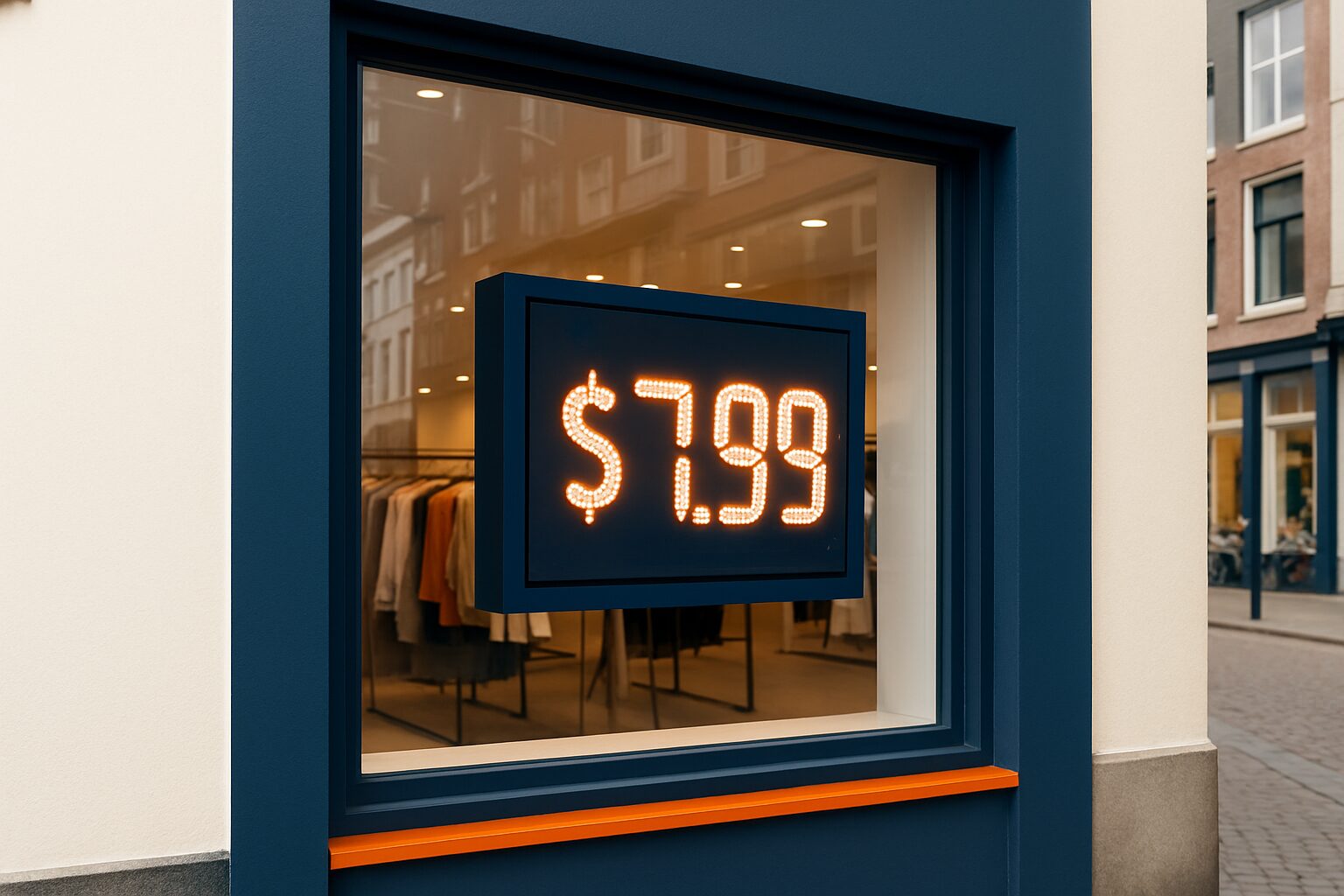
A fashion store hangs a PixioDisplay Window Full Sun in the shop window (43", 3.000 nits, from current price on request — price list Q2 2026). The CMS automatically shows the promotional price as soon as an item goes on sale. The was price is automatically retrieved from the POS system: always the lowest price of the past 30 days. This means the display complies with the Product Price Indication Decree without manual intervention. Dunkin' Donuts used a similar approach for their window displays with the PixioDisplay Window — see the reference case.
The five most common mistakes in dynamic price display
- Screen and cash register not synchronised. In Belgium you are then required to charge the lowest price. In the Netherlands this may be regarded as misleading.
- The starting price is not the lowest of 30 days. The ACM actively enforces; fines can run into hundreds of thousands of euros.
- No time stamp for temporary campaigns. Always make clear when a promotional price applies and when it expires.
- Personalisation without GDPR notice. If you link your prices to customer data, state this explicitly on the screen or in the app.
- Screen too dim for the location. An indoor display of 400 cd/m² in a sunny shop window is unreadable — and an unreadable price does not meet the legal readability requirement.
Conclusion: start with compliance, then build in flexibility
Choose dynamic price display if your prices change regularly — due to seasons, time of day or stock. First make sure your technical setup automatically enforces the 30-day rule via a link with your cash register system. Then add flexible content. This creates a system that is both legally robust and commercially effective.
Do you want to know which screen suits your retail location and which CMS offers the right integrations? See the application page for digital store displays or read the complete retail guide: Digital shop windows and retail displays: the complete retail guide.
Frequently asked questions
May I show different prices at different times of day in my shop?
Yes, that is allowed. Time-based prices — such as a lunch price or an evening discount — are permitted, provided the displayed price always includes VAT and is clearly legible. If you show a from/for comparison, the from price must be the lowest price of the past 30 days.
What happens if my digital screen shows a different price from the checkout?
In Belgium, you are legally required to sell the product at the lower of the two prices, and you risk fines. In the Netherlands, a price difference may be regarded by the ACM as a misleading commercial practice. Always synchronise your screen and till system in real time.
Does the 30-day rule also apply to my physical shop, or only online?
The 30-day rule applies to both online and offline sales channels. In the Netherlands, this is set out in the Product Price Indication Decree (in force from 1 January 2023). In Belgium, the same rules apply via the Economic Law Code (art. VI.18-19 WER, in force from 28 May 2022).
Do I need customers’ consent to show dynamic prices?
No, for general dynamic pricing (based on time or demand) you do not need permission. Only if you personalise prices based on individual customer data — such as via a loyalty app — must you inform consumers in accordance with the GDPR and consumer law.
Which screen do I need for displaying prices in a sunny shop window?
For a shop window in direct sunlight, you need at least 2.500–3.000 nits to keep the price readable. A standard indoor display of approx. 400 cd/m² is unsuitable for this. The PixioDisplay Window Full Sun (3.000 nits, 43–55", from € 1.780 — price list Q2 2026) is specifically designed for this application.