
Knowledge and advice
Digital signage for hospitality: menu boards, queues and promotions
Digital signage in hospitality: how to use digital menu boards, queue management and promotions intelligently. Concrete examples, costs and practical advice for restaurant and café owners.
Digital signage for hospitality: menu boards, queues and promotions
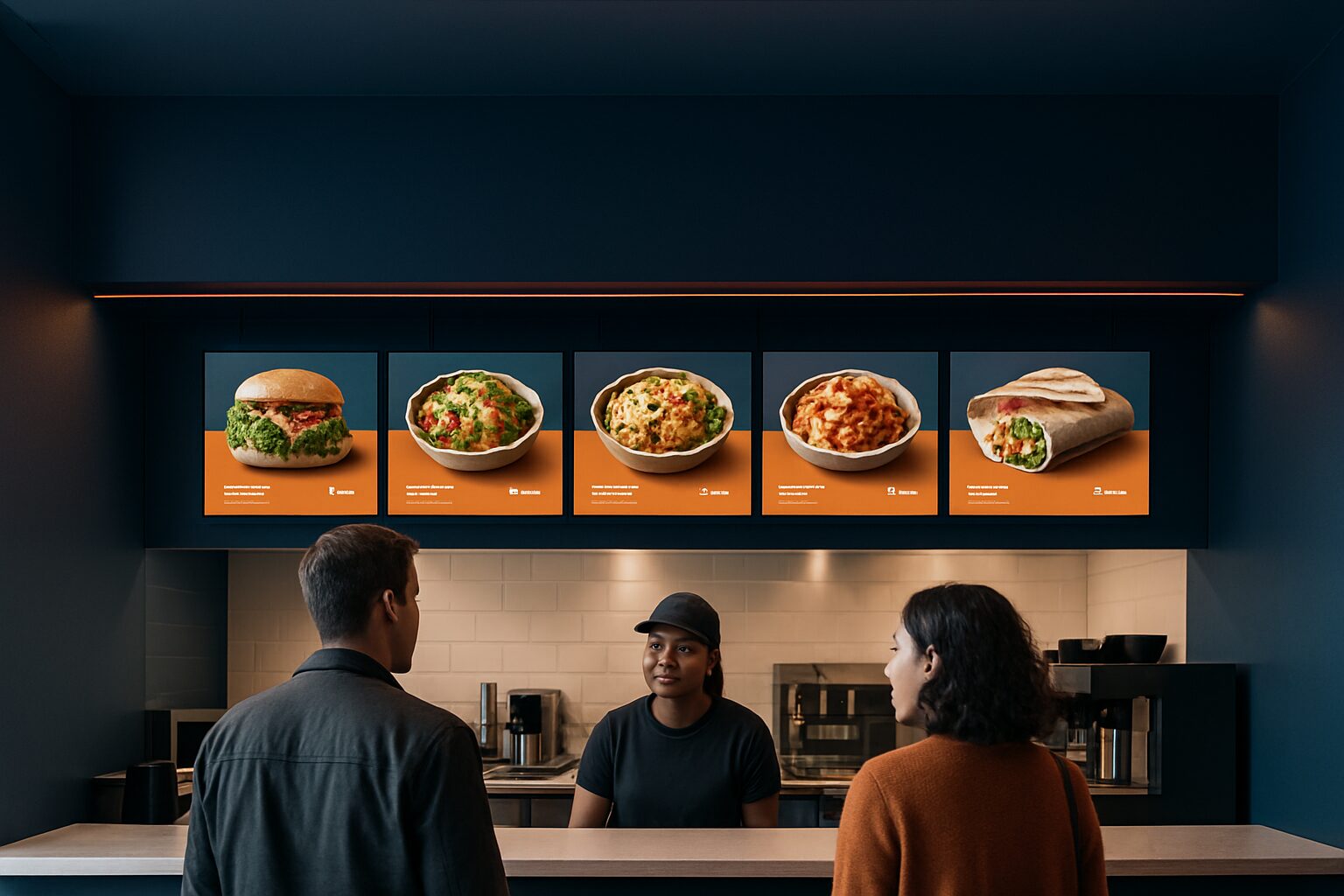
Digital signage in hospitality is the use of digital screens to inform, entice and guide guests — from the entrance to the till. In concrete terms, this means digital menus that you adjust by part of day, promotion screens that encourage upselling and information displays that make waiting times more pleasant. The result: lower print costs, faster decisions and a higher average spend per guest.
Why the paper menu has had its day
A printed menu has one major disadvantage: every change costs money and time. Seasonal dishes, daily prices, sold-out items — on paper, those adjustments are always too late or too expensive.
More than 40% of food professionals update the menu every season, research by the Dutch Kitchen Panel. With a digital menu board, you make that same adjustment in a few clicks, visible on all screens at once.
Digital menu boards replace printed menus and price lists. With the software, you can adjust a price, add a daily special or remove a sold-out dish in just a few clicks. Changes are visible immediately — even across multiple branches at once.
That not only saves printing costs. It also prevents the situation where a guest orders a dish that has been unavailable for three hours already.
Allergen information: digital complies with the law
Since 13 December 2014, as a catering operator you have been legally required to inform guests about the 14 allergenic substances on the basis of European Regulation 1169/2011. That applies to restaurants, lunchrooms and snack bars.
During routine inspections, the NVWA checks compliance with this allergens legislation. NVWA research showed that 65% of the 3.196 hospitality businesses examined did not meet the requirements — a high percentage with direct liability risks.
A digital screen solves this in practice. Allergen information may be made available in writing or electronically, and an information totem or menu board counts as electronic provision. You show for each dish which of the 14 allergens are present, always up to date and visible to both the guest and the NVWA inspector.
Are you starting with one screen at the till or entrance? Then you already have a working solution for your allergen duty.
Three concrete applications in hospitality
1. Digital menu board: automatic switching by time of day
A digital menu board shows the breakfast menu in the morning, the lunch menu around midday and the dinner menu in the evening — fully automatically and without staff having to do anything. Restaurants can automatically adjust menus and prices on the screens according to the time of day, for example breakfast offers, lunch deals or evening discounts on fresh daily products.
This is directly relevant for cafés with a changing offer or restaurants that run a separate daily special menu. You set the schedule once and the system does the rest.
2. Queues: turning experience into revenue
No one likes standing in a queue. But a screen full of entertainment or interesting information makes the wait more pleasant. Guests who are already thinking about their choice in the queue order faster and more often add something extra.
An interactive ordering kiosk goes one step further. Guests who order via a kiosk automatically see suggestions for sides, drinks or desserts. Research shows that guests spend on average 23% more when they place an order via an ordering kiosk or order kiosk — because they are interactively engaged with the offer and are more easily tempted by extra purchases.
The PixioKiosk offers a direct option for this: available as 21,5″ for current price on request or as 43″ for current price on request (price list Q2 2026). Leasing is possible from current price on request per month, so the investment can be cashflow neutral from the outset.
3. Promotions: the right offer at the right moment
A happy-hour offer that only becomes visible at 17:00 o'clock. A dessert promotion that appears once the main courses have been served. With digital signage, you plan this in advance — no manual swapping of signs, no missed promotions.
By showing targeted actions at the right time, restaurants can increase revenue. The right message can persuade guests to add a promotional item to their order. Cross- and upselling thus become an automated part of the service, not an extra task for staff.
Indoors or outdoors: which screen should you choose?
The location of the screen determines which type of display you need. Indoors, a brightness of approx. 400 cd/m² is sufficient. A terrace screen or shop-window display in the sun requires at least 1.000–3.000 nits — otherwise the image is unreadable in daylight.
| Location | Recommended brightness | Example Pixio model | Price (purchase) |
|---|---|---|---|
| Indoor screen (bar, till) | ±400 cd/m² | PixioDisplay Mobile 43″ | current price on request |
| Terrace / semi-outdoor | 1.000 nits | PixioDisplay Window Shadow 43″ | current price on request |
| Shop window / full sun | 3.000 nits | PixioDisplay Window Full Sun 43″ | from current price on request |
| Free-standing outdoor | 3.500 cd/m² | PixioDisplay Outdoor 49″ | current price on request |
All models mentioned run on an integrated Android computer (Android 13/14). You do not need a separate media player or laptop — content is loaded via USB, a website URL or the PixioApp. That saves current price on request per screen compared with systems where you have to buy a separate media player.
Do you want to use a screen for a terrace event or seasonal opening without a fixed installation? The PixioDisplay A-board runs on battery power (14–18 hours operating time) and does not need a power socket. Price: current price on request for the 1.500-nits version (price list Q2 2026).
Buy, lease or rent: what suits your situation?
The question hospitality businesses ask most often is: buy or rent? The arithmetic break-even point is around 8–10 usage days per year. If you use a screen structurally (open daily), buying or leasing is almost always more advantageous.
Leasing keeps the investment manageable: a PixioDisplay Mobile (43″ touchscreen) is already available for current price on request per month for 60 months (price list Q2 2026). That is comparable to the cost of one print run of a seasonal menu.
If you have a temporary need — think of a pop-up dinner, a terrace opening or an event — renting is the smartest choice. See the rental options and daily rates for an up-to-date overview.
When comparing quotations, watch out for hidden costs: transport, extended warranty and content management are missing from many quotations. An extended warranty to 2 years costs at Pixio Display current price on request depending on the model (price list Q2 2026) — an amount it is better to budget for in advance than to pay afterwards.
From first screen to working system: how to get started
Start with one screen in the most viewed spot: at the entrance, above the till or at the start of the queue. That is where guests’ attention is and where a digital board has the most effect.
Choose a commercial display, not a consumer TV. A regular television is built for around 300 nits and a few hours of use per day. A hospitality screen is on for hours every day and is designed for continuous use — you can see that difference in lifespan and image quality.
Content does not have to be complicated. Start with your menu in a clear layout, add allergen information and schedule one daily refresh. You can then expand step by step to promotions and upselling suggestions. Read more about content planning in our article digital signage content management: how do you plan and update campaigns efficiently?.
Would you like to see what different models look like in practice? In the showroom in Montfoort compare your screens side by side — including brightness, size and operation.
Frequently asked questions
May I show allergen information on a digital screen instead of on paper?
Yes. Under the Dutch Warenwetregeling allergeneninformatie niet-voorverpakte levensmiddelen, allergen information may be made available in writing or electronically. A digital screen or information column meets that requirement, provided the information is freely accessible, understandable and clearly readable for the guest.
How much does a digital menu board cost for a restaurant?
The entry price for a commercial indoor screen is around €1.395 for a 21,5" touchscreen kiosk or €1.795 for a 43" mobile display (price list Q2 2026). Leasing is possible from €31–€42 per month over 60 months. Compare that with the annual print costs of a paper menu: with seasonal changes, a digital screen quickly pays for itself.
Can I also use a digital screen outdoors on the terrace?
Yes, but then you need a screen with at least 1.000–3.000 nits brightness. A standard indoor display (±400 nits) is unreadable in daylight. The PixioDisplay Pavement Sign runs on a battery (14–18 hours) and does not need a power point, which is useful on a terrace without a fixed power supply.
How do I update the content on my hospitality screen?
All PixioDisplays run on an integrated Android computer. You upload content via USB, a website URL or the Pixio App — no separate media player or laptop needed. Daypart schedules are set once; after that, the system automatically switches between breakfast, lunch and dinner menus.
Is renting a good option for a temporary hospitality event?
Yes, certainly when used for fewer than 8–10 days per year, hiring is more cost-effective than buying. For a pop-up dinner or terrace opening, you can hire a screen for one day or several days. See the current daily rates on the hire page of Pixio Display.