
Knowledge and advice
Hospitality digital signage ROI: calculating and saving costs
Calculate the ROI of digital signage in your restaurant or café. Print costs, power consumption, revenue effect and payback period — everything in one overview for hospitality entrepreneurs.
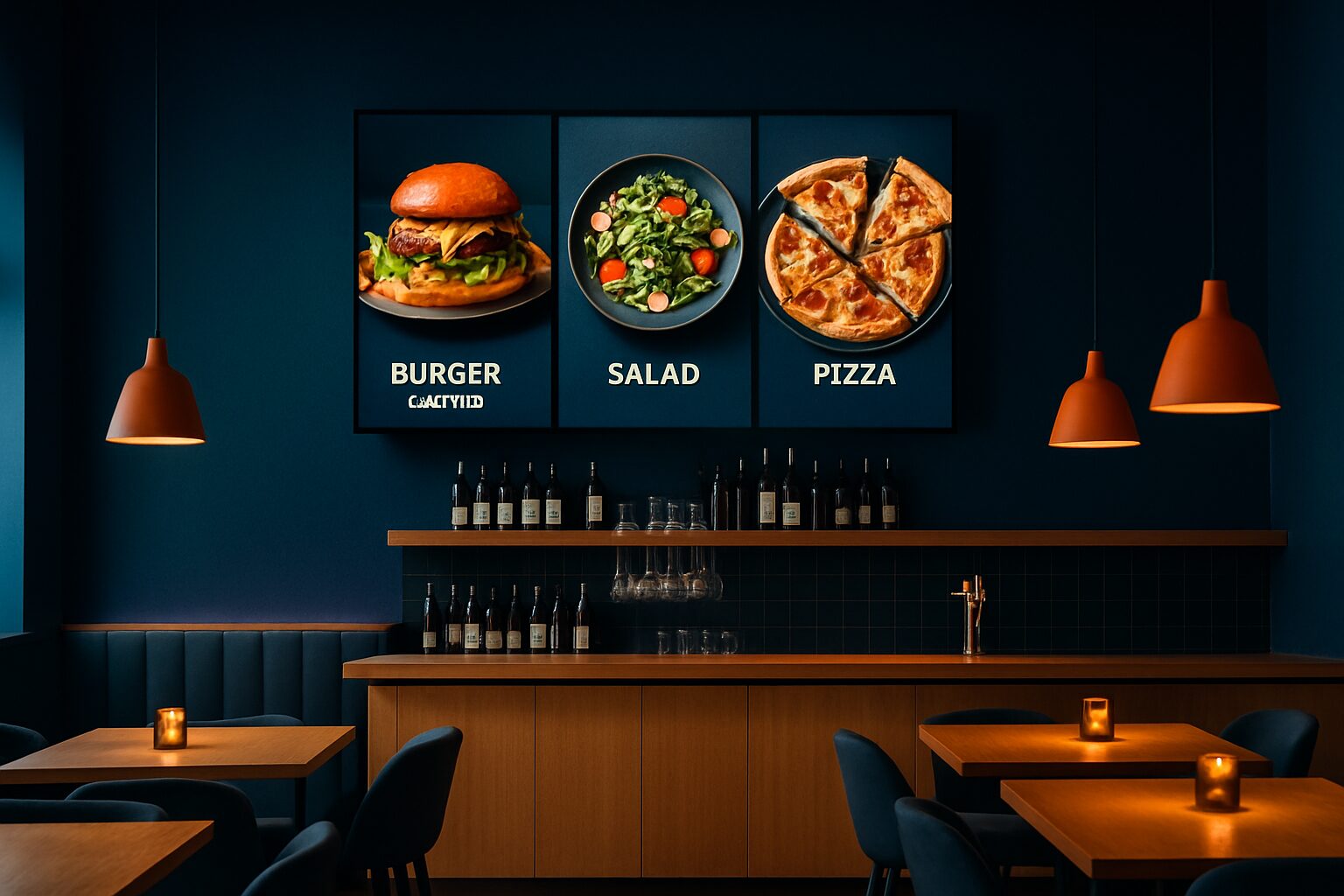
Hospitality digital signage delivers ROI through three measurable channels: it eliminates recurring print costs (average current price on request per year for menus), increases average order value through targeted upselling, and saves staff time on manual menu changes. Research shows a revenue increase of 3–12% after introducing digital menu boards, with featured items selling up to 15–25% more. The break-even point for a single-site operator is typically between 9 and 18 months.
In short
- Restaurants spend an average current price on request per year reprinting menus — with one digital screen, those costs disappear completely.
- Digital menu boards increase impulse purchases by an average of 29% through moving images and product photos.
- You buy a PixioDisplay Mobiel 43" at current price on request (price list Q2 2026); leasing is possible from current price on request per month.
- The PixioDisplay Pavement Sign runs on battery power (14–18 hours), needs no power socket and is suitable for terraces and entrances.
- The payback period depends on your turnover and upselling activity, but is typically between 9 and 18 months.
Why the ROI calculation works differently for hospitality
For most investments, you offset one cost item against one return. With digital signage in hospitality, at least four variables play a role at the same time: reduced printing costs, higher average spend, saved staff time and the screen's own energy use. Anyone looking only at the purchase price misses the full picture. So always start your ROI calculation with the four components below — and fill them in with your own figures.
The four cost items you recoup
1. Menu card printing costs
Changing a paper menu means redesigning, printing and distributing it again. That takes time and money, especially for restaurants with seasonal offerings or changing daily specials. Restaurants spend an average of current price on request per year reprinting menus. With a digital screen, those costs disappear entirely.
Add design and distribution costs to that. If you reprint four times a year, you pay for design, print and distribution each time. Over five years, that adds up to current price on request — more than the purchase price of a screen.
2. Staff time on manual updates
Updating chalkboards, swapping laminates, making handwritten day cards: small tasks that add up. With a digital menu board you change content via your phone or laptop — even remotely, even during service. That operational saving speeds up payback.
Estimate your own situation: how many minutes per day are spent on this kind of task? At an hourly rate of current price on request and 20 minutes per day, you end up at well over current price on request per year. That is a concrete saving you can include directly in the ROI calculation.
3. Revenue effect through upselling
The mechanism behind revenue growth via digital menus is upselling — tempting guests into an extra course, a better wine or a dessert they would otherwise not have considered. Digital menu boards increase impulse purchases by an average of 29%, because moving images and high-quality product photos trigger different decision-making processes.
The menu determines what guests order — and therefore what you earn. Yet 40% of Dutch hospitality operators never adjust their menu based on sales data. That is a missed opportunity, because the menu is the only marketing tool every guest sees. A digital screen gives you full control over what guests see first: you place high-margin dishes in the most-viewed position, switch the lunch menu to a dinner menu automatically and remove sold-out items without manual intervention.
4. Power consumption of the screen
A commercial display of 43" typically uses 60–100 watts. At 14 opening hours per day and an electricity rate of current price on request per kWh, that costs current price on request per month. That is a manageable cost — especially compared with the savings on print and the increase in revenue.
Important distinction: a consumer TV (±300 nits) is not designed for continuous use in a hospitality environment. Commercial displays are. They last longer, have higher brightness and are resistant to the heat and dust of a busy kitchen environment. More details about the energy consumption of displays can be found in the article Energy consumption of digital displays in hospitality: calculation and savings.
ROI example: a café in Utrecht
Suppose: you run a café in Utrecht with a daily turnover of current price on request You reprint your menu three times a year (current price on request total). You spend 15 minutes a day on manual updates (current price on request per year at current price on request/hour). You install one digital screen for current price on request (PixioDisplay Mobile 43", price list Q2 2026).
| Cost item / revenue | Year 1 | Year 2 |
|---|---|---|
| Display purchase | -current price on request | — |
| Avoided printing costs | + current price on request | + current price on request |
| Saving staff time | + current price on request | + current price on request |
| Sales uplift 3% (current price on request × 365 × 3%) | + current price on request | + current price on request |
| Screen energy costs (14 hours/day) | -current price on request | -current price on request |
| Net result | + current price on request | + current price on request |
In this example, you recoup the cost of the screen in the first year already. The actual increase in revenue depends on how actively you manage the content — daily adjustments to time of day and offer yield more than a static digital menu.
Buy, lease or rent: what suits your situation?
Not every hospitality entrepreneur wants to invest straight away. Pixio offers three financing forms:
| Option | Benefit | Disadvantage | Best choice when |
|---|---|---|---|
| Buy | Lowest total costs, no monthly charges after repayment | High initial investment | Fixed location, long-term use |
| Lease | Low monthly cost (e.g. current price on request/mth for 43"), tax deductible | Higher total costs over 60 mths | Protecting cash flow, new business |
| Hire | No commitment, ideal for events | Most expensive per day | Pop-up, seasonal venue, trial period |
The PixioDisplay Luxe (49" touchscreen) you buy for current price on request or lease for current price on request per month (price list Q2 2026). For a terrace or entrance without a power socket, it is PixioDisplay A-board a practical choice: it runs on battery with a runtime of 14–18 hours and is available in 1.500 or 2.000 nits for use in sunlight.
Want to try first? Via display hire you can hire a 43" display from current price on request per day (3 days, price list Q2 2026).
Three concrete examples from Dutch hospitality
Restaurant-café with daily menu in Amsterdam
A café that changed its daily special every day spent current price on request annually on reprints and laminating. After installing a wall-mounted screen, that item disappeared completely. The screen shows breakfast in the morning, the lunch menu in the afternoon and the dinner menu in the evening — automatically scheduled, without manual intervention.
Dunkin' Donuts: digital shop window posters
Dunkin' Donuts placing digital shop window posters with PixioDisplay Window. The result: promotions and seasonal products are now updated in real time without new print costs, and the shop window attracts more attention from passers-by than static posters. For a shop window in full sun, you need at least 3.000 nits — otherwise the image is unreadable in daylight.
Terrace bar in Rotterdam
A terrace bar in Rotterdam wanted to place a pavement sign at the entrance, but had no power socket on the terrace. The PixioDisplay A-board (43", 1.500 nits, current price on request when buying or current price on request per month when leasing) solved this: the battery keeps the screen active for 14–18 hours, more than enough for a full opening day.
Brightness and location: the spec that determines the price
Not the screen size, but the brightness (in nits or cd/m²) determines the price premium for digital displays. Indoors, on the counter or on the wall, a screen of around ±400 cd/m² is sufficient. Outdoors or in a sunny shop window, you need at least 1.000–3.000 nits.
| Location | Required brightness | Suitable Pixio model |
|---|---|---|
| Interior (bar, wall) | ±400 cd/m² | PixioDisplay Mobile 43" |
| Sunny shop window | 1.000–3.000 nits | PixioDisplay Window Shadow / Full Sun |
| Terrace, entrance (battery) | 1.500–2.000 nits | PixioDisplay A-board |
| Freestanding outdoor | 3.500 cd/m² | PixioDisplay Outdoor |
The PixioDisplay Outdoor (49", 3.500 cd/m²) is available from current price on request (price list Q2 2026) and suitable for wall mounting or free-standing use. Read more about the right size for your space in Display size for hospitality: which size fits your space?
No separate media player needed: what that saves
All PixioDisplays have an integrated Android computer (Android 13/14). You do not need a separate media player (current price elsewhere on request per screen) or laptop. You load content via USB, a website URL or the PixioApp. You make changes via your phone or laptop, even remotely.
This is relevant for the ROI calculation: with many other screens, in addition to the hardware you also pay for a media player and a monthly software subscription. Those items count towards the total costs over the term. Always compare the total cost of ownership, not just the purchase price.
View the full application page for hospitality for more configuration options, or request the current price list for an overview of all models and lease rates.
Conclusion: start with one screen, measure the effect
The ROI of digital signage in hospitality is measurable and achievable — provided you calculate the four components (printing costs, staff time, revenue effect, energy consumption) together. The most solid advice: start with one screen in the place where guests look for the longest (above the bar or at the entrance), activate time-of-day-driven content and measure the bill value before and after. Only then scale up.
For a café or restaurant with a fixed location, buying or leasing is the most cost-effective choice. If you want to measure the effect first without a long-term commitment, hiring via display hire a logical first step. The PixioDisplay Mobile 43" combines mobility, built-in Android and a purchase price of current price on request — a practical starting point for most hospitality venues.
Ready to work out the figures for your business? View the hospitality displays from Pixio — digital menu boards, price lists and terrace displays to buy, lease or hire.
Frequently asked questions
How long does it take for a digital hospitality screen to pay for itself?
The break-even point is usually between 9 and 18 months, depending on your turnover and how actively you use upselling. Printing costs that fall away and the rise in average basket value both count. With a daily turnover of €1.500 and active content management, payback within the first year is realistic.
How much do I save on printing costs with a digital menu?
Restaurants spend an average of €400–€800 per year reprinting menus. With a digital screen, those costs disappear completely. Over five years, the saving rises to €2.000–€4.000 — more than the purchase price of a commercial display.
How much power does a digital horeca screen use per month?
A commercial display of 43" typically consumes 60–100 watts. At 14 opening hours per day and an electricity tariff of €0,30 per kWh, that costs €9–€15 per month. That is a manageable cost compared with savings on print and the increase in revenue.
What is the difference between buying, leasing and renting a hospitality display?
Buying has the lowest total cost and is ideal for a fixed location with long-term use. Leasing (for example, €42/month for a 43" display over 60 months) protects your cash flow and is tax-deductible. Hiring is the most expensive per day, but involves no commitment — suitable for pop-ups, seasonal locations or a trial period.
Do I need technical knowledge to manage a digital menu board?
No. All PixioDisplays have a built-in Android computer. You load content via USB, a website URL or the PixioApp — no separate media player or IT knowledge required. You make changes via your phone or laptop, even remotely during the event.
Does a digital pavement sign work without a power socket on the terrace?
Yes. The PixioDisplay Pavement Sign (43") runs on a battery with a battery life of 14–18 hours and does not require an external power socket. It is available in 1.500 nits (€2.245) and 2.000 nits (€2.950), both suitable for use in sunlight on a terrace or by an entrance (price list Q2 2026).
What brightness does a screen need in a sunny shop window?
For a shop window in full sun you need at least 3.000 nits — otherwise the image is unreadable in daylight. The PixioDisplay Window Full Sun offers 3.000 nits and is available as a single- or double-sided model from 43 to 55 inches. Indoors, on the wall or above the bar, a screen of ±400 cd/m² is sufficient.
Do I also have to pay for a separate media player or software subscription?
Not with Pixio. All PixioDisplays have an integrated Android computer (Android 13/14), so you do not need a separate media player (elsewhere €80–€300 per screen). When comparing other providers, always compare the total cost of ownership, including media player and any monthly software subscription.
By what percentage will my turnover increase after installing a digital menu board?
Research shows a rise of 3–12% in total revenue, depending on how actively you manage the content. Featured items — daily specials, high-margin drinks — can sell 15–25% more. The effect is greatest when you adapt content daily to the time of day.
Can I try out a digital screen before I buy or lease?
Yes. Through Pixio’s rental option, you can rent a 43" display from €105 per day (for 3 days, price list Q2 2026). That lets you test the effect on average basket value and customer response without a long-term commitment. Afterwards, you can still choose to buy or lease based on measured results.