
Knowledge and advice
Display size for hospitality: which size fits your space?
Which screen size should you choose for your restaurant or café? Calculate the right display size based on viewing distance, mounting location and space. Practical advice.
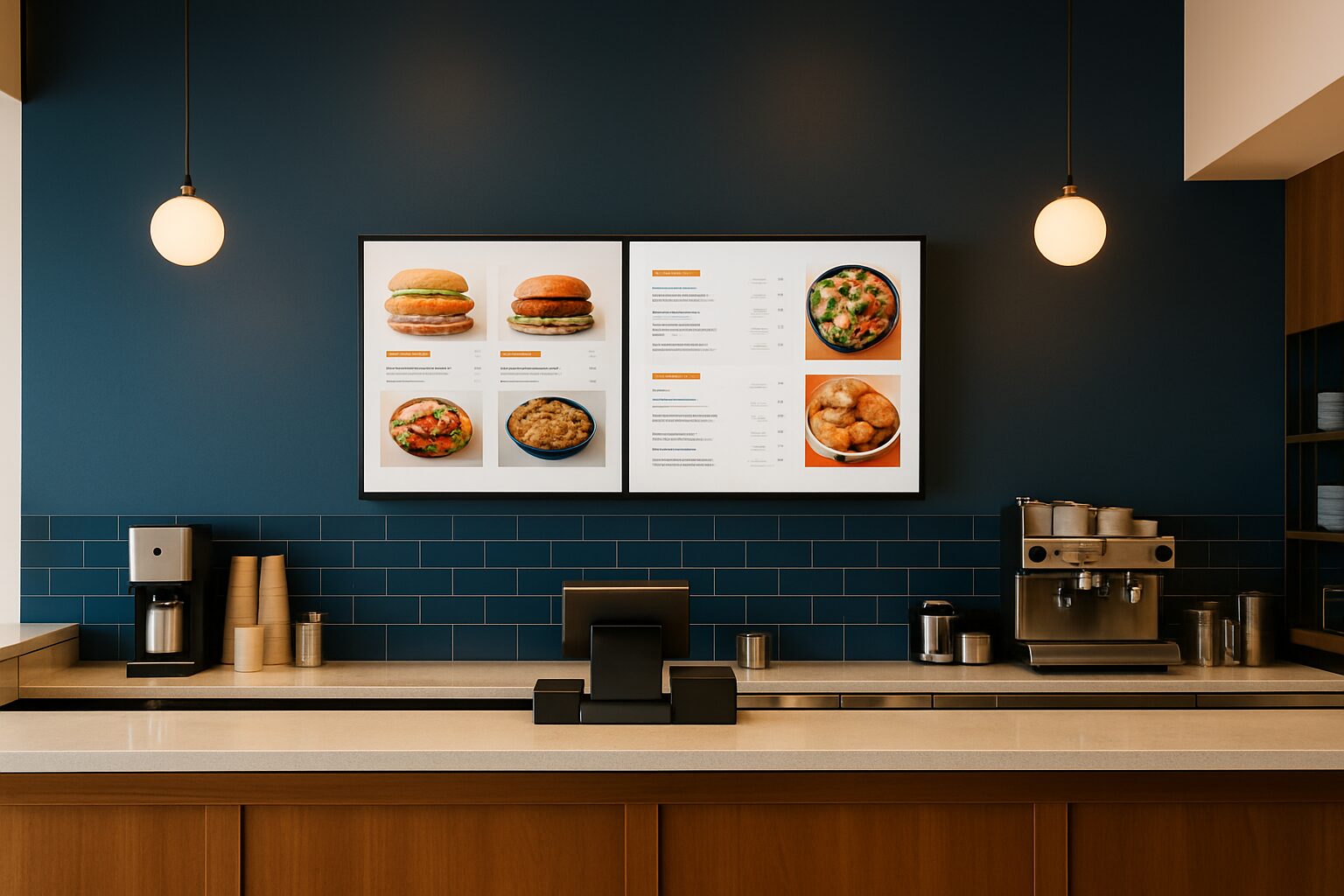
The right screen size for a hospitality display is determined by three variables: your guests’ viewing distance, the mounting location (wall, column, shop window or terrace) and the purpose of use (menu, promotion or ambient image). As a rule of thumb: multiply the viewing distance in centimetres by 0,4 to calculate the minimum screen diagonal in inches. A counter at 2,5 metres therefore requires at least a 43″ screen. If you go smaller, text becomes unreadable for standing guests.
The viewing-distance formula explained
The most commonly used rule of thumb for Full HD screens is: viewing distance (cm) = screen diagonal (inches) × 2,5. Conversely: screen diagonal (inches) = viewing distance (cm) ÷ 2,5. With 4K resolution, you may use factor 1,5 — higher pixel density means you can stand closer without loss of quality.
For hospitality, Full HD (1920×1080) is standard for screens up to 65″. That is sufficient for menus and promotional visuals at normal viewing distances. Use the table below as a starting point.
| Viewing distance | Minimum diagonal (Full HD) | Recommended diagonal |
|---|---|---|
| 1,5 m (counter, short) | 43″ | 43–49″ |
| 2,5 m (counter, queue) | 43″ | 55″ |
| 3,5 m (conference screen) | 55″ | 65–75″ |
| 5,0 m (large hall) | 75″ | 85″+ |
These figures are based on the Full HD viewing distance formula from tvinch.nl (diagonal in inches × 2,5 = optimal viewing distance in cm).
Four mounting locations and the corresponding size
1. Behind the counter or checkout queue
Guests stand 1,5 to 2,5 metre away. A 43″ screen is the minimum here; 55″ is more comfortable if you want to show three or four menu columns. Hang the screen at standing eye level: bottom edge at around 130 cm, top edge at around 200 cm. That way guests do not have to look up while ordering.
2. Hall screen or ambience image
A screen on the side wall for atmosphere or promotions has a viewing distance of 3 to 5 metres. Start here at 65″. At 5 metres, 75″ is the minimum for readable text. If you only want moving image without text, then 55″ at 4 metres is acceptable.
3. Window display
A shop window screen works differently: passers-by walk past at 0,5 to 3 metres, but look through glass and in changing daylight. Here, size matters less than brightness. A standard commercial screen of 400 cd/m² disappears in sunlight. The PixioDisplay Window Full Sun delivers 3.000 nits — that is seven to eight times brighter than an indoor monitor. Dunkin' Donuts uses this solution for digital window posters in several branches. A 43″ model costs from current price on request (price list Q2 2026).
4. Terrace or outdoors
Outdoors, different requirements apply: weather resistance, high brightness and vandal resistance. The PixioDisplay Outdoor reaches 3.500 cd/m² and is available in 49″ (current price on request) and 55″ (current price on request) (price list Q2 2026). On a busy terrace with a viewing distance of 3 to 4 metres, 49″ is sufficient; for a large terrace square or a facade at more than 5 metres, choose 55″.
Standing or wall-mounted: how mounting determines readability
Mounting position and viewing height are at least as important as the size itself. A screen mounted too high — a common mistake — causes neck strain and poor readability. The optimal viewing height for standing guests is for the centre of the screen to be at eye level (±165 cm). For seated guests, this shifts to ±120 cm.
A freestanding column offers more flexibility in placement. The PixioDisplay Luxe (49″ touchscreen, 67×185 cm) stands on its own feet and is movable — useful if you change the layout of your premises. Purchase price is current price on request or lease from current price on request per month (price list Q2 2026). For a compact entrance or ordering corner, the PixioKiosk in 32″ (current price on request) or 43″ (current price on request) is an alternative where the screen and stand are integrated.
Brightness matters more than size in certain locations
A common mistake is to focus on screen size while the environment is the real problem. Indoors, 400 cd/m² — the brightness of the PixioDisplay Mobile (43") — is sufficient. But in a room with large windows or direct sunlight, you need 1.000 to 3.000 nits. A consumer screen (±300 nits) is unusable in such conditions, regardless of size.
This also applies to the digital pavement sign on the terrace. The PixioDisplay A-board (43") is available in 1.500 nits (current price on request) or 2.000 nits (current price on request) and runs on battery with 14 to 18 hours of use — no power socket required (price list Q2 2026). On a sunny terrace, the 2.000-nit version is the right choice.
When multiple smaller screens work better than one large screen
A 75″ screen behind the counter looks impressive, but in a narrow space with a low ceiling edge it simply does not fit physically. Two 43″ screens side by side give you more menu space and are easier to mount. Use a landscape set-up for the menu and reserve one screen for daily specials.
For an ordering kiosk or self-service point, a large screen is actually impractical. The PixioDisplay Kiosk Duo combines a 15,6″ touchscreen with a 29″ information screen in one unit (current price on request, lease current price on request p.m.) — compact and functional for an order corner or entrance.
Do you want to know how to set up the content on your chosen screen? Then read the step-by-step guide to implementing a digital menu board.
Quick selection: advice by type of hospitality venue
- Small café or brown café (counter at 2 m): 43–55″ wall display, bottom edge at 130 cm.
- Restaurant with hall screen: 65–75″, minimum viewing distance 3,5 m.
- Fast food or lunchroom with checkout queue: 2× 43″ or 1× 55″ landscape, at eye level.
- Terrace or outdoor location: PixioDisplay pavement sign 43" on battery power or PixioDisplay Outdoor 49–55".
- Shop window with daylight: PixioDisplay Window Full Sun 43–55″, at least 3.000 nits.
- Self-service point or ordering kiosk: PixioKiosk 32–43″ or PixioDisplay Kiosk Duo.
Unsure about the right combination of size and mounting location? View the hospitality applications or schedule a visit to the showroom in Montfoort to compare models side by side.
Frequently asked questions
What is the minimum screen size for a digital menu board behind the counter?
At a viewing distance of 1,5 to 2 metres, 43″ is the absolute minimum for readable text. At 2,5 metres, 55″ is more comfortable, especially if you want to show multiple menu columns. Use the rule of thumb: viewing distance in cm ÷ 2,5 = minimum screen diagonal in inches.
How high should I mount a hospitality screen?
For standing guests, the middle of the screen is best at eye level, around 165 cm. That means: bottom edge at approx. 130 cm, top edge at approx. 200 cm. For seated guests, the middle shifts to approx. 120 cm. Mounting too high is the most common mistake — guests should not have to strain their necks to read the menu.
Can I use a standard consumer screen in my hospitality business?
Technically it is possible, but it is not advisable. Consumer screens have a brightness of ±300 cd/m² and are not designed for continuous use. Commercial displays such as the PixioDisplay range are built for 24/7 use and achieve 400 to 3.500 cd/m², depending on the model. By windows or outdoors, the difference is immediately visible.
What is the practical difference between a 43″ and a 55″ screen?
A 43″ screen is approximately 95 cm wide and 54 cm high; a 55″ screen is approximately 122 cm wide and 69 cm high. At a viewing distance of 2,5 metres, the difference in readability is clearly noticeable, especially for smaller text such as prices and descriptions. Choose 55″ as soon as you want to display more than two menu columns.
What does a suitable hospitality screen cost and can I also lease it?
A commercial indoor monitor such as the PixioDisplay Mobile (43″) costs €1.795 to buy or €42 per month via lease (60 months). The PixioDisplay Luxe (49″ touchscreen) costs €2.395 or €54 per month. For outdoor or shop window use, the costs are higher because of the heavier panel. All prices are from price list Q2 2026.