
Knowledge and advice
Waiting room screen for GP surgery or pharmacy: size, brightness and mounting
Which screen is suitable for the waiting room of a GP practice or pharmacy? Read which size, how many nits and which mounting you need — including practical advice.
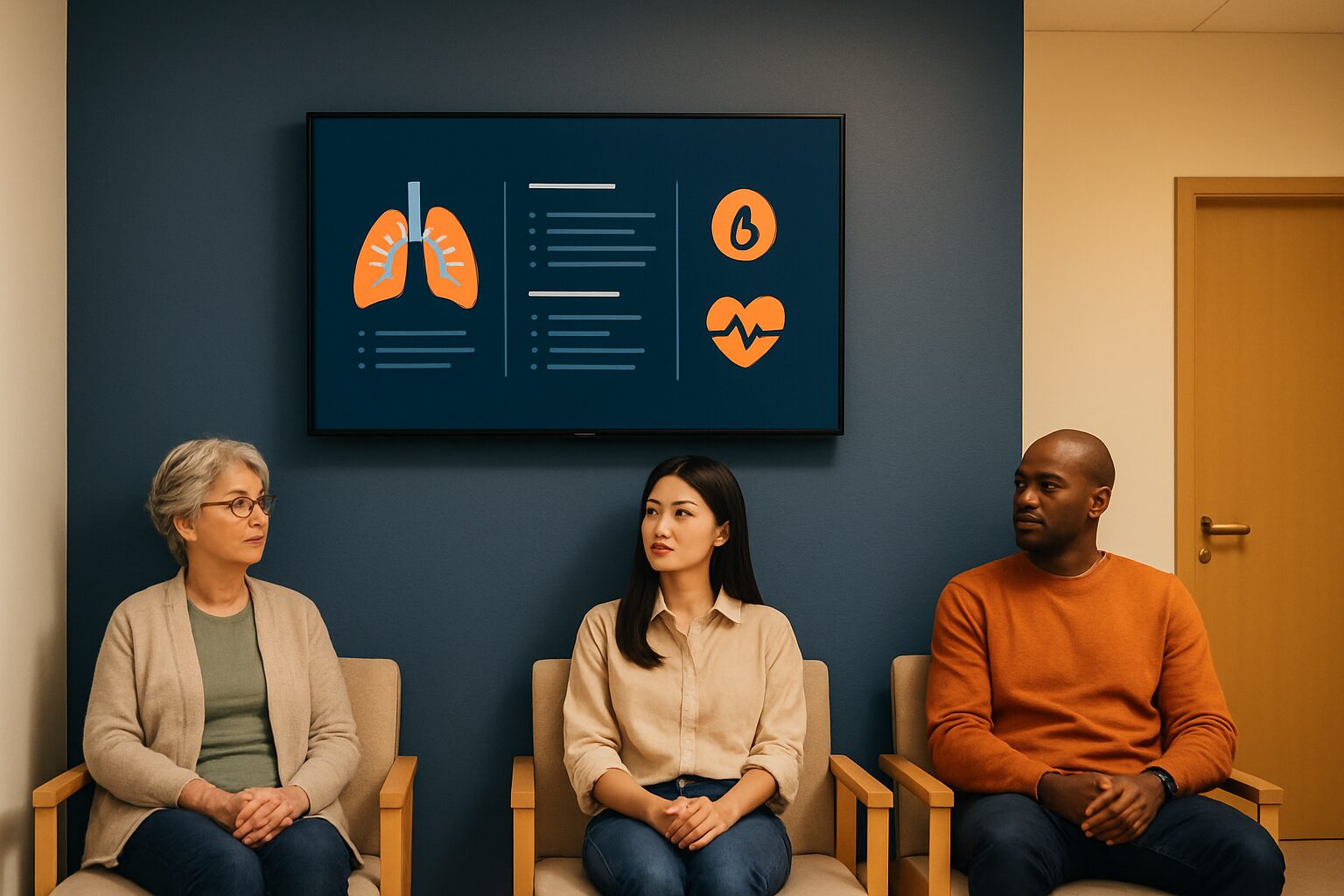
A waiting room screen for a GP surgery or pharmacy is a professional display — not a consumer TV — that shows patient information, waiting times and health education. The right hardware combines sufficient brightness for a lit room, a size that is readable at 2–4 metres, and mounting that suits the room layout. This article covers the hardware choice; for the content strategy, read Waiting room screens in healthcare: patient information without disruption.
Why not a regular TV?
A consumer TV typically does not exceed 300 cd/m² (nits). That sounds sufficient, but a waiting room often has large windows or fluorescent lighting that washes out the image. Professional digital signage screens recommend a brightness of at least 500 nits in brightly lit environments; standard LCD consumer screens do not go higher than 300 nits. Above that, commercial displays are designed for continuous use — a practice or pharmacy leaves the screen on for six to ten hours a day. Consumer TVs are not built for that and lose brightness and colour accuracy faster.
Another practical difference: commercial displays often have an integrated media player. The PixioDisplay range runs on a built-in Android 13/14 computer, so you do not need a separate media player (current price on request per screen elsewhere) or laptop. You send content via USB, a website URL or the PixioApp.
Which size do you choose?
The rule of thumb for readable text on an information display: 1 inch screen diagonal per 30 cm viewing distance. A waiting room 3 metres deep therefore requires at least a 43″ screen. Larger practices with a space of 4–5 metres benefit from a 55″ format.
| Room depth | Recommended size | Typical application |
|---|---|---|
| up to 3 m | 43″ | small GP practice, pharmacy |
| 3–5 m | 49–55″ | group practice, health centre |
| > 5 m | 65" or larger | hospital outpatient clinic, large waiting hall |
Start with 43″ if in doubt. That size covers most waiting rooms and is easy to install. Only choose larger if the viewing distance really requires it — a screen that is too large in a small space feels intrusive and fits poorly in the interior.
How much brightness do you need?
For an average indoor waiting room without direct sunlight, 400 cd/m² is sufficient. If the screen faces a large window or is in a room with a lot of daylight, move up to 500–700 nits. Only if it is placed in a shop window or directly next to a window in full sun do you need 1.000 nits or more.
The waiting room is the most underused communication channel in healthcare: patients spend an average of 15 to 20 minutes there and are therefore receptive to information. That contact time is valuable — but only if the screen is easy to read. Washed-out images caused by too few nits make the investment pointless.
The PixioDisplay Mobile (43″) delivers 400 cd/m² and costs current price on request to buy or current price on request per month for lease (price list Q2 2026). That is the entry-level model for a standard waiting room without extreme light incidence. If you expect more daylight, the PixioDisplay Luxe (49″) more room in size and brightness for current price on request to buy or current price on request per month.
Wall mounting, floor stand or kiosk?
Installation partly determines usability. Three options are relevant for care:
Wall mounting is the most popular solution for waiting rooms. The screen hangs at eye level (bottom edge at approx. 120–130 cm), takes up no floor space and is safe for children and walking frames. Drawback: you need a power socket and possibly a cable duct.
Floor stand or mobile display is useful when you want to be able to change the location — for example, a pharmacy that sometimes wants the screen at the counter, sometimes at the entrance. The PixioDisplay Mobiel (43″, 60×150 cm) is designed for this and, including stand, weighs approximately 25 kg, so one person can move it.
Touchscreen kiosk adds interactivity: patients can check in themselves, take a queue number or look up information. The PixioKiosk is available in 21,5″ (current price on request) to 49″ (current price on request) and can be leased from current price on request per month (price list Q2 2026). This is the right choice if you want to combine the screen with a sign-in function — see also Digital reception and welcome screen: first impression to visitor registration.
Resolution and aspect ratio
For a waiting room screen, Full HD (1920×1080) is sufficient in almost all cases. 4K adds little on 43–55″ at a viewing distance of 2–4 metres: the human eye only distinguishes the difference at a viewing distance of less than 1,5 metres at that size. Choose 4K only if you show lots of detail-rich images or maps on a large screen (65″+).
Keep the aspect ratio 16:9 (landscape) for standard information displays. Portrait format (9:16, vertical) works well in narrow corridors or next to a counter, but requires specifically designed content.
Practical: content and management
A screen without good content will not work. The screen replaces the outdated poster on the wall and the leaflet on the counter: you update the information centrally and every screen shows the latest version immediately. Choose hardware with a built-in media player so you do not have to manage extra equipment. Also check whether the system works without a fixed internet connection — some practices have limited network infrastructure.
Do you want to manage multiple locations or screens in different departments? Then central content management via an app or web dashboard is a hard requirement, not a luxury.
Conclusion: start with 43″ and 400 nits
For a GP surgery or pharmacy waiting room, choose a 43″ commercial display with at least 400 cd/m², wall mounting at eye level and a built-in media player. That covers most situations. Add a touchscreen kiosk if you also want to enable check-in or issue queue numbers. If you want to assess the screen choice for your specific space, see the Reception display: choosing screen size and resolution or request a price list on.
Frequently asked questions
Can I use a regular TV as a waiting room screen?
Technically possible, but not sensible. Consumer TVs have a maximum brightness of 300 nits and are not built for six to ten hours of continuous use per day. They lose quality faster and offer no central content management. A professional display is more durable and easier to read in a bright waiting room.
What screen size suits a small GP practice?
For a waiting room with a depth of up to 3 metres, 43″ is the right size. It is readable at 2–3 metres and fits in almost any interior. Larger spaces require a 49–55″ display.
How many nits does a waiting-room screen need?
For an average indoor waiting room without direct sunlight, 400 cd/m² is sufficient. If the screen is opposite a large window or in a bright room, choose 500–700 nits. Only when placed in a shop window or directly next to a window do you need 1.000 nits or more.
How much does a waiting room screen cost for a GP or pharmacy?
A professional 43″ display such as the PixioDisplay Mobiel costs €1.795 to buy or €42 per month on lease (price list Q2 2026). A touchscreen kiosk for sign-in and information starts at €1.395 (21,5″) or can be leased from €31 per month.
Is a touchscreen kiosk useful in a waiting room?
Yes, if you want to combine the screen with a check-in function or queue number system. A kiosk allows patients to check in independently, reducing pressure at the reception desk. For information display only, a standard wall display is simpler and cheaper.