
Knowledge and advice
Digital displays on terraces: safety, mounting and weather resistance
How do you safely mount a display on a terrace? Read about IP ratings, wind load, electrical requirements and permits for digital screens in hospitality.
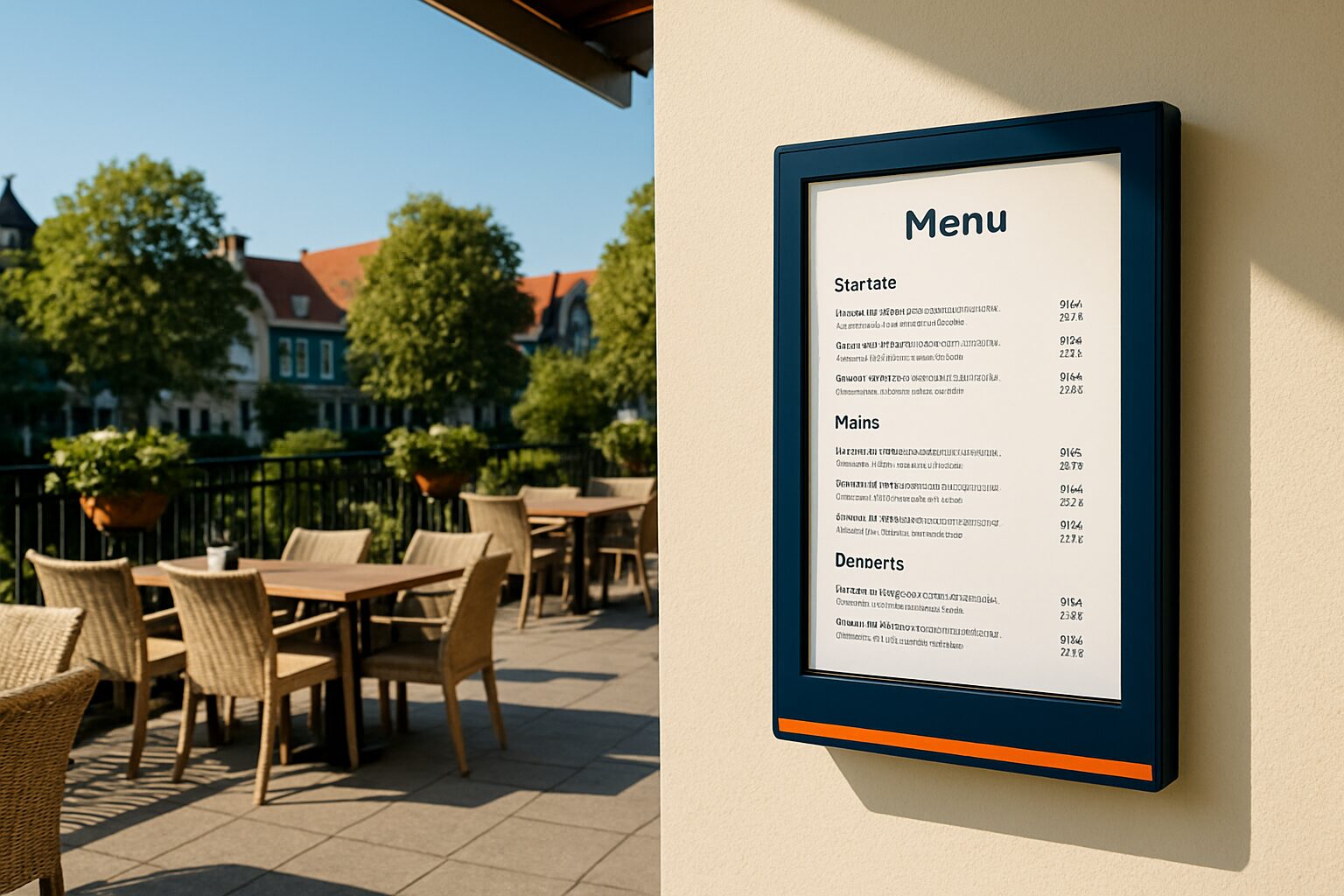
A digital display on a terrace is a weatherproof screen that can withstand rain, dust, direct sunlight and temperature changes. For safe outdoor use, three hard requirements apply: an IP rating of at least IP54 (covered terrace) or IP65 (fully open setup), a mounting system that can handle wind load, and an electrical connection behind an RCD in accordance with NEN 1010. Those who have this in order install a display that lasts for years without faults or liability risks.
IP rating: which protection class suits your terrace?
IP stands for Ingress Protection. The two digits code dust and water resistance separately. For terraces, three levels are relevant:
| IP rating | Protection | Application |
|---|---|---|
| IP54 | Water splashes from any direction | Covered terrace, canopy present |
| IP55 | Water jets | Semi-open terrace, side wind possible |
| IP65 | Fully dust-tight + water jets | Open terrace, no canopy |
A standard indoor screen (typically ±300 nit, no IP rating) is unsuitable on a terrace. Moisture builds up in the internal circuitry and causes short circuits or oxidation. If you choose a fully open setup, IP65 is the minimum — not IP54.
The PixioDisplay Outdoor has a brightness of 3.500 cd/m² and is built for freestanding or façade-mounted outdoor use. Prices start at current price on request (49″) and current price on request (55″) according to price list Q2 2026. That difference from an indoor model is easy to explain: the panel, housing and thermal management are fundamentally different.
Fixing and wind load: what do you need to calculate?
A 55-inch display quickly weighs 25–35 kg. On a terrace, wind pressure is added. In the Netherlands, four wind zones are distinguished on the basis of geographic location: coastal municipalities and open polder areas fall into wind zone 3 or 4, urban inland areas usually into wind zone 1 or 2. If in doubt, request a wind load calculation — or consult NEN 2778 as a reference.
For larger screens or screens on special structures, a structural calculation is often required to show that the mount can withstand wind loading. Municipalities may request this document when applying for a permit.
In practical terms, there are three mounting options:
- Facade mounting: screw the wall bracket into masonry or concrete, not into wooden panelling. Use stainless-steel fixing materials to prevent corrosion.
- Freestanding pole construction: requires a concrete foundation or weighted base plate; check the load-bearing capacity of the terrace surface.
- Mobile floor stand: flexible to deploy, but only suitable for sheltered locations. Bring the display inside or secure it, especially at night or in stormy weather.
For a covered terrace with limited wind exposure, the PixioDisplay A-board a practical choice: 43", runs on battery (14–18 hours usage time), no power socket needed, and available in 1.500 nit (current price on request) or 2.000 nit (current price on request) — price list Q2 2026. You can easily move the display indoors in bad weather.
Electrical connection: NEN 1010 and the residual current device
Every outdoor installation falls under NEN 1010. According to the Building Decree and NEN 1010, you are required to protect all outdoor electrical installations with an RCD of no more than 30 mA. This also applies to a terrace screen. Outdoor sockets must have at least IP44; in locations directly exposed to rain, IP54 is advised.
Three practical points for the installer:
- Run the cable route in a waterproof duct; cables must be installed watertight where necessary.
- Connect the display to a separate group in the distribution board — not together with the outdoor lighting or other heavy equipment.
- Use only certified installation materials; have the connection inspected by a qualified electrician.
A battery-powered display partly bypasses the cable question — but the charging connection indoors must still comply with NEN 1010.
Permits: when do you need authorisation?
A digital screen on your own terrace that is visible from the public space almost always falls under the General Local By-law (APV). The APV is the local by-law through which a municipality sets rules for outdoor advertising, including digital screens. Each municipality draws up its own APV, which means the rules can differ from one municipality to another.
In cities such as Amsterdam, Utrecht and The Hague, permanent outdoor advertising requires an environmental permit. Municipalities assess applications on visual impact, road safety and light pollution. Temporary, movable screens fall outside the permit requirement in many municipalities; fixed structures on the facade or as a construction usually do require an environmental permit.
Check this beforehand via the Environment and Planning Portal or at your local permits department. For larger screens, also ask whether a light nuisance study is required.
Brightness: how many nits do you need outdoors?
An indoor screen with 300–500 nit is unreadable in direct sunlight. Different thresholds apply for a terrace:
- Covered terrace (no direct sunlight): 1.000–1.500 nits is sufficient.
- Semi-open terrace (partly in sun): minimum 1.500–2.000 nits.
- Fully open, direct sunlight: 2.500–3.500 nit.
The PixioDisplay Outdoor delivers 3.500 cd/m² and is therefore suitable for the toughest outdoor conditions. When purchasing, always check whether the stated nit value refers to peak brightness or average brightness — manufacturers do not always communicate this consistently.
A concrete example: a beach pavilion in Scheveningen installed two 55″ outdoor displays (IP65, 3.500 nit) on the façade side for daily menus and drink promotions. Thanks to the high brightness, the screens are also easy to read on sunny afternoons.
Conclusion: start with the location, not the screen
First choose the mounting method and determine the IP rating based on the terrace situation. Then come brightness, and only then the model. A covered terrace with an awning calls for a different solution than a fully open setup by the coast.
Want to know which size suits the space on your terrace? Then read the article Display size for hospitality: which size fits your space? for concrete size advice. For a complete overview of the horeca applications of Pixio you will find additional cases and configurations.
Frequently asked questions
What IP rating does a display need on a fully open terrace?
For a fully open terrace without cover, IP65 is the minimum. IP65 means completely dust-tight and protected against water jets from any direction. IP54 is only sufficient on covered terraces with an awning or roof.
Do I need a permit for a digital screen on my terrace?
That depends on your municipality and whether the screen is visible from public space. Permanent outdoor advertising requires an environmental permit in many municipalities. Temporary, movable screens often fall outside this. Check this in advance via the Omgevingsloket at omgevingsloket.nl.
Can I hang a regular TV outside on the terrace?
No, a consumer TV is not suitable for outdoor use. Standard TVs have no IP rating, too low brightness (±300 nit) and are not resistant to moisture and temperature fluctuations. Always use a display that is specifically certified for outdoor use.
Do I need to install a residual current device for a terrace screen?
Yes. According to the Building Decree and NEN 1010, a residual-current device of no more than 30 mA is mandatory for all outdoor electrics. Connect the display to a separate circuit and use outdoor sockets with at least IP44. Have the connection carried out by a certified electrician.
What is a good alternative if there is no power point available on the terrace?
The PixioDisplay Pavement Sign runs on battery power and needs no power socket. The operating time is 14–18 hours per charge, which is sufficient for a full terrace day. The display is available in 1.500 nits (€2.245) or 2.000 nits (€2.950) — price list Q2 2026.