
Knowledge and advice
Interactive displays for events: engagement and data collection
How do you use an interactive touchscreen at a trade fair or event to engage visitors and collect valuable leads? Read the practical approach.
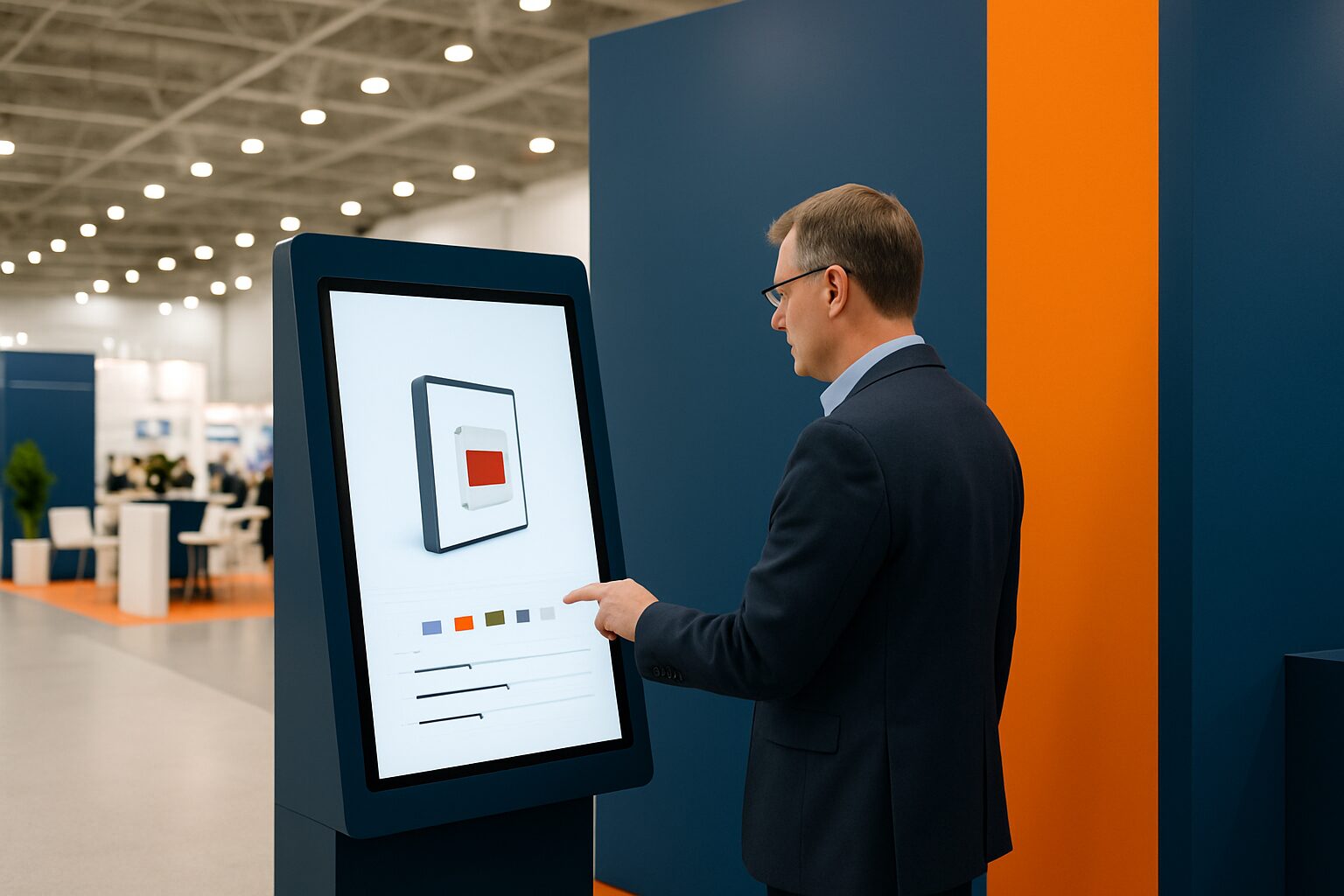
Interactive displays for events: engagement and data collection
An interactive touchscreen display at a trade fair or event combines two functions: it actively draws visitors to your stand and simultaneously records useful data. Think of contact details entered by visitors themselves, click behaviour per product category and quiz results that signal purchase intent. That makes an interactive display not only a presentation tool, but also a measurement instrument for your trade fair ROI.
Why passive stands fall short
On a busy trade fair floor, visitors decide within seconds whether to stop at a stand. A static roll-up banner or printed flyer asks nothing of the visitor — and gives you nothing back. A touchscreen reverses that dynamic.
Visitors can navigate product information themselves, start videos or operate a configurator. That self-guided exploration brings two benefits: longer dwell time at your stand and behavioural data that shows which subjects really generate interest.
For B2B event managers, that second point is crucial. Someone who compares three specific product models for ten minutes and downloads a specification sheet shows more purchase intent than someone who just walks past.
Three concrete use cases on the trade fair floor
1. Lead capture via a registration form
Place a touchscreen kiosk at the edge of your stand. Visitors enter their name, company and email address themselves — in exchange for a white paper, product demo or quotation. The threshold is low: the visitor initiates the contact themselves. This works significantly better than a staff member asking for business cards.
2. Product configurator or quiz
Let visitors enter their needs via an interactive quiz and immediately show a suitable product recommendation. Each choice in the quiz is a data point: sector, budget range, timeline. After the trade fair, your sales team has not only a contact list, but also qualified context per lead.
3. Digital brochure with analytics
Replace printed catalogues with a touchscreen presentation. Every page a visitor opens, every video that is started — that is measurable. After the trade fair, you can see exactly which products attracted the most attention and where visitors dropped off.
Which display suits which purpose?
The choice of a display depends on your stand staffing, available space and whether you want to buy or hire the display.
| Purpose | Recommended model | Size | Purchase price (Q2 2026) | Rental price |
|---|---|---|---|---|
| Lead capture, self-service | PixioKiosk | 21,5″–49″ | current price on request | current price on request p.d. |
| Product presentation standing | PixioDisplay Luxe | 49″ | current price on request | current price on request p.d. |
| Mobile, no fixed mains connection | PixioDisplay Mobile | 43″ | current price on request | current price on request p.d. |
| Outside or by the entrance hall | PixioDisplay A-board | 43″ | current price on request | lease from current price on request p.m. |
All models run on an integrated Android computer (Android 13/14). You do not need a separate laptop or media player. Content is loaded via USB, a website URL or the PixioApp.
For a one-off trade fair participation, renting is often smarter than buying. The PixioDisplay Mobile is available from current price on request per day for a three-day hire (price list Q2 2026). If you take part in trade fairs several times a year, buying or leasing pays for itself.
ALDI Netherlands deployed a PixioDisplay videowall for presentation and atmosphere — an example of how displays also prove their value at internal events.
Collecting data: what may and what must you arrange?
As soon as you record contact details via a touchscreen, you fall under the GDPR. That requires a few concrete measures.
According to the Dutch Data Protection Authority when processing personal data, you always need at least one valid legal basis — for lead capture at a trade fair, this is usually the visitor's explicit consent. Ondernemersplein.nl also states that you may not collect more data than is strictly necessary for the purpose.
Practically speaking, this means:
- Show a short privacy statement on the screen before filling in the form.
- Use an opt-in checkbox — not pre-ticked.
- Only store what you actually use: name, e-mail and, if applicable, company is sufficient in most cases.
- Process the leads in your CRM directly after the trade fair, so follow-up is quick and traceable.
For more on the privacy rules around public displays, read the knowledge base article Public displays and privacy law: what is and is not allowed.
Measuring ROI after the trade fair
An interactive display only delivers demonstrable ROI if you track the right metrics. Compare at least:
- Number of leads via the display versus leads via other channels at the same trade fair.
- Qualification rate: what percentage of display leads became a sales conversation?
- Content analytics: which products or pages received the most interaction?
- Dwell time: how long did visitors remain active on the screen?
That comparison gives you an honest picture of what the display contributed to your trade fair result — and what you can do differently at the next edition.
Are you starting with an interactive display for the first time? Then begin with one clear goal: lead capture or product presentation. An application that is too extensive confuses visitors and produces less usable data. Keep the interface simple and test it in advance on the device you are going to use.
For more background on designing effective touchscreen experiences, see the knowledge base article Touchscreen displays for customer interaction: design and best practices.
Frequently asked questions
Can I rent an interactive display for one trade fair day?
Yes. The PixioDisplay Mobiel (43") is available from €175 for one day, and the PixioKiosk 21,5" from €65 per day for a minimum rental period of two weeks. A different daily rate applies for other rental periods. See all options on the [rent display](/display-huren/) page.
Do I need a laptop or media player with a touchscreen kiosk?
No. All PixioDisplays have a built-in Android computer (Android 13/14). You upload content via USB, a website URL or the PixioApp — no extra hardware required.
May I collect contact details via a touch screen at a trade fair?
Yes, provided you comply with the GDPR. You need a valid legal basis — for lead capture, that is the visitor’s consent. Show a privacy notice on the screen and use an unticked opt-in checkbox. Collect only the data you actually need.
Which screen size works best for a trade fair stand?
That depends on your stand occupancy. In large halls with many passers-by, a 43" or 49" screen works best — large enough to stand out, but manageable in a small stand setup. For self-service by one visitor at a time, 21,5" to 32" is sufficient.
How do I connect the leads from my touchscreen to my CRM?
Most lead capture applications export data as CSV or offer a direct API connection with tools such as HubSpot or Salesforce. Make sure you test the export setting before the trade fair, so you can follow up immediately afterwards.