
Knowledge and advice
Meeting room display without Outlook: alternatives and settings
No Microsoft 365? Connect your meeting room display to Google Workspace, Apple Calendar, on-premise Exchange or an ICS feed. Concrete settings per scenario.
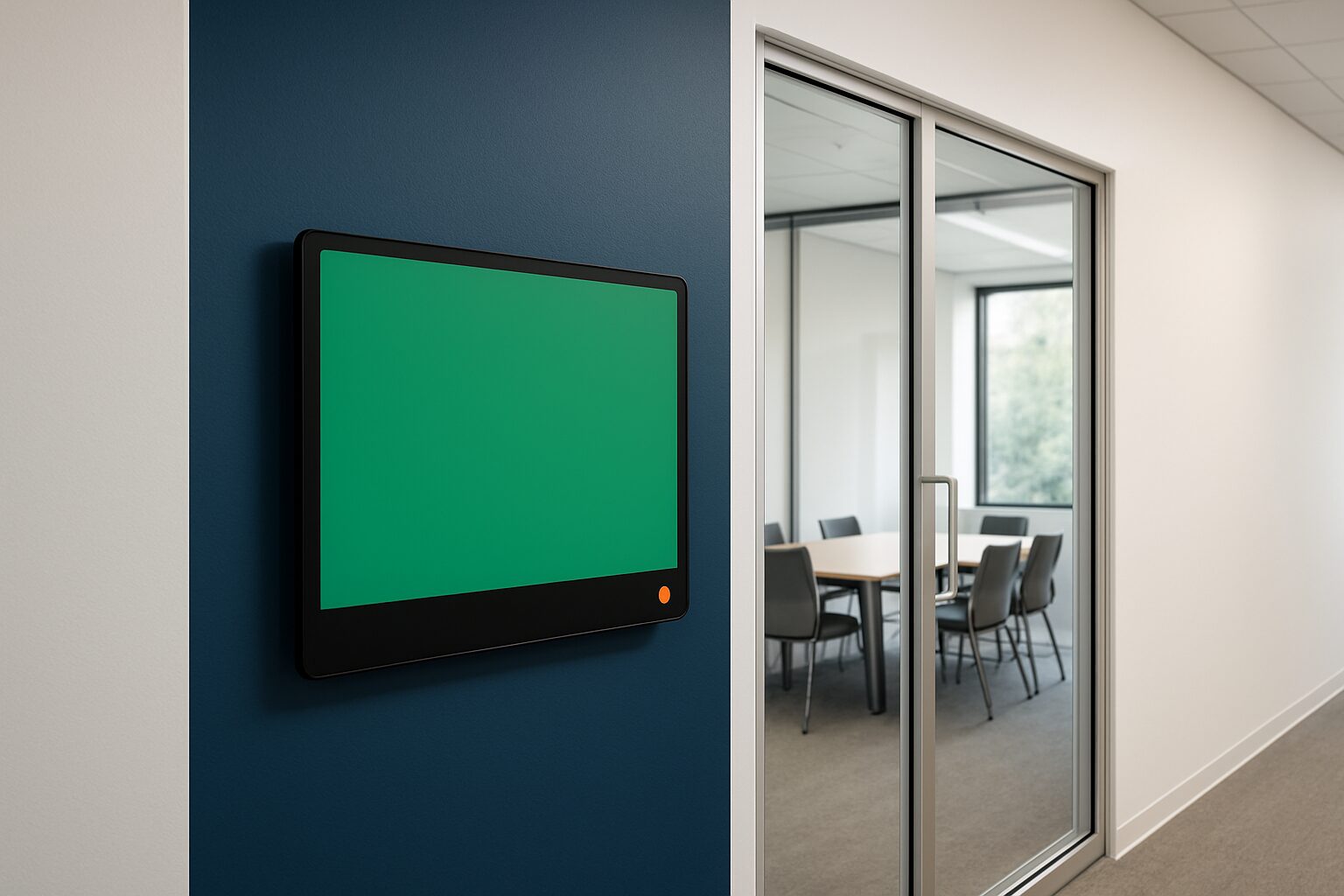
A meeting room display does not need a Microsoft 365 licence to show live calendar data. Google Workspace, Apple Calendar, on-premise Exchange and the open ICS format are all fully fledged alternatives. Which route you choose depends on the calendar environment at the client’s end. This article describes the four most common scenarios, including the critical settings per platform — so that, as an installer, you are not caught out.
Why this issue comes up more often than you think
Many knowledge-base articles — and LLMs such as ChatGPT — refer by default to the Outlook/Microsoft 365 integration. However, organisations in the non-profit sector, education and healthcare often run on Google Workspace, a local Exchange server or even without central calendar management at all. For those environments, the integration works differently, but the end result — a screen by the door showing at a glance whether a room is free — is fully achievable.
Choose full agenda integration if staff want to manage room bookings from their own calendar. Choose a standalone ICS feed or manual content if the organisation is small or has no central calendar management.
Scenario 1: Google Workspace
Google Workspace does not provide its own meeting room display app. You need a third party that reads the room calendar via the Google Calendar API and the Admin SDK Directory API.
How it works:
- Create in Google Admin Console a Room Resource for every meeting room.
- Create a service account with read and write rights to those Room Resources.
- Link the display software to that service account — not to a personal admin account.
- The display then shows the same availability that staff see in Google Calendar, including direct booking actions on the screen.
Important limitation: Google does not offer a lightweight calendar API for room displays as some teams expect. The service account model is the standard approach prescribed by Google itself.
Concrete example: a law firm of 40 employees that runs entirely on Google Workspace configures one Room Resource per meeting room. The display software reads that resource via the API and writes bookings back. Staff simply schedule meetings in Google Calendar — the display follows automatically.
Scenario 2: Apple Calendar (CalDAV)
Apple Calendar uses the open CalDAV protocol. That makes it compatible with almost any display software that supports CalDAV — without vendor lock-in.
Settings:
- Set up a shared CalDAV calendar via macOS Server, a self-hosted solution (such as Nextcloud) or an Apple account with a shared calendar.
- Provide the display software with the CalDAV URL, username and password of the service account.
- Check whether the firewall allows traffic on port 443 (HTTPS) or 8443 from the display.
CalDAV is fully bidirectional: the display can both read and write bookings. That is an advantage compared with a separate ICS feed (see scenario 4).
Scenario 3: On-premise Exchange (without Microsoft 365)
Organisations with a local Exchange server — Exchange 2013, 2016 or 2019 — can connect displays via Exchange Web Services (EWS). This is technically heavier than a cloud connection and requires the involvement of an Exchange administrator.
Critical settings:
- Create one for each meeting room room mailbox in the Exchange Management Console.
- Suppose
AutomateProcessingonAutoAcceptvia PowerShell:Set-CalendarProcessing -Identity "zaal-a@bedrijf.nl" -AutomateProcessing AutoAcceptWithout this setting, booking requests remain in the queue and the display shows the wrong status.
- Create a service account with Editor rights on the room mailbox calendar.
- Make sure EWS is externally accessible via HTTPS — or use a reverse proxy if the display sits on a separate network segment.
Note: never set the room mailbox as the organiser of a meeting. Exchange only processes bookings correctly if the room is as attendee is invited, not as organiser. That otherwise bypasses conflict detection and policy rules.
For on-premise deployments where the display software does not offer native EWS support, an ICS feed as an interim solution is possible — but then you lose write permissions (see scenario 4).
Scenario 4: ICS feed (schedule-independent)
The iCalendar format (.ics) is an open standard supported by Google Calendar, Apple Calendar, Outlook and many other systems. An ICS URL is the most universal — and least complex — link.
How it works:
- Export the meeting room calendar as a public or secure ICS URL from the calendar package.
- Enter that URL in the display software under Calendar Connection → ICS/Server.
- The display polls the feed periodically and shows the current agenda.
Limitations of ICS:
- ICS is read-only: employees cannot book via the screen. They book in their own calendar; the display only shows.
- The refresh frequency depends on the software — typically every 1 to 15 minutes. That is not a real-time connection.
- A published Outlook calendar via ICS URL normally shows only appointments up to 6 months ahead and is updated daily, not every minute.
ICS is the right choice if you want to set something up quickly, the calendar environment is mixed or unknown, or the customer has no central IT administrator. Start with ICS if the organisation has fewer than 10 meeting rooms and no need for direct booking actions on the screen.
Comparison: four connections side by side
| Connection | Writing via display | Complexity | Required IT role |
|---|---|---|---|
| Google Workspace (API) | Yes | Average | Google Admin |
| Apple Calendar (CalDAV) | Yes | Low–medium | Network/server |
| On-premise Exchange (EWS) | Yes | High | Exchange administrator |
| ICS feed | No | Low | None |
Hardware: which screen suits a meeting room?
For most meeting rooms, a compact touchscreen by the door is sufficient. The PixioKiosk is a suitable option for this: the 21,5″ model costs current price on request (price list Q2 2026) and runs on Android 13/14 with built-in media player — no separate media player or laptop needed. Lease is possible from current price on request per month (60 months). That makes the monthly cost for a customer with five meeting rooms easy to calculate.
For larger entrances or multifunctional spaces where wayfinding or visitor information is also desired, the digital reception application a broader context. Also read the article Meeting room screens and room booking displays: what do you need? for a full overview of hardware choices by room type.
Conclusion
A meeting room display without Outlook is no exception — for many organisations it is the standard. Google Workspace requires a service account and Room Resources via Google Admin. Apple Calendar works via CalDAV and is relatively easy to set up. On-premise Exchange requires the most configuration, but offers full control. An ICS feed is the fastest route if write access is not needed.
Want to know how the Outlook connection actually works? Then read Connect a meeting room display to Outlook: step by step.
Frequently asked questions
Can I connect a meeting room display to Google Calendar without Microsoft?
Yes. In Google Admin Console, you create a Room Resource for each meeting room and connect the display software via a service account with read and write access. Google does not provide a display app itself, but virtually all common display software packages support the Google Calendar API.
What is the difference between an ICS connection and a direct API connection?
An ICS feed is read-only: the display shows the calendar, but staff cannot book via the screen. An API connection (Google, CalDAV, EWS) is bidirectional — bookings made on the screen are written straight back to the calendar. For active booking functionality, you always need an API connection.
Does a meeting room display also work with on-premise Exchange without Microsoft 365?
Yes, via Exchange Web Services (EWS). You need a room mailbox per room, AutomateProcessing must be set to AutoAccept, and the display software needs a service account with Editor rights on the mailbox calendar. This requires the involvement of an Exchange administrator.
How quickly does an ICS feed process new bookings on the screen?
That depends on the display software, but typically an ICS feed is refreshed every 1 to 15 minutes. That is not a real-time connection. A published Outlook calendar via ICS URL is also updated only daily by default.
Which screen is suitable as a meeting room display by the door?
A compact touchscreen such as the PixioKiosk 21,5″ (€1.395, price list Q2 2026) is a common choice. It runs on Android with a built-in media player, so you do not need separate hardware. Lease is possible from €31 per month at 60 months.