
Knowledge and advice
POS displays: types, functions and integration with POS systems
Everything about POS displays in retail: from customer-facing displays to interactive kiosks, technical links with till systems and Dutch regulations. View specs and prices.
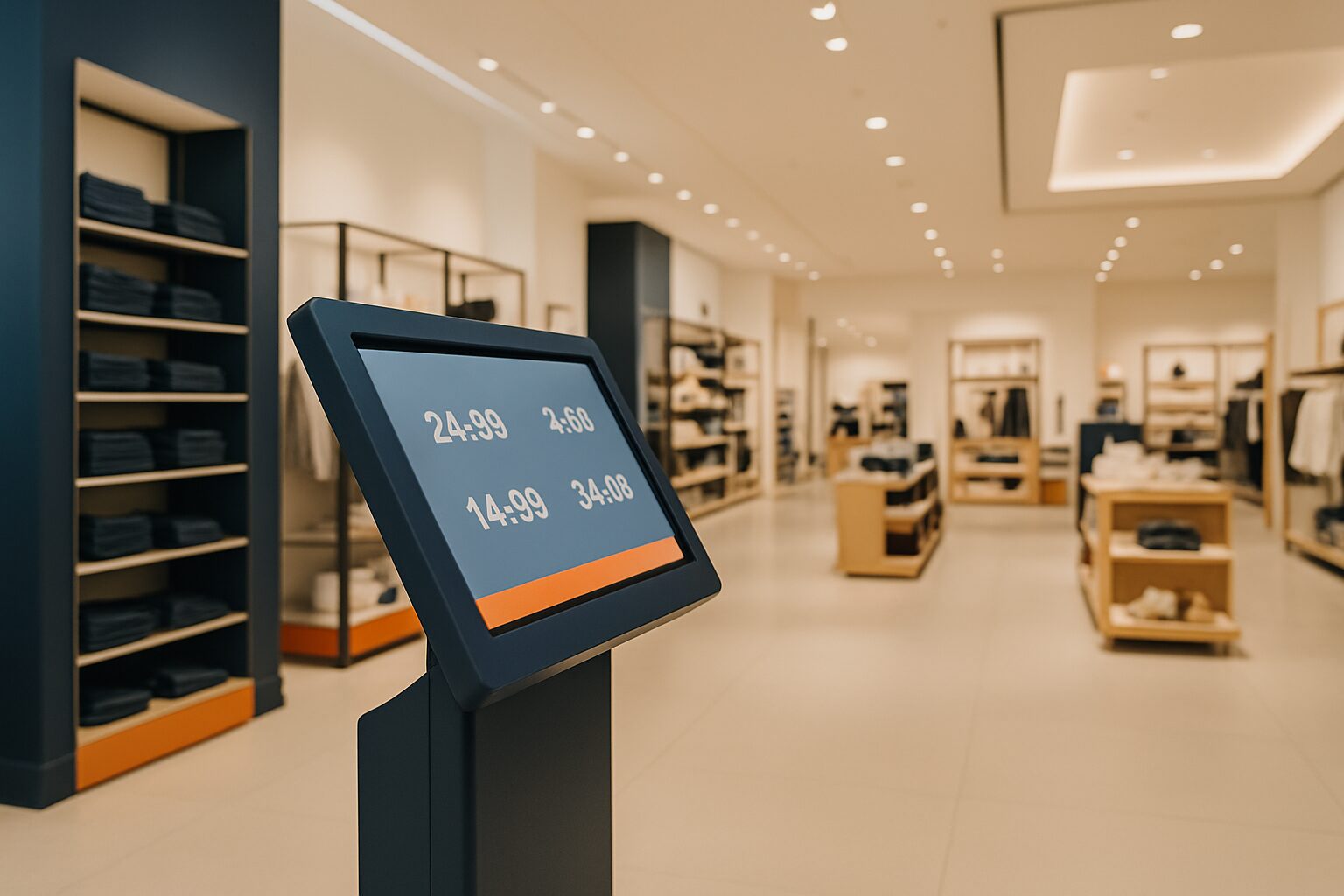
A POS display (Point of Sale display) is a digital screen that shows product information, prices, promotions or transaction details to customers or staff at or near the point of sale. POS displays range from small customer-facing screens at the till to large interactive kiosks and digital columns. They can operate independently or receive real-time data via an API or local network connection from a cash register system, ERP or stock management platform.
In short
- POS displays come in four main types: customer-facing displays, digital price screens, interactive kiosks and promotional displays.
- Integration with a till system is via a REST API, local network connection or USB connection — each with its own pros and cons.
- The ACM requires retailers to base discounts on the lowest price of the previous 30 days; dynamic POS displays must be able to comply with this rule automatically.
- Commercial displays are designed for continuous use; a standard consumer TV (±300 nits) is not a full alternative.
- The PixioDisplay Kiosk Duo combines a 15,6″ touch screen with a 29″ customer screen in one housing — purchase price current price on request (price list Q2 2026).
What exactly is a POS display?
<1-11>POS stands for Point of Sale: the point where the sale takes place.</1-11> A POS display is the screen that communicates information at that point — to the customer, to the employee or to both. That sounds simple, but the term covers several hardware categories with widely differing technical requirements.
A customer-facing display at the checkout shows the customer their receipt line while the staff member scans. An interactive kiosk lets the customer search, compare and order for themselves. A promotional display next to a gondola plays campaign videos. All these screens fall under the term POS display, but each requires a different approach to installation and integration.
The Dutch digital signage market grew in 2024 to a turnover of USD 714,3 million and is expected to grow by 7,4% per year until 2030 (Grand View Research). In 2024, kiosks were the largest segment, accounting for well over 25% of market revenue. Retail accounts globally for about 32% of all installed digital signage (CrownTV, 2026).
The four main types of POS displays
Not every screen suits every application. Below are the four most commonly used types in Dutch retail.
1. Customer-facing display
A small screen — usually 10" to 15" — mounted on the checkout counter or on a pole mount. It shows the customer, in real time, the scanned items, subtotals and amount to pay. The connection to the till system runs via USB or a local network link. This type requires little installation space and is the quickest to integrate.
2. Interactive kiosk
A freestanding totem with a touchscreen on which customers can independently look up products, place orders or consult information. The PixioKiosk is available in sizes from 21,5″ (current price on request) to 49″ (current price on request), with leasing available from current price on request per month (price list Q2 2026). Kiosks are suitable for self-service in supermarkets, fashion stores and DIY stores.
3. Promotional display
A screen — often 43″ to 55″ — that shows campaign visuals, product films or dynamic offers. This type does not have to be directly linked to the till in real time; content is scheduled via a CMS or the PixioApp. Dunkin' Donuts set up PixioDisplay Window-screens as digital shop window posters — an example of promotional displays that also function as POS communication tools.
4. Digital price screens and gondola displays
Screens that show prices, stock status or product specifications at a specific shelf or product group. They receive data via an API link with the till system or stock management. Read more about the trade-off between gondola displays and digital screens in the article Gondola displays vs digital screens: which choice for retail?.
Comparison: four POS display types in a row
| Type | Typical format | Connection to POS | Interactive | Typical application |
|---|---|---|---|---|
| Customer-facing display | 10–15″ | USB / local network | No | Checkout counter, supermarket |
| Interactive kiosk | 21,5–49″ | REST API / network | Yes | Self-service, information |
| Promotion display | 32–55″ | CMS / PixioApp / URL | No | Shop window, aisle, entrance |
| Digital price display | 10–43″ | REST API / webhook | No | Shelf, gondola, counter |
How does the integration with a POS system work?
Most modern point-of-sale systems in the Netherlands — such as SnelStart Kassa, SW-Retail and easyPOS — offer a REST API that allows external systems to fetch or receive data in real time. Three integration methods are common for POS displays:
1. Direct USB connection
The display is physically connected to the till PC. The till system sends transaction data via a serial protocol or USB-HID to the screen. Advantage: works even without a network. Disadvantage: one till, one screen — no central content management.
2. Local network connection (LAN)
The display and till system are on the same local network. The till system pushes data via a local API endpoint. Suitable for multiple screens in one shop. Works even during internet outages, which is a practical advantage: many cloud till systems have an offline mode, but that does not always guarantee real-time data to external displays.
3. Cloud REST API
The display retrieves data via the cash register system’s cloud API. Advantage: central management of multiple branches. Disadvantage: dependence on a stable internet connection. Modern POS systems such as SW-Retail offer a fully integrated REST API that lets you retrieve real-time item information, order information and stock information (SW-Retail).
The PixioDisplay Kiosk Duo (15,6" touch + 29" customer screen, current price on request buy or current price on request per month lease, price list Q2 2026) has an integrated Android 13 computer. That means no separate media player is needed — a saving of current price on request per installation compared with setups using external hardware. You send content via USB, a website URL or the PixioApp.
Dynamic price display and the ACM rules
If you use POS displays for dynamic price display — think of automatic discounts that change based on time of day or stock — you need to take Dutch pricing regulations into account. The ACM has published guidance stating that discounts must be based on the lowest selling price used in the 30 days before the discount (ACM, Guidelines on price display and comparisons, September 2025). In 2024, the ACM imposed a total of current price on request in fines on five webshops for using incorrect 'was-now' prices.
For POS displays, this means concretely: your till system or CMS must keep the price history for at least 30 days and pass that data on to the display automatically. A display that shows a discount without this historical basis may expose the retailer to enforcement action. Read the full analysis in Dynamic price display in shops: what is allowed according to the ACM?
Technical requirements: brightness, housing and continuous use
A POS display in a shop has different requirements from a screen at home. The main parameters:
Brightness (nits/cd/m²)
Indoors under normal lighting, around ±400 cd/m² is sufficient. If the screen is in a shop window with direct sunlight, you need at least 3.000 nits. The PixioDisplay Window Full Sun reaches 3.000 nits and is available from 43″ to 55″ for current price on request (single-sided, price list Q2 2026). A standard consumer TV reaches around ±300 nits — too little for almost any retail environment.
Continuous use
Commercial displays are designed for 16 to 24 hours per day, 7 days per week. Consumer TVs are not. The warranty on PixioDisplays is standard 1 years, extendable to 2 years (current price on request) or 4 years (current price on request) depending on the model (price list Q2 2026).
Enclosure and IP rating
For displays outdoors or in damp areas — think bakeries or fresh produce sections — a suitable IP rating is required. The PixioDisplay Outdoor (free-standing or wall-mounted, 3.500 cd/m²) is available in 49″ (current price on request) and 55″ (current price on request) and is built for outdoor use (PixioDisplay Outdoor).
Three concrete Dutch examples
1. Supermarket in Utrecht — kiosk as self-service point
A regional supermarket chain installed interactive kiosks at the fresh food department. Customers look up product information themselves and place orders that go directly into the till system via the REST API. The kiosk partly replaces the need for staff on the shop floor during peak periods.
2. Fashion chain in Amsterdam — promotional displays linked to stock
A fashion chain linked 43″ promotion displays via a webhook to inventory management. As soon as an item drops below the minimum threshold, the screen automatically switches to an alternative product. The integration runs via the POS system's REST API. Read more about this approach in Real-time stock management on digital displays.
3. Dunkin' Donuts — digital shop window posters
Dunkin' Donuts used PixioDisplay Window screens as digital shop window posters. The screens show campaign images and promotions that are updated centrally — without a staff member having to physically change posters. This is an example of a promotional display working as a POS communication tool without a direct till connection.
Installation best practices for installers
If you install POS displays for retail customers, these are the steps that save the most time and prevent the most problems:
- Determine the integration type before choosing the hardware. A USB connection requires a display with the right driver support. A REST API connection requires a display with Android or a built-in media player, plus a stable network.
- Test the cash system’s offline mode. Ask the retailer to disconnect the internet during the demo. What happens to the display data then determines whether you need a local buffer.
- Take on-site brightness into account. Measure the lux values at the installation location. For a south-facing shop window, 400 nits is not enough; start with a Window Full Sun screen.
- Document the price history link. If dynamic discounts are shown, the link with the 30-day history must demonstrably work for the ACM audit.
- Choose commercial hardware for continuous use. All PixioDisplays run on Android 13 or 14 and are designed for continuous use — no separate media player required.
For doubtful cases regarding size or type: the showroom in Montfoort offers the possibility to compare models side by side. Also view the full price list for current specs and lease rates.
Conclusion
A POS display is not a stand-alone screen, but a link in a larger system of checkout, stock and customer communication. Start with the integration type — USB, LAN or cloud API — and only then choose the screen size and brightness. Make sure dynamic price display complies with the ACM guidance, and always choose commercial hardware for continuous use. The PixioDisplay Kiosk Duo (15,6″ touch + 29″ customer screen, current price on request purchase, current price on request/month lease) is a direct option for retailers who want one housing for both staff and customer screen, including integrated Android computer.
Are you still unsure at chain level between digital signage and narrowcasting as an approach? Then go through the decision tree digital signage vs narrowcasting for retailers — four questions that determine which approach suits your retail format.
Frequently asked questions
What is the difference between a POS display and a digital signage screen?
A POS display is specifically linked to the point of sale and shows transaction or product data from the till system or ERP. A digital signage screen plays content via a CMS without a direct till connection. In practice they overlap: a promotional display next to the till can combine both functions.
Which cash register systems can be linked to a digital display?
Most modern Dutch cash register systems — including SnelStart Kassa, SW-Retail, easyPOS and PurePOS — offer a REST API or export link. Through that API you send real-time article information, prices and stock data to a display. Always check whether the cash register system has an offline mode, so that the display keeps working even if the internet goes down.
How bright should a POS display be?
Indoors, under normal shop lighting, ±400 cd/m² is sufficient. In a shop window with direct sunlight, you need at least 3.000 nits. For freestanding outdoor displays — think terraces or car parks — 3.500 cd/m² is the usual standard. A normal consumer TV reaches ±300 nits and is therefore unsuitable for almost any retail environment.
May a POS display show discounts automatically?
Yes, but the ACM states that the reference price in a discount must be the lowest sales price of the 30 days before the discount (Products Price Indication Decree, article 5a). Your cash register system or CMS must keep that price history and pass it on to the display automatically. Without that link, you risk enforcement action.
What does an interactive kiosk for a shop cost?
The PixioKiosk is available from 21,5″ (€1.395) to 49″ (€2.295), with lease options from €31 per month over 60 months (price list Q2 2026). The PixioDisplay Kiosk Duo — with 15,6″ touch screen for staff and 29″ customer screen — costs €1.795 to buy or €41 per month on lease. All models have an integrated Android computer, so you do not need a separate media player.
Does a POS display work without an internet connection?
That depends on the integration method. With a USB or LAN connection, the display also works without internet, because the data is transferred locally. With a cloud API connection, a stable internet connection is required. During installation, always check whether the cash register system has an offline mode and what happens to the display data in the event of an outage.
What is the benefit of a display with built-in Android computer?
You do not need a separate media player or laptop. That saves €80 to €300 per installation and reduces the number of cables and points of failure. All PixioDisplays run on Android 13 or 14 and receive content via USB, a website URL or the Pixio App — without additional hardware.
How long does a commercial POS display last?
Commercial displays are designed for 16 to 24 hours of continuous use per day. The standard warranty on PixioDisplays is 1 years, extendable to 2 years (€115–€215) or 4 years (€255–€535) depending on the model (price list Q2 2026). Consumer TVs do not have this warranty and usage profile.
What is the best setup for a POS display at the till?
Place a customer-facing display at the customer's eye level — usually 140 to 160 cm. Make sure the screen is not in the direct light source of shop lighting or a window. For a combined kiosk (staff + customer), the PixioDisplay Kiosk Duo is practical: one enclosure, two screens, one power connection.
Can I hire a POS display before I buy?
Yes. PixioDisplays can be rented per day, also for short-term trial setups or pop-up shops. The PixioDisplay Kiosk Duo can be rented from €99 per day (price list Q2 2026). More information about day rates and availability can be found on the display rental page.