
Knowledge and advice
Managing digital menu boards: menu updates without downtime in hospitality
Manage digital menu boards while your business is open: menu updates without a black screen, time-based day menus and allergen information immediately correct. Practical steps for hospitality.
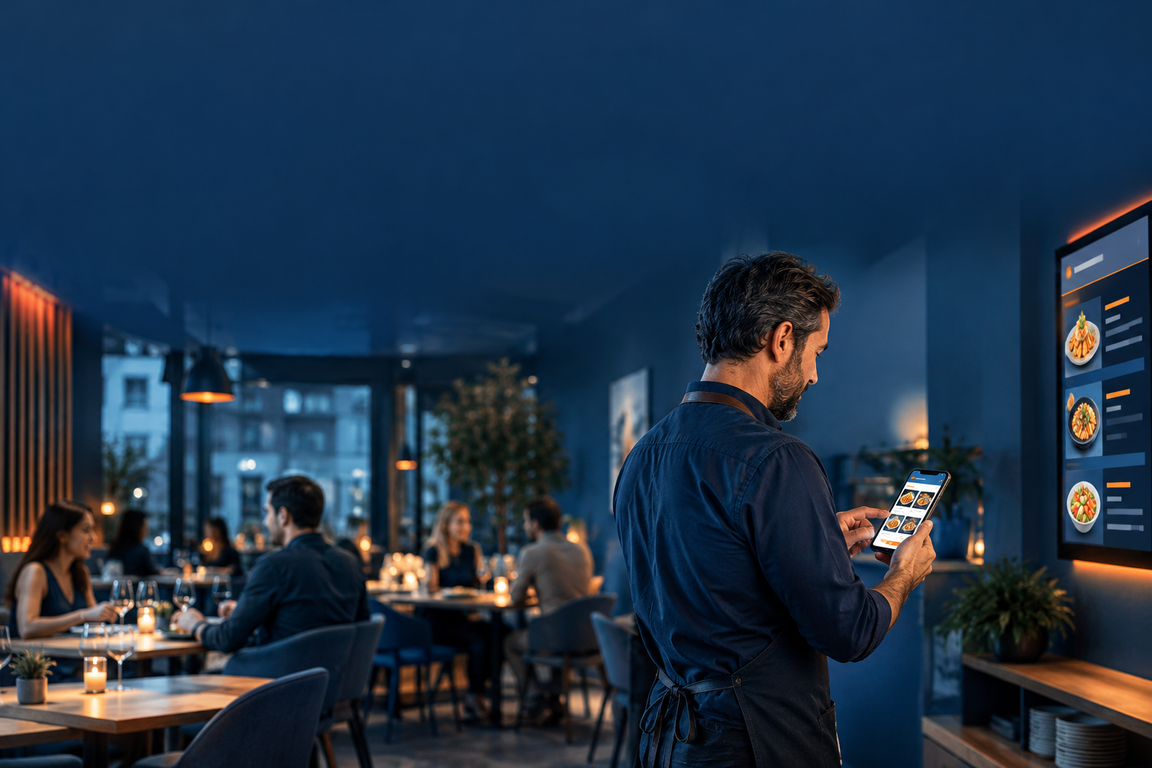
Managing digital menu boards while guests are seated is technically straightforward: you change the content via an app, website URL or CMS, and the screen automatically loads the new version — without the screen dropping out or showing a black interim screen. The only thing that matters is choosing the right method before the busiest times of the day.
How does a live update work technically?
All PixioDisplays have an integrated Android computer. You upload content via USB, a website URL or the PixioApp — without a separate media player or IT knowledge. If you change something in the management environment, the new version appears on screen within seconds. The screen keeps playing; the update is loaded in the background.
This fundamentally distinguishes a commercial display from a consumer TV. A commercial screen is designed for continuous use and manages content updates without interrupting the playlist. A regular TV with a USB stick requires manual intervention — and that does mean a black screen.
The three methods compared
| Method | Speed | Internet required | Suitable for |
|---|---|---|---|
| PixioApp (smartphone/tablet) | < 1 minute | Yes | Daily small adjustments |
| Website URL (live web page) | Directly on page reload | Yes | Automated updates, POS link |
| USB stick | 2–5 minutes | No | Major content revisions, backup |
Start with the PixioApp if you regularly make small changes — marking a sold-out dish, adjusting a daily price. Choose the website URL method if you want to automate updates via your POS system. Read more about that integration in Linking POS and digital signage: how automatic menu updates work.
Time-controlled content: the smartest way to avoid downtime
The most effective approach is not to carry out updates manually, but to schedule them in advance. You set the lunch menu to be active from 11:00 to 15:00, the dinner menu then switches automatically, and a happy hour offer appears from 17:00 to 18:00 — without staff having to change anything.
This is particularly valuable for restaurants that serve several parts of the day or run seasonal promotions regularly. You schedule the content during a quiet moment — Monday morning, before lunch — and the rest of the week it runs on its own. That way, you never have to stand behind a screen during service again.
Allergen information: update immediately, not afterwards
An update you should never postpone: allergen information. According to the NVWA are you legally required as a hospitality operator to inform guests about 14 allergens, based on Regulation (EU) No 1169/2011 on the provision of food information to consumers. That information must be available when the guest asks for it — verbally, in writing or digitally.
A digital screen makes this considerably easier than a paper menu. If you change supplier and the new sauce contains soya, adjust the recipe in your management environment and the screen will show the correct information immediately. Dehorecahelper.nl signals that daily specials and changing menus also fall under the allergen obligation — and that digital systems make this much easier than a paper form updated every day.
Always update allergen information first, before prices or promotions. An error in the allergen listing has legal consequences; an error in a price is annoying but can be corrected.
Practical: how to do an update during a busy service
A concrete example: during the Saturday lunch rush, a café has sold out of goat's cheese soup. The owner opens the PixioApp on her phone, marks the dish as unavailable and saves. The screen adjusts the display without interrupting the current slideshow. Total time: 45 seconds.
For larger changes — a new seasonal menu, a completely new design — follow the advice from the step-by-step guide to implementing a digital menu board: plan this outside opening hours. Load the new content via USB or the app, check the display on the screen, and only then activate it. That way, guests never see a half-updated screen.
Multiple screens, one management environment
If you have multiple displays — for example a menu board at the bar, a screen at the entrance and a PixioDisplay Luxe of 49″ as the main menu screen — then you manage all screens from the same environment. An update you make appears on all linked screens at the same time. That is relevant for venues with a terrace, a separate room or multiple branches.
Dunkin' Donuts uses PixioDisplay Window screens as digital shop window posters. The strength lies in central control: one change in the management environment is immediately visible on all screens at once — even if they are hung in different places. Read more about this project on the reference page.
Conclusion
Managing digital menu boards without downtime is not a matter of technical knowledge, but of working method. Plan time-based content in advance, use the Pixio App for quick changes during service, and reserve larger revisions for quiet moments. That way your screen is always correct — without staff or guests noticing anything.
Want to know what a digital menu board delivers compared with the costs? Then read Hospitality digital signage ROI: calculating and saving costs or see the hospitality applications page for an overview of suitable displays.
Frequently asked questions
Will the screen go black for a moment when I carry out an update?
No, not with a correctly configured commercial display. The PixioApp and website-URL method load the new content in the background. The screen keeps playing until the update is fully loaded, then switches over seamlessly.
Can I update my menu when I am not on site?
Yes. Via the PixioApp or a website URL, you manage the content remotely as long as the screen and your device are connected to the internet. You do not need to be physically present.
How quickly does a change appear on the screen?
With the website URL method, the update appears as soon as the page reloads, which usually happens within seconds. Via the Pixio App, the delay is comparable. Only with USB does it take 2 to 5 minutes, depending on the file size.
Do I also need to update allergen information if I only change a price?
Not if the ingredients remain unchanged. However, if you change a recipe or supplier, the allergen information must be updated immediately. The NVWA actively checks this.
What do I do if the internet goes down during service?
A display that shows content via a website URL keeps displaying the last loaded page as long as no reload command is sent. As a backup, you can leave a USB stick with the current menu in the screen — then you can switch manually without the screen remaining blank.